
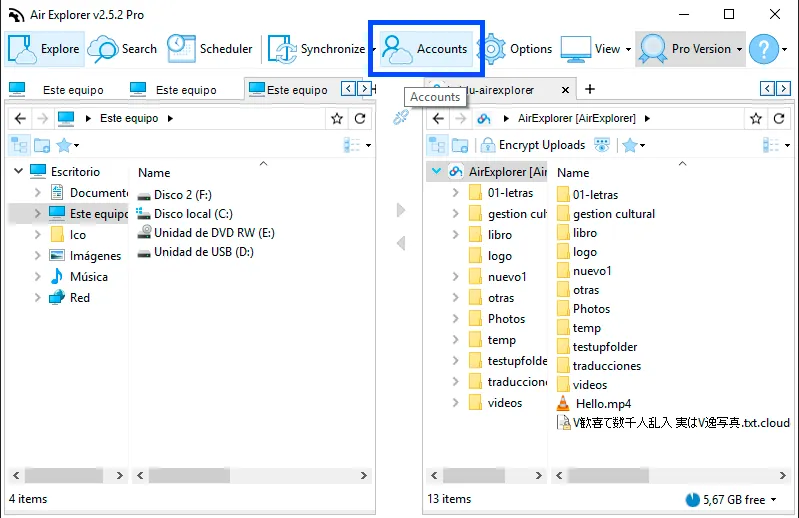
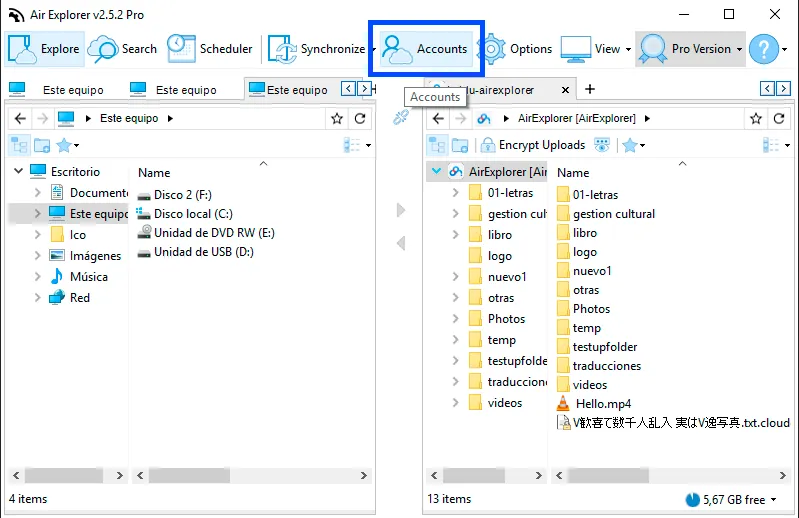
You can export all the accounts to a file from Air Explorer (in the Accounts window) and import the accounts with Air Explorer in the new computer.
In the Accounts window you find the bottons to import and export the accounts.
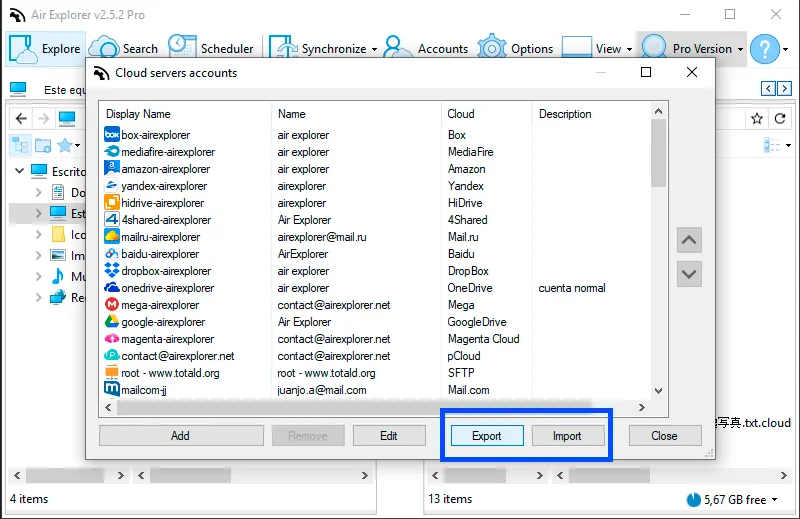
When you export the accounts list, the program ask you to configure a passwarod to protect the exported accounts.
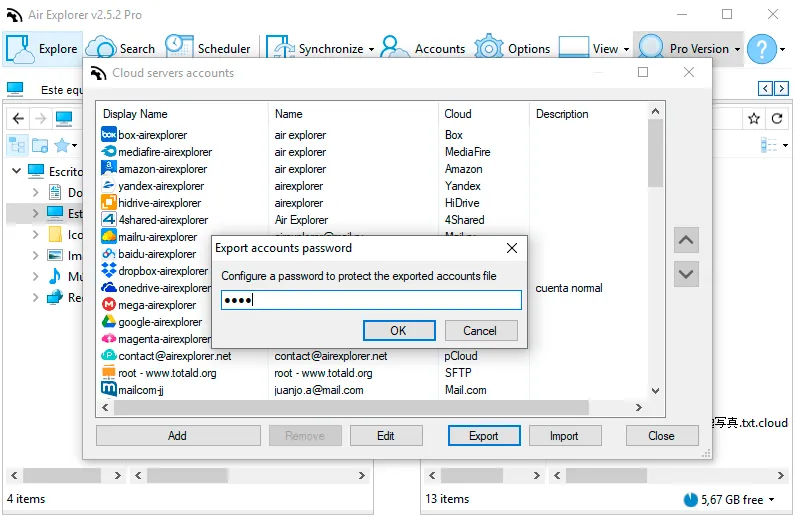
The exported accounts file is saved as a .airexp
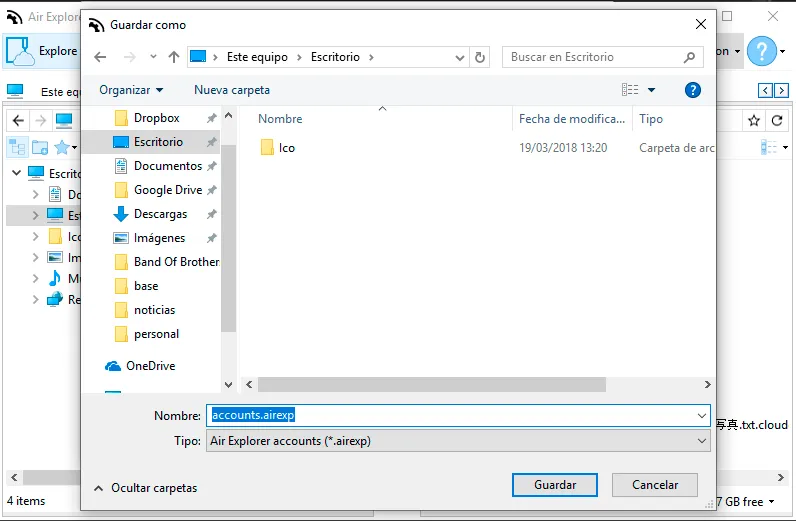
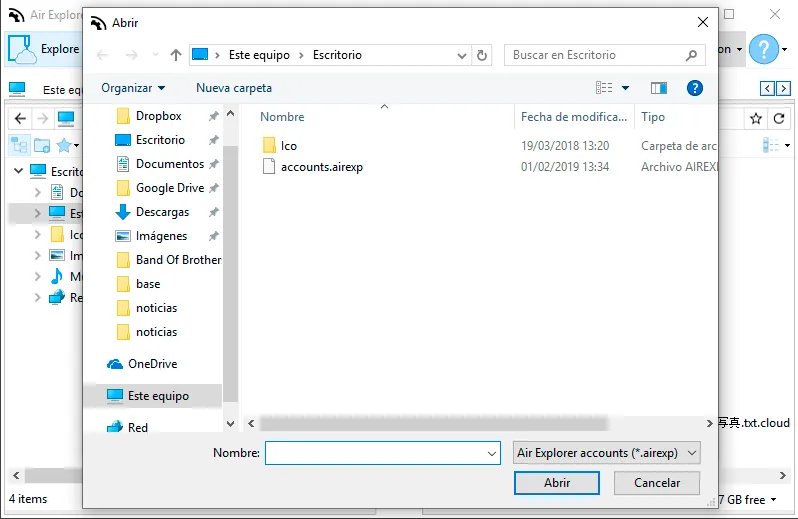
When you want to recover the accounts list you only have to import the list and the program loads it.
You can check more information about more features here:
-Upload and download speed
-How to play cloud storage videos online
-How to manage your clouds recycle bin
-New search feature in Air Explorer