
New search feature in Air Explorer
October 22, 2019
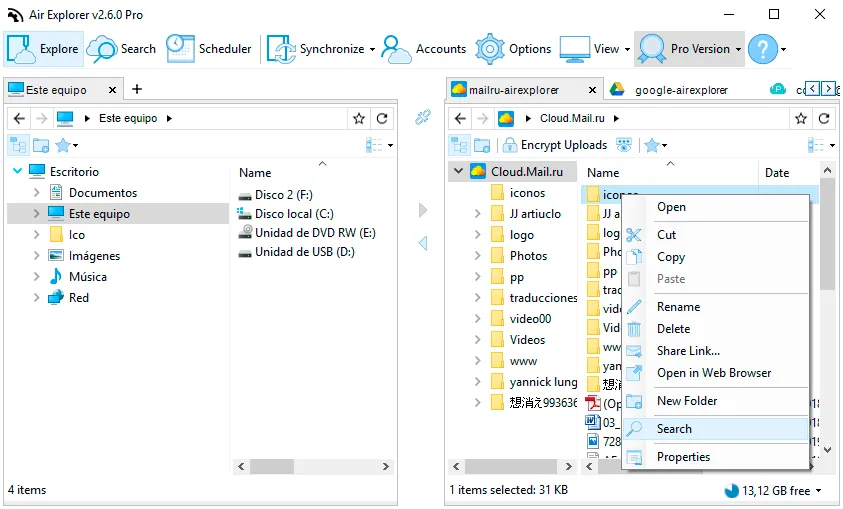
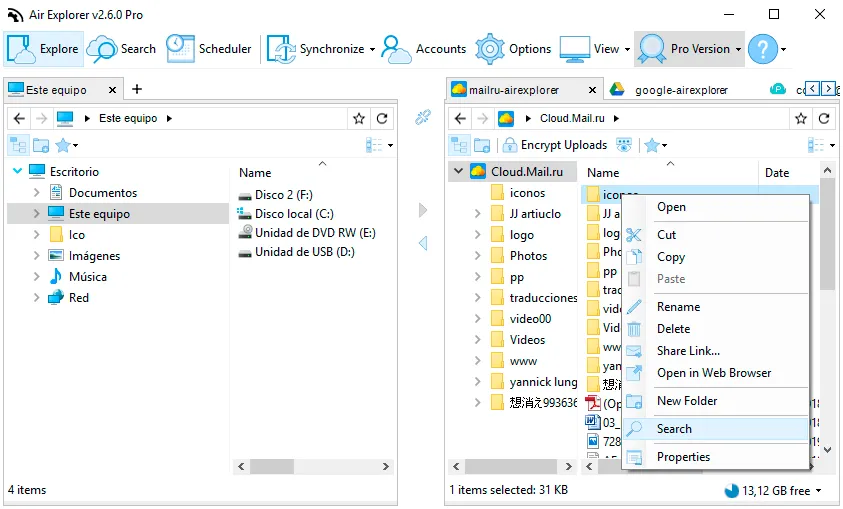
With Air Explorer you can manage your clouds, copy and paste files between clouds, synchronize folders, make backups,… Now, we have improved the search feature. You can look for all kind the files with the search tool in all the clouds. In this version, you can search in only one folder making your searches faster.
In the Search window you can see the result of your search.
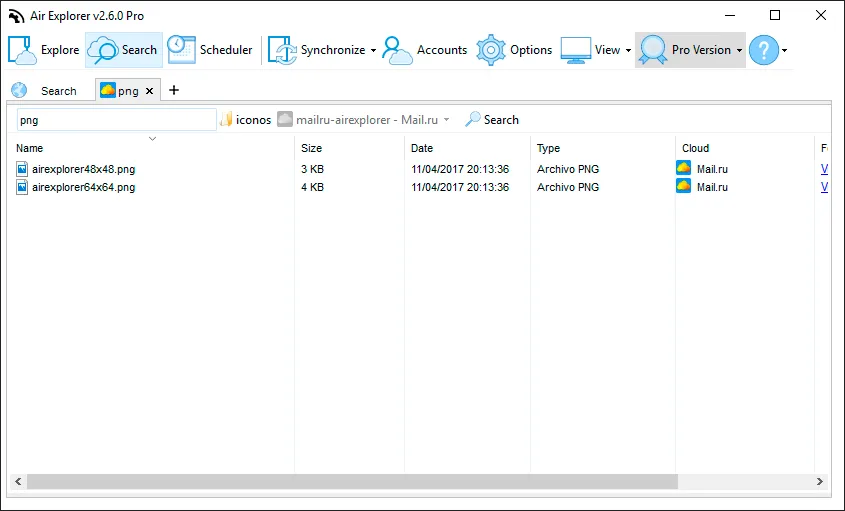
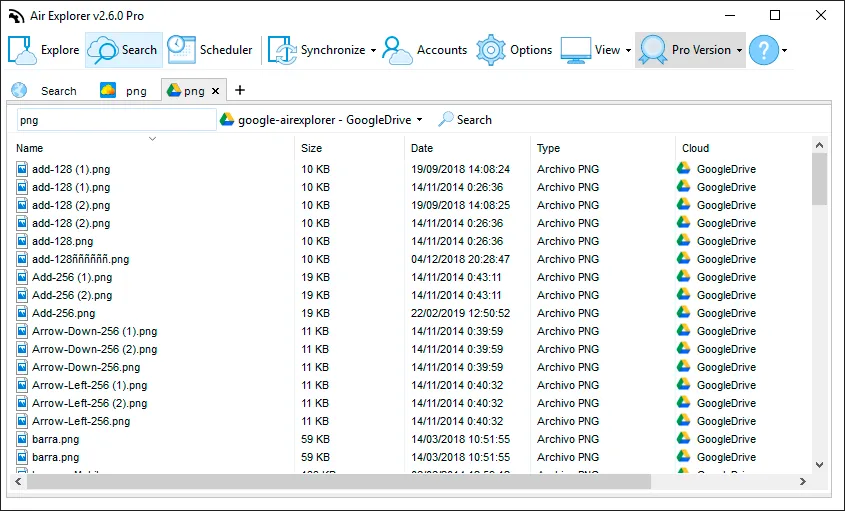
Also, you can do multiples searches and see them thanks to the tabs system.
You can check more information about more features here:
-Upload and download speed
-How to play cloud storage videos online
-How to manage your clouds recycle bin