How to Transfer Files Between Google Drive and Dropbox with ChatGPT
September 1, 2026
How to Transfer Files Between Google Drive and Dropbox with ChatGPT using Air Explorer
Read more »
Blog category
September 1, 2026
How to Transfer Files Between Google Drive and Dropbox with ChatGPT using Air Explorer
Read more »
August 18, 2026
How to Consult Help and All Commands in Command Line
Read more »
August 12, 2026
Automate Cloud Backups with AI: Scheduled Syncs via Natural Language with Air Explorer
Read more »
August 7, 2026
How to Automate Compressed Uploads (zipupload) to the Cloud
Read more »
July 31, 2026
Talk to Your Cloud: Managing Google Drive, Dropbox & OneDrive with Natural Language Using Air Explorer's AI Skills
Read more »
July 25, 2026
How to Plan and Run Large Data Migrations with Air Explorer
Read more »
July 23, 2026
How to Automate Cloud File Listing with Command Line
Read more »
July 13, 2026
How to Automate Cloud Storage Quota Checks with Command Line
Read more »
July 11, 2026
How to Automate Cloud move files with Command Line
Read more »
June 22, 2026
Managing Four Cloud Accounts in One Screen in Air Explorer
Read more »
June 15, 2026
How to Move Files Between Cloud Accounts Faster and With Less Manual Work with Air Explorer
Read more »
June 8, 2026
How to Automate Cloud Folder Creation with Command Line
Read more »
May 28, 2026
How to Automate Cloud File Renaming with Command Line
Read more »
May 8, 2026
How to Automate Cloud File Transfer with Command Line
Read more »
May 4, 2026
Mac Cloud Sync: How to Manage Multiple Cloud Accounts in One Place
Read more »
April 23, 2026
How to Automate Cloud File Deletion with Command Line with Air Explorer
Read more »
April 7, 2026
How to Automate Cloud File Copying with Command Line of Air Explorer
Read more »
March 17, 2026
How to Automate Cloud File Downloads with the Command Line with Air Explorer
Read more »
March 6, 2026
How to Automate File Uploads to the Cloud Using Air Explorer’s Command Line
Read more »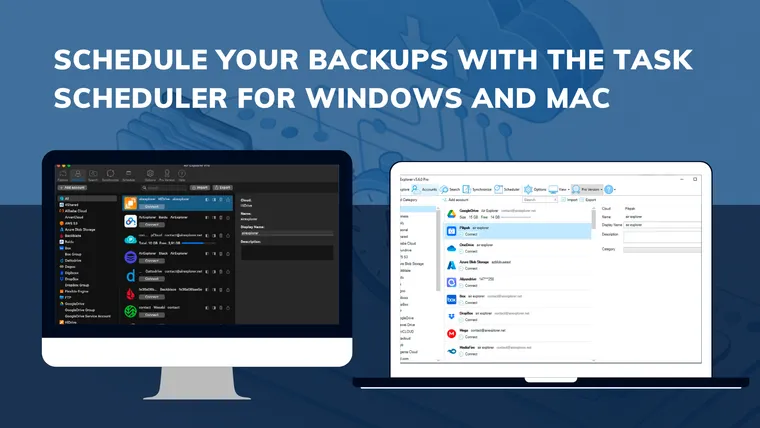
February 28, 2026
Schedule Your Backups with the Task Scheduler for Windows and Mac
Read more »
February 10, 2026
How to Migrate from Google Drive to OneDrive (Without Using Local Disk Space) with Air Explorer
Read more »
January 28, 2026
How to schedule weekly auto-syncs with Air Explorer: Never forget a backup again
Read more »
January 19, 2026
Google Drive to OneDrive: How to automate syncs with Air Explorer’s command line
Read more »
December 29, 2025
How to configure multiple sync tasks with Air Explorer
Read more »
December 4, 2025
Work with TeraBox easily with Air Explorer, the most complete cloud manager and synchronization tool.
Read more »
November 4, 2025
From Dropbox to OneDrive: simplifies cloud transfers with Air Explorer, the most complete cloud manager and synchronization tool.
Read more »
September 23, 2025
Protect your data: Encrypting files in the cloud with Air Explorer, the most complete cloud manager and synchronization tool.
Read more »
August 5, 2025
The fastest way to move data cloud-to-clouds with Air Explorer, the app that manage all your cloud storage accounts with one app
Read more »
July 12, 2025
How to automate cloud backups with Air Explorer, the app that manage all your cloud storage accounts with one app.
Read more »
April 18, 2025
Transfer files between Google Drive and OneDrive with Air Explorer, the app manage all your cloud storage accounts with one app.
Read more »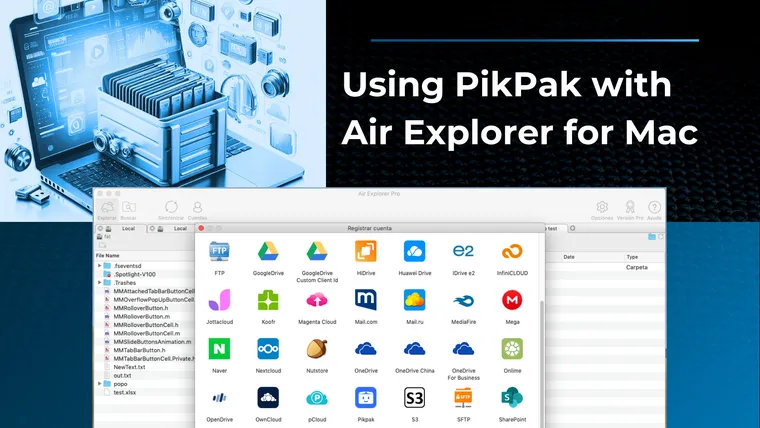
March 5, 2025
Using PikPak with Air Explorer for Mac, the application that manage all your cloud storage accounts with one app
Read more »
February 12, 2025
Save and sync files to Terabox with Air Explorer, the most complete cloud manager and synchronization tool.
Read more »
February 3, 2025
What is Google OAuth Application ID. You have the option to create your own OAuth ID and use it with Air Explorer.
Read more »
January 8, 2025
Optimize your file synchronization with Air Explorer, the most complete cloud manager and synchronization tool
Read more »
September 27, 2024
Air Explorer is a cloud-to-cloud data migration solution that facilitates migrations by supporting various clouds and automating the transfer
Read more »
September 3, 2024
To add Google Drive to Air Explorer, remember to click "See, edit, create, and delete all of your Google Drive files."
Read more »
August 8, 2024
Migrating files between your PC and TeraBox is seamless using the TeraBox application or third-party tools like Air Explorer.
Read more »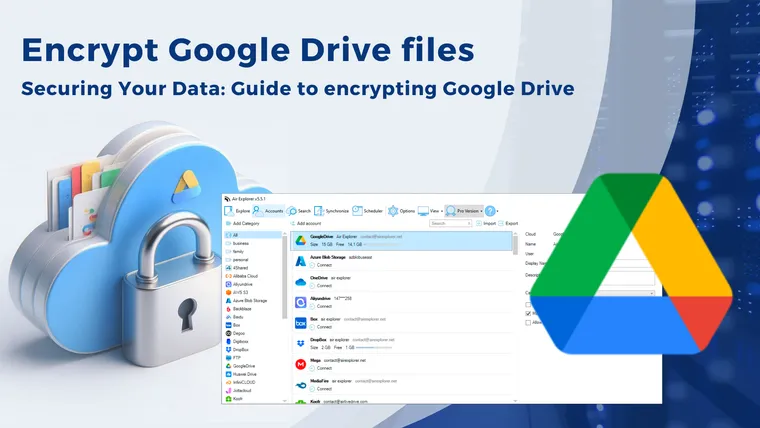
June 13, 2024
Cloud storage can be accessed from anywhere, making it vulnerable to unauthorized access. Encryption Gooegle Drive files with Air Explorer helps protect sensitive information.
Read more »
June 3, 2024
Transferring files from Dropbox to Google Drive streamlines file management, enhances collaboration, and provides a more robust cloud storage solution.
Read more »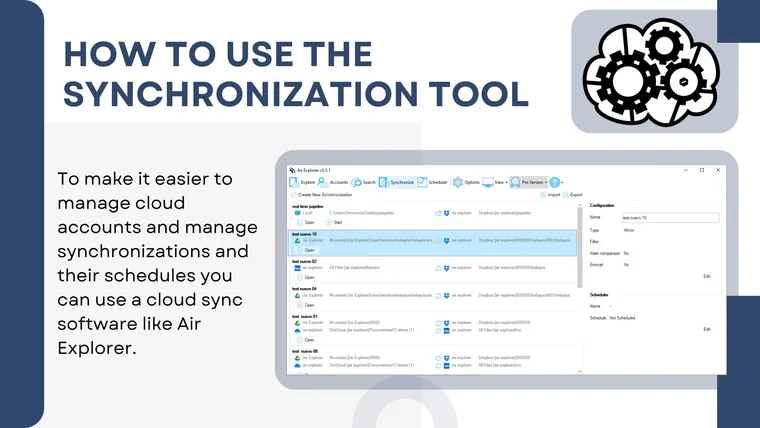
May 21, 2024
How to use the synchronization tool to synchronize Pc-to-cloud and cloud-to-cloud withAir Explorer, the most complete cloud manager.
Read more »
February 6, 2024
How to encrypt your files in the cloud with Air Eplorer. To upload your encrypted files to the cloud, you can use Air Explorer.
Read more »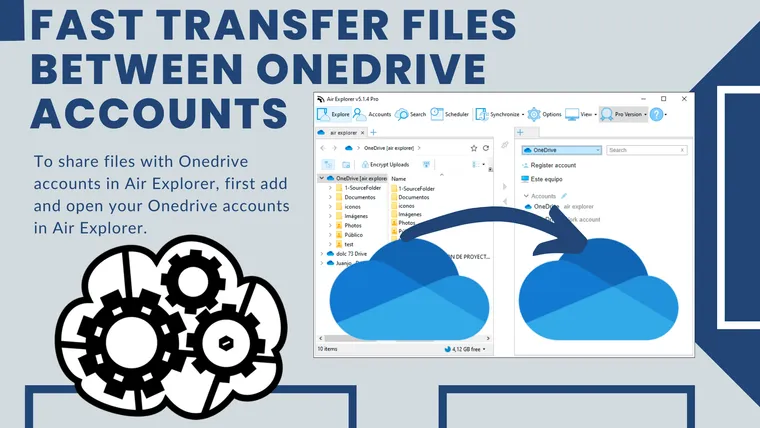
August 17, 2023
Air Explorer makes it easy to transfer files between Onedrive accounts.
Read more »
June 9, 2023
To transfer files from Google Drive to other clouds use Air Explorer, the most complete cloud manager and synchronization tool.
Read more »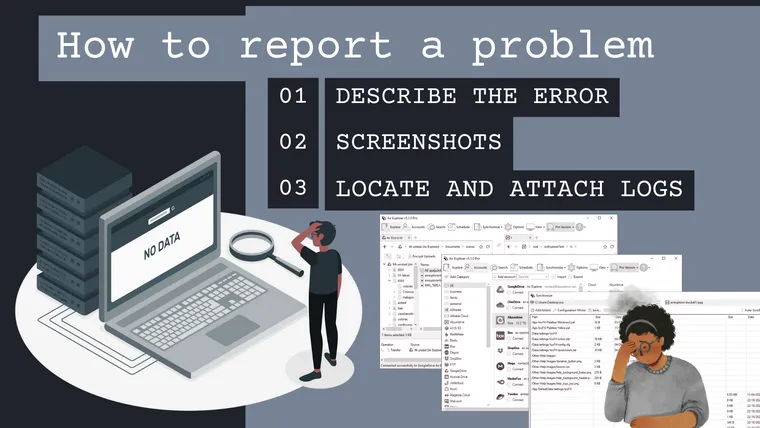
April 4, 2023
If you are using Air Explorer and you have a problem, feel free to report it to us so that we can investigate it. However, please note that the report has to be clear and complete so that we can understand, reproduce and resolve it, otherwise it will be very difficult for us to fix it.
Read more »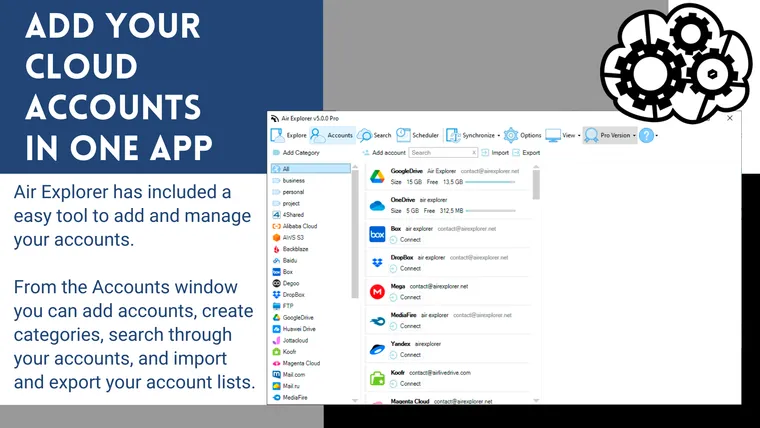
March 6, 2023
When you have many cloud accounts, it is complicated to manage them, especially if you have multiple accounts from multiple clouds. If you don't want to have different programs, one for each cloud, you can use Air Explorer.
Read more »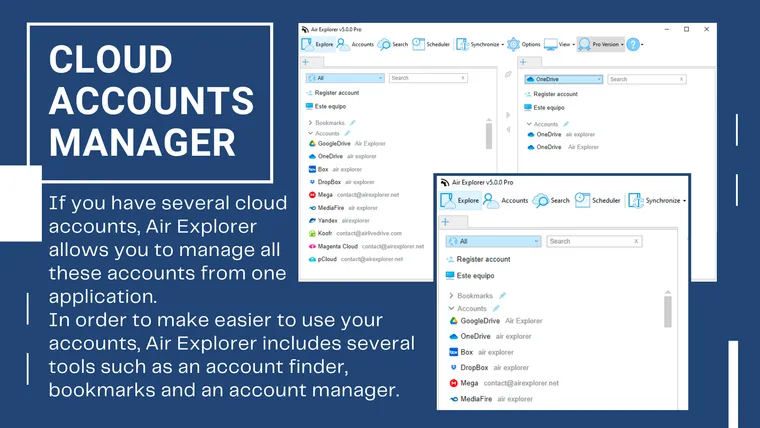
February 14, 2023
If you have several cloud accounts, Air Explorer allows you to manage all these accounts and upload files from one application. In order to make easier to use your accounts, Air Explorer includes several tools such as an account finder, bookmarks and an account manager.
Read more »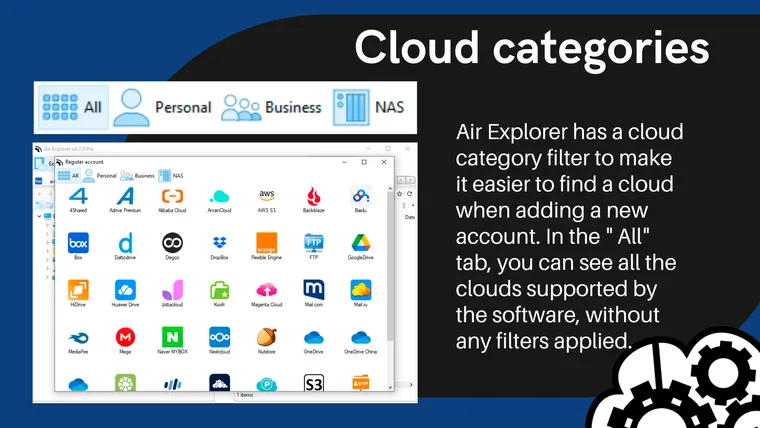
October 2, 2022
Air Explorer is a cloud manager that supports the best cloud storage services. The software has so far added 38 clouds, but you can also add any server with WebDav, FTP, SFT and S3 protocols
Read more »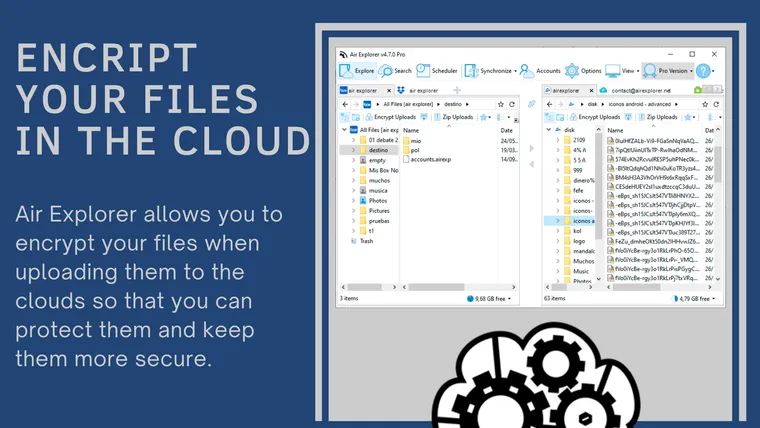
July 18, 2022
Air Explorer allows you to encrypt your files when uploading them to the clouds so that you can protect them and keep them more secure while they are stored in any of the clouds supported by Air Explorer.
Read more »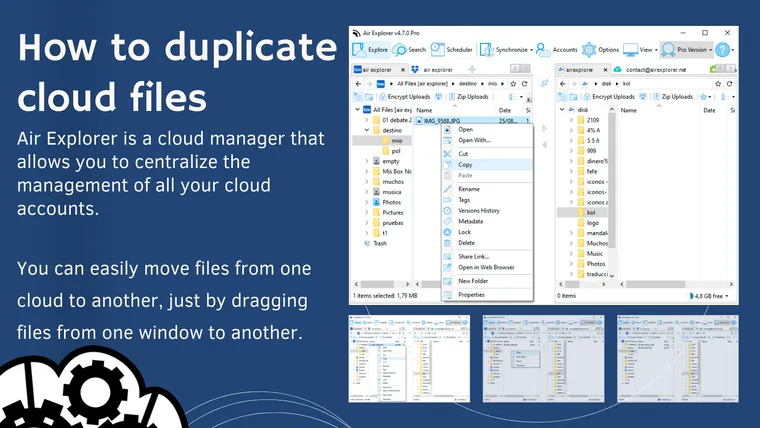
June 27, 2022
Once you have added your accounts to Air Explorer, you can open your cloud accounts in the differents tabs and start working with them. You can easily move files from one cloud to another, just by dragging files from one window to another.
Read more »
March 6, 2022
Learn how to use Air Explorer to manage all your clouds with one application, transfer and synchronize files across them or your computer.
Read more »
January 11, 2022
The upload and download speeds depend on a number of factors in Air Explorer. If you want to control the speed of uploading and downloading files in Air Explorer, there are several factors to take into account.
Read more »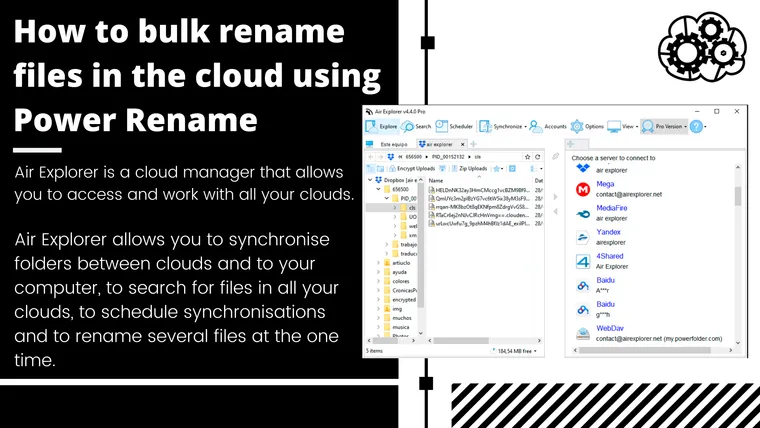
October 11, 2021
Air Explorer allows you to synchronise folders between clouds and to your computer, to search for files in all your clouds, to schedule synchronisations and to rename several files at the one time.
Read more »
July 19, 2021
Air Explorer is a full cloud file manager that supports the most important clouds. You can add all your cloud accounts and upload your files from your computer or transfer your files between clouds. The Air Explorer interface allows you to open multiple clouds and copy and paste the files between them.
Read more »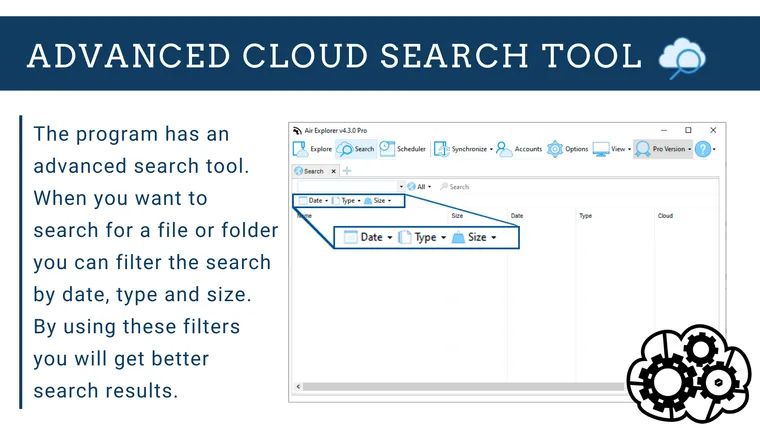
June 29, 2021
With all your files in the cloud, search for any document or folder will be very easy with Air Explorer. The program has an advanced search tool.
Read more »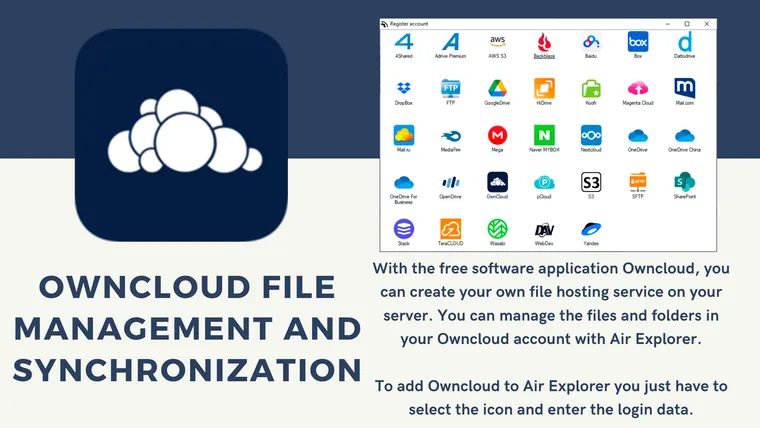
June 1, 2021
You can manage the files and folders in your Owncloud account with Air Explorer.
Read more »
May 4, 2021
Air Explorer supports the most important clouds and also Owncloud and Nextcloud. Manage your files in Nextcloud is very easy.
Read more »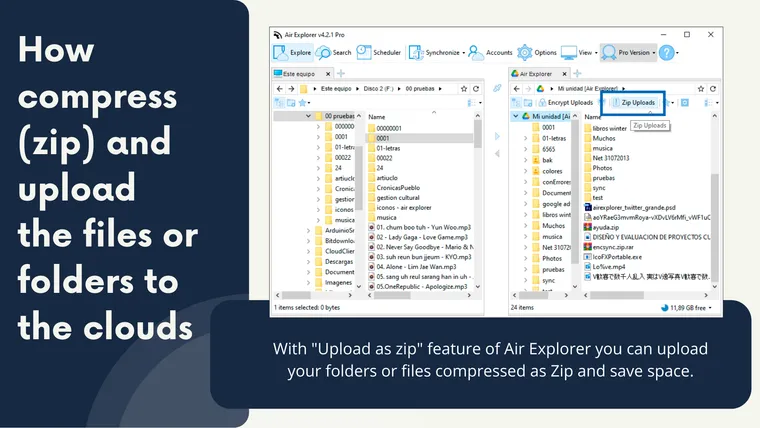
March 18, 2021
With "Upload as zip" feature of Air Explorer you can upload your folders or files compressed as Zip and save space.
Read more »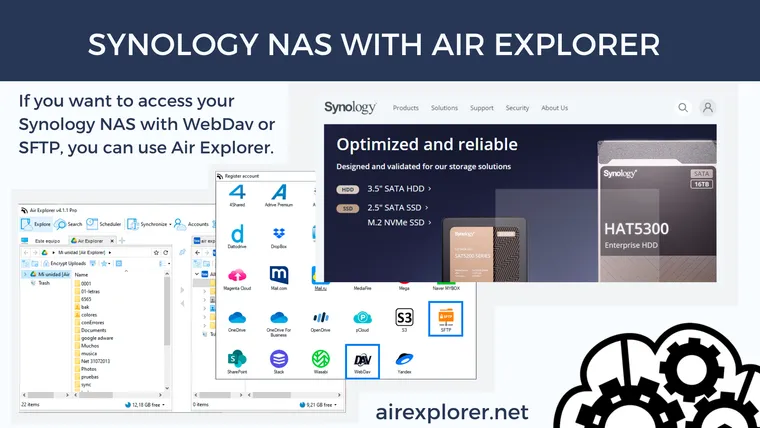
February 11, 2021
If you want to access your Synology NAS with WebDav or SFTP, you can use Air Explorer.
Read more »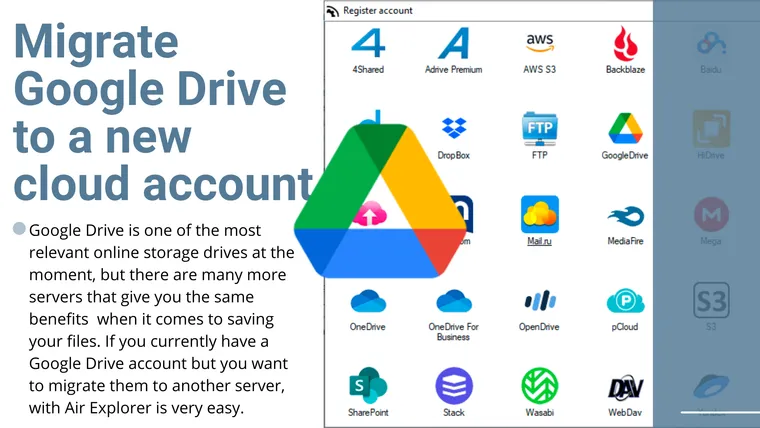
January 25, 2021
If you currently have a Google Drive account but you want to migrate them to another server, with Air Explorer is very easy.
Read more »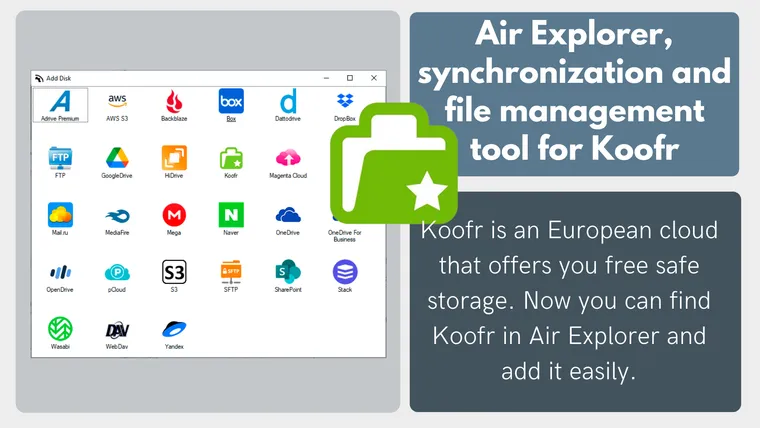
January 4, 2021
Koofr is an European cloud that offers you free safe storage. Now you can find Koofr in Air Explorer and add it easily.
Read more »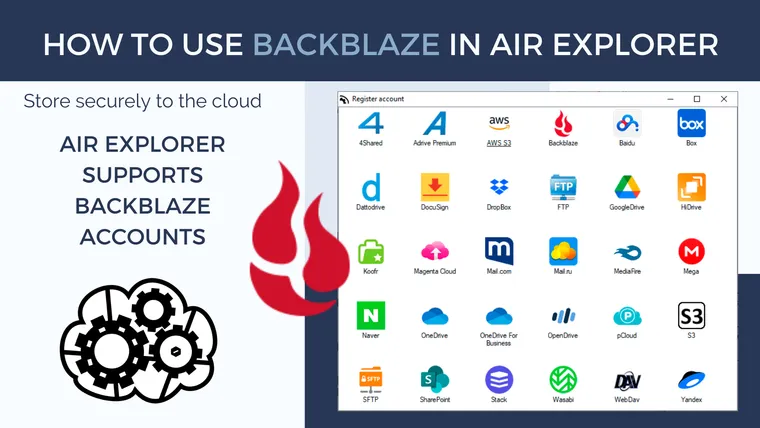
December 21, 2020
Air Explorer supports Backblaze accounts.
Read more »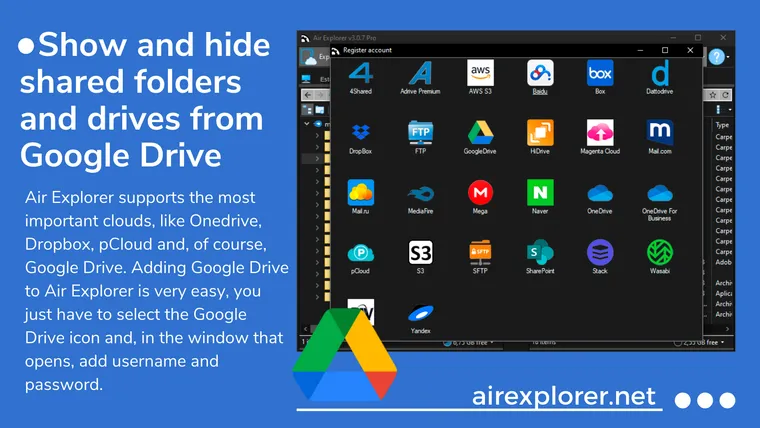
December 9, 2020
In Air Explorer you can enable the ability to show and hide shared folders and drives from Google Drive then you can see the folders that have been shared with your account.
Read more »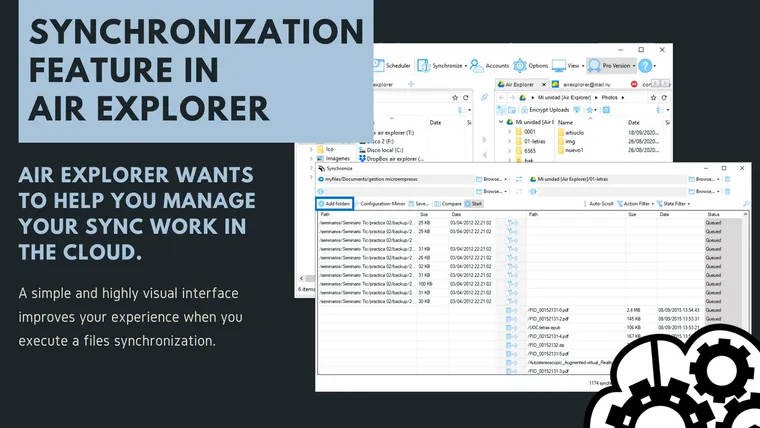
November 11, 2020
Air Explorer is a cloud account manager with numerous features that make your work with the cloud easier. When you work with your clouds, uploading your files, keeping them safe and updating them are the most common actions you do, for this the software has been improving its synchronization tool.
Read more »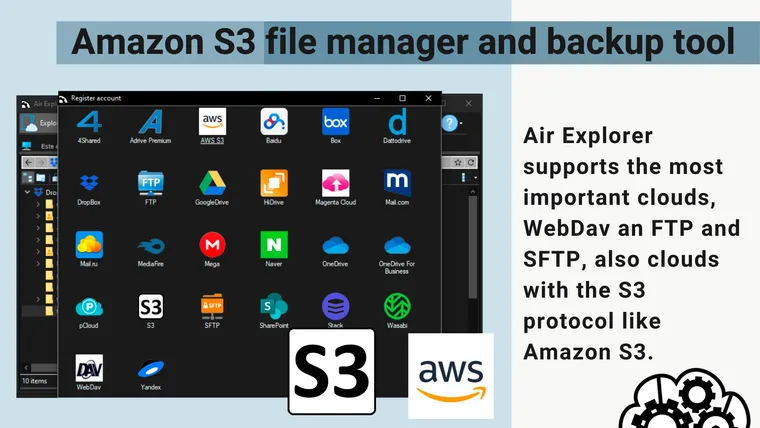
October 8, 2020
Air Explorer supports the most important clouds, WebDav an FTP and SFTP, also clouds with the S3 protocol like Amazon S3.Amazon S3 or Amazon Simple Storage Service is one of the most importants cloud storage services and with Air Explorer you can manage your files, make backups or synchronize your folders on your Amazon S3.
Read more »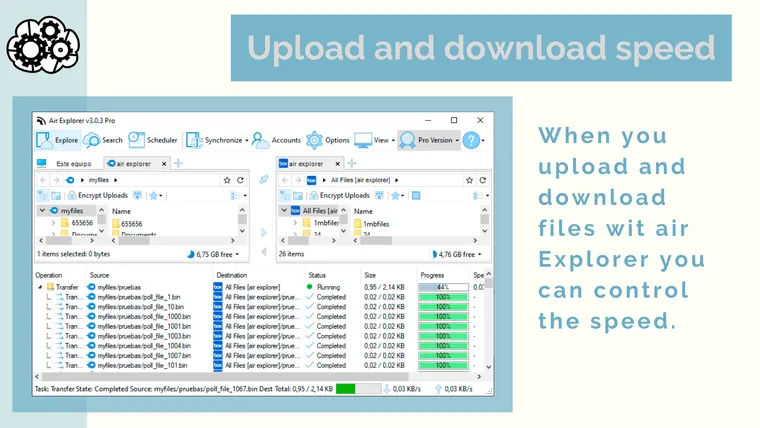
August 10, 2020
When you upload and download files wit air Explorer you can control the speed.
Read more »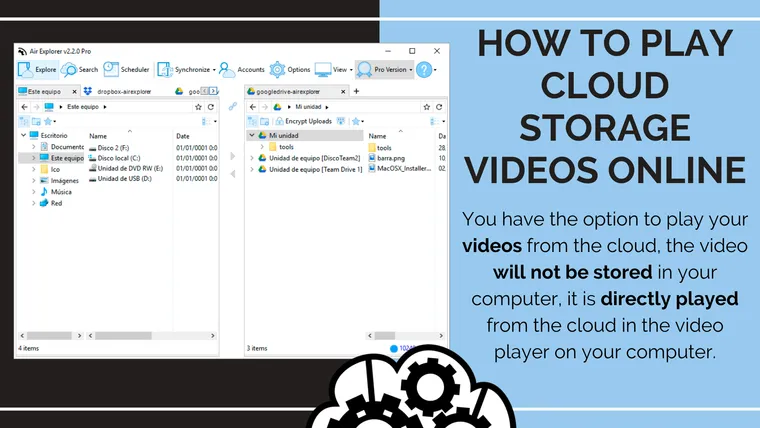
June 25, 2020
Air Explorer is a cloud manager that allows you to manage all your files in the clouds. You also have the option to play your videos from the cloud, the video will not be stored in your computer, it is directly played from the cloud in the video player on your computer.
Read more »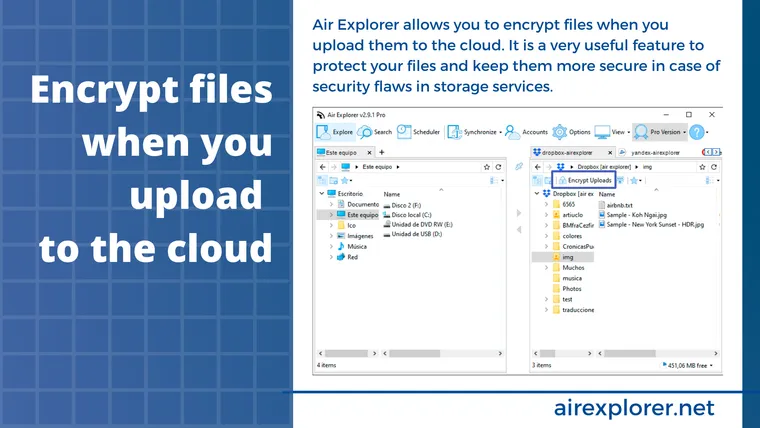
April 22, 2020
Air Explorer allows you to encrypt files when you upload them to the cloud. It is a very useful feature to protect your files and keep them more secure in case of security flaws in storage services. Activating the feature is very easy, click on "Encrypt Uploads".
Read more »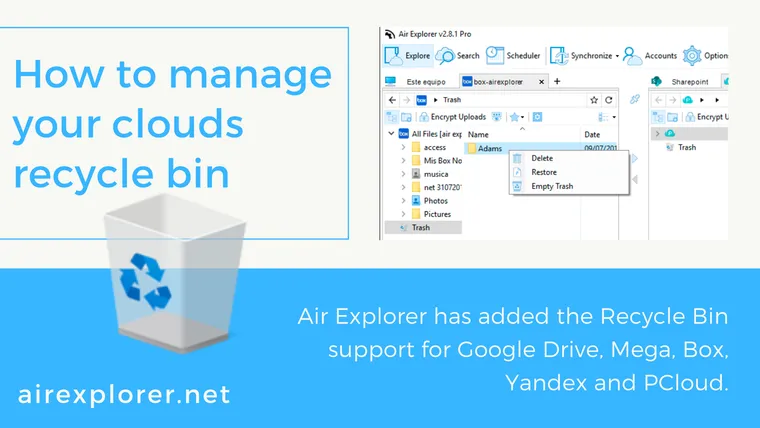
February 10, 2020
Air Explorer has added the Recycle Bin support for Google Drive, Mega, Box, Yandex and PCloud.
Read more »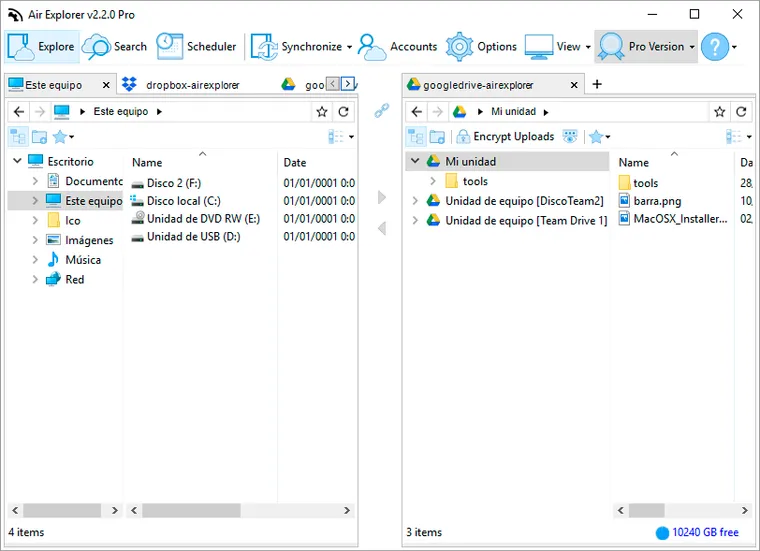
November 30, 2019
Shared Drives or Google Team Drives is a enterprise storage management system that allows to share spaces to teams, they can store, search, and access their files anywhere. Remember you need a G Suite account to use Shared Drives.
Read more »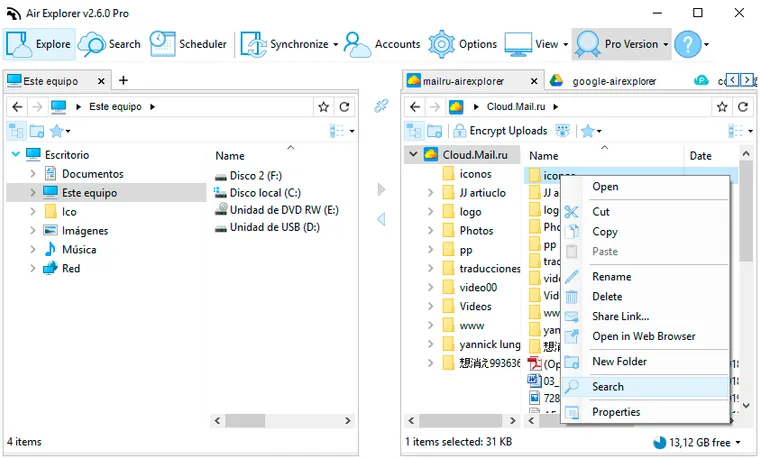
October 22, 2019
With Air Explorer you can manage your clouds, copy and paste files between clouds, synchronize folders, make backups,… Now, we have improved the search feature. You can look for all kind the files with the search tool in all the clouds. In this version, you can search in only one folder making your searches faster.
Read more »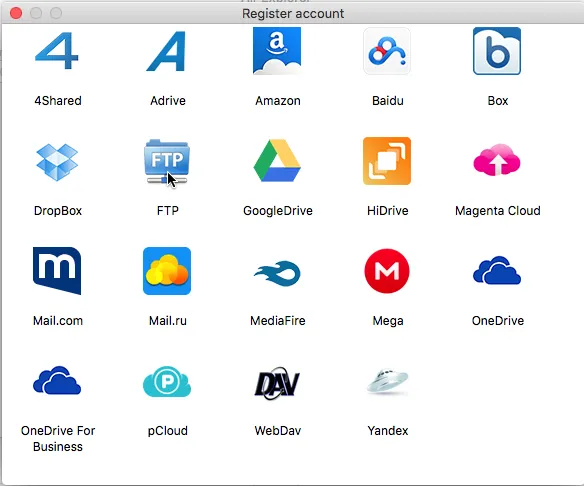
August 29, 2019
On the Mac side, users have the option to use Air Explorer for Mac, which is essentially the Mac equivalent to Air Explorer for Windows.
Read more »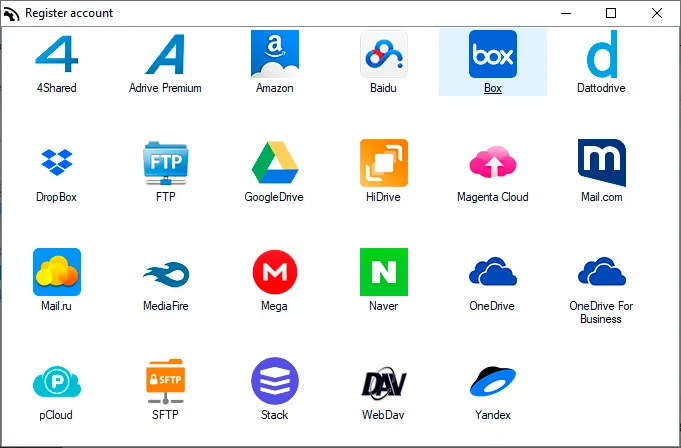
August 20, 2019
Air Explorer allows you direct management of your files in the cloud. It's very easy and when you connect your Box accounts you can synchronize folders between any cloud or your computer.
Read more »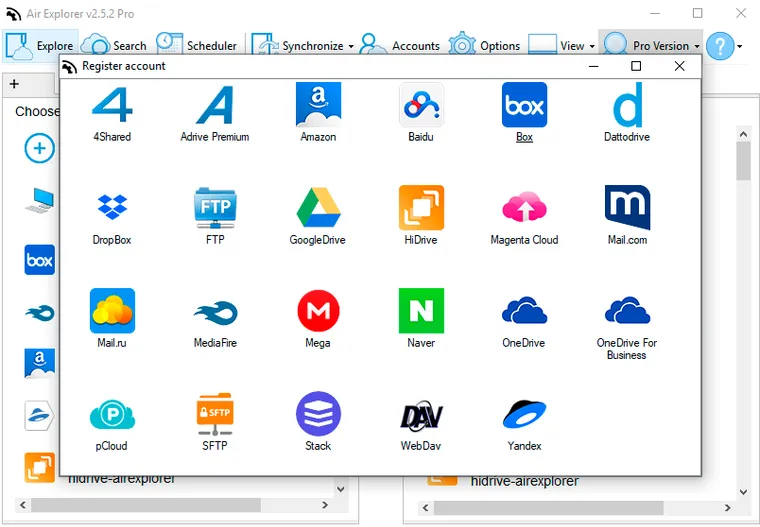
July 29, 2019
Air Explorer is a tool to transfer files from cloud to cloud. To move files or folders to Onedrive to Google Drive is very easy.
Read more »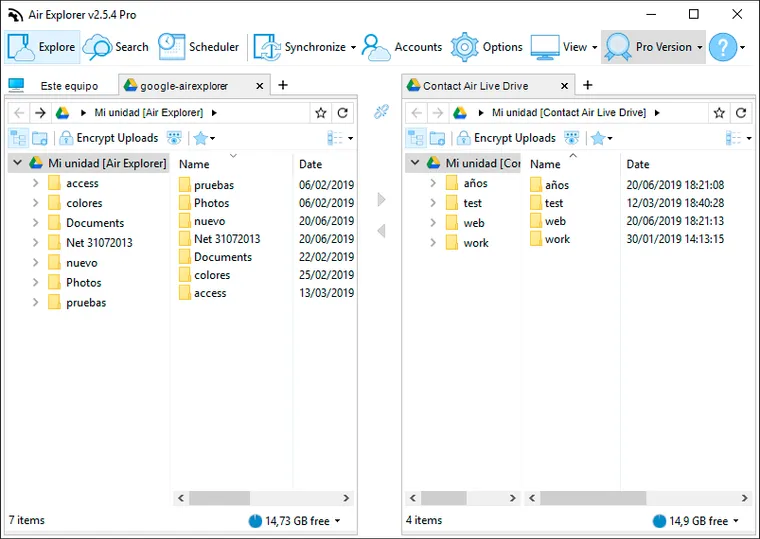
June 25, 2019
When you copy/paste files between Google Drive accounts has an importan advantage. If you copy and paste files between Google shared accounts, the files are transfered directly from one account to another without going through your Pc.
Read more »
February 25, 2019
If you choose to store your files in Google Drive and OneDrive, Air Explorer is a very useful tool for working with two clouds at the same time.
Read more »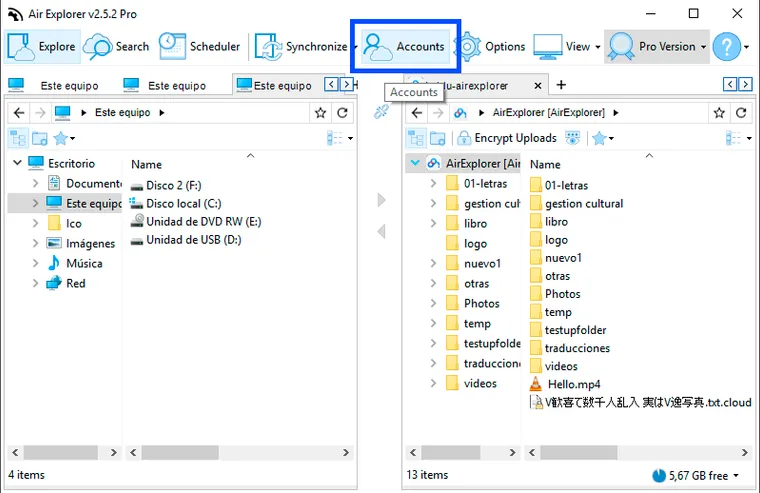
February 11, 2019
You can export all the accounts to a file from Air Explorer (in the Accounts window) and import the accounts with Air Explorer in the new computer.
Read more »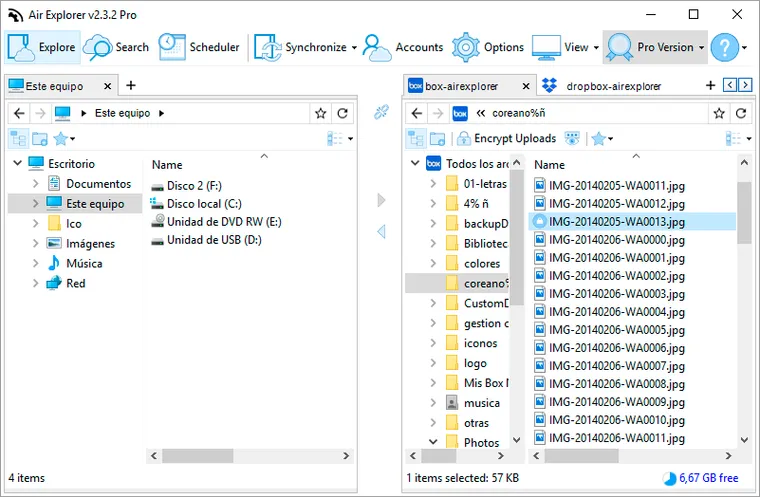
January 25, 2019
sers and enterprises can use Air Explorer to backup their files in a cloud.
Read more »
January 7, 2019
Now it is possible to transfer from Mega to other clouds in Air Explorer. Until now, you can upload files to Mega but it wasn't possible to transfer files between Mega and other clouds.
Read more »
December 24, 2018
In the lastest Air Explorer version, we have included a new panel with a pie chart to show the used and free space more clearly.
Read more »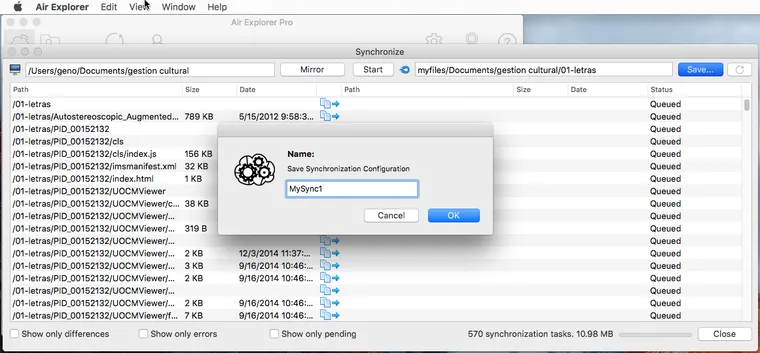
October 29, 2018
In the last version of Air Explorer for Mac, we have added the command line support. Thanks to it, you can schedule tasks like synchronizations, copy files, move files between clouds,...
Read more »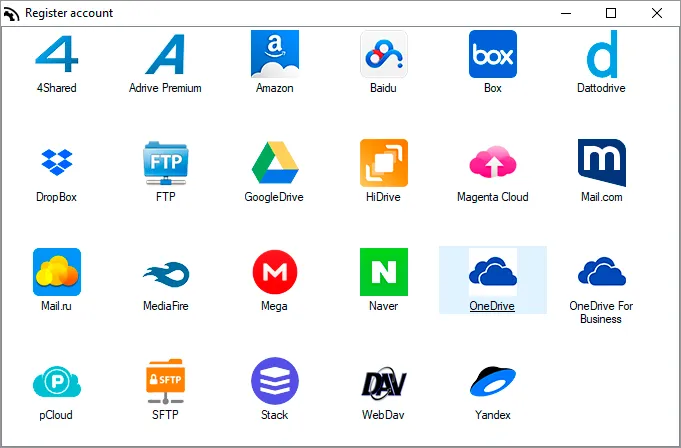
October 24, 2018
Air Explorer supports more than 20 clouds, one of them is OneDrive. Work with OneDrive in Air Explorer is very easy and you can take advantage of all its features.
Read more »
September 21, 2018
Using Air Explorer to manage Google Drive and OneDrive simplifies file transfers and synchronization between multiple cloud services.
Read more »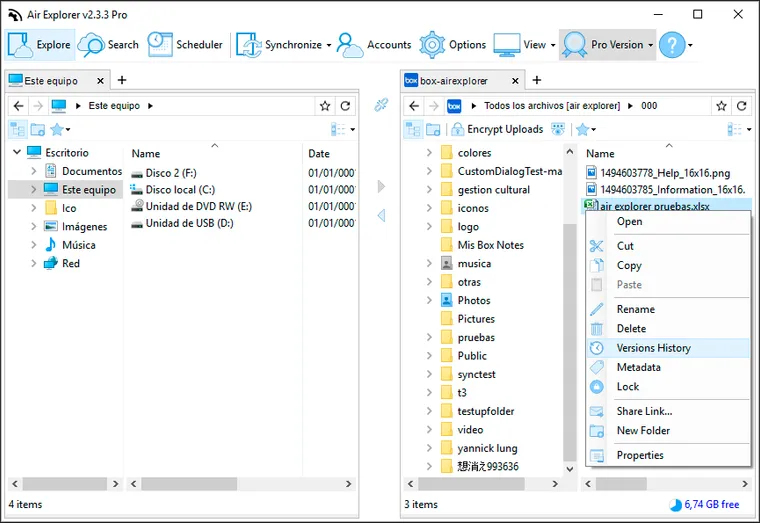
August 28, 2018
Air Explorer supports now the History feature for Google Drive, Dropbox, Box and OneDrive for Business.
Read more »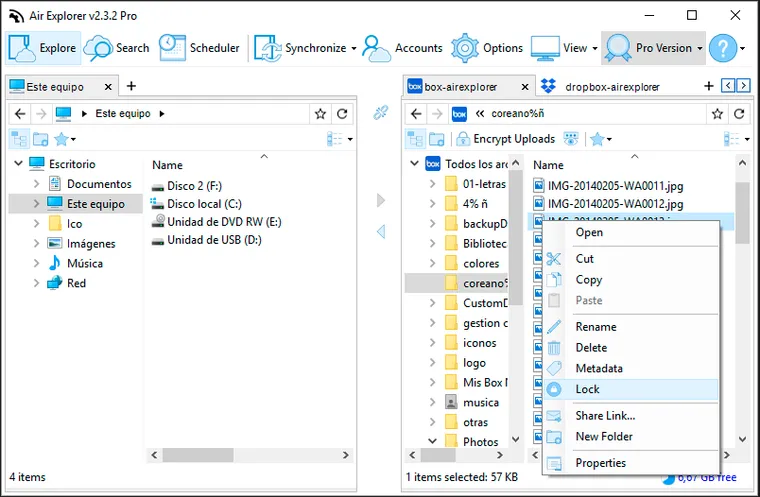
July 30, 2018
Air Explorer supports some of the Box utilities as the lock function, the collaborators and the metadata features. When you select a file and have clicked to lock it, a window opens to ask you how long you want to have it blocked.
Read more »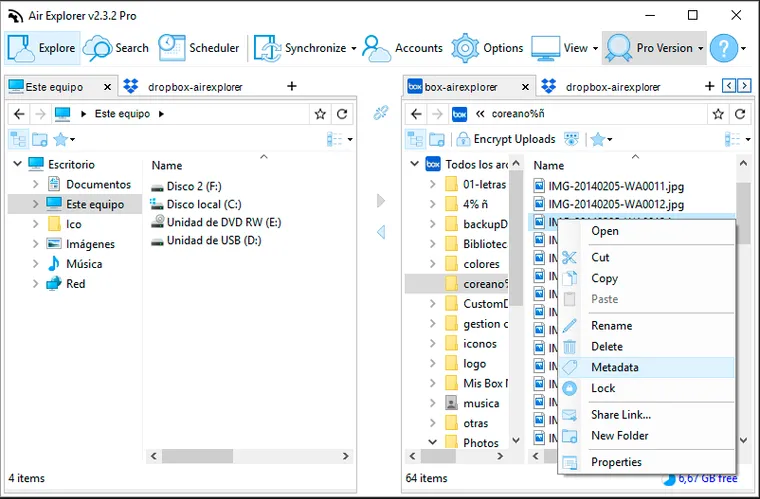
July 13, 2018
Metadata allows users and applications to define and store custom data associated with their files in Box. With Air Explorer, you can manage the metadata very easily.
Read more »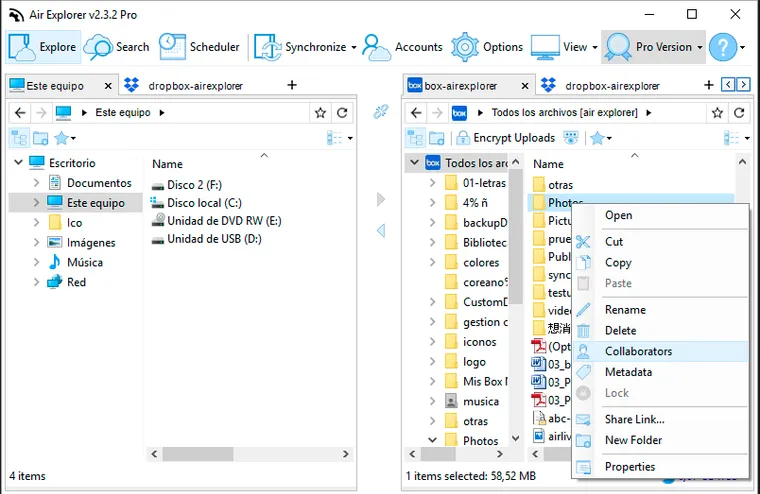
July 2, 2018
Air Explorer has included some of the Box utilities as the lock function, the collaborators and the metadata features.
Read more »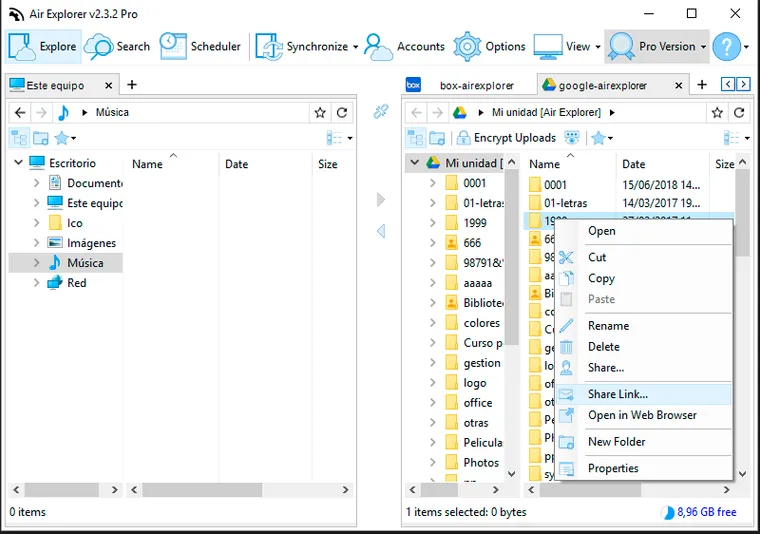
June 20, 2018
Air Explorer already supported sharing links, now it supports share folder for Box, Dropbox, Google Drive, OneDrive and OneDrive for Business.
Read more »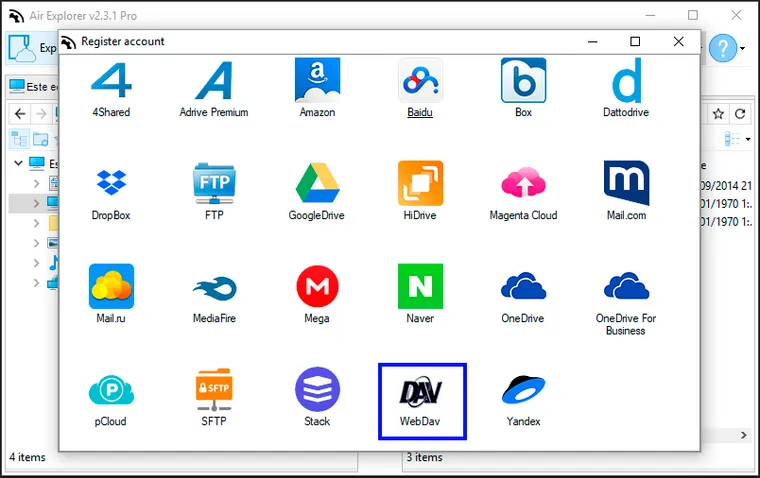
June 6, 2018
Air Explorer supports the best cloud servers and works with FTP, FTPS and SFTP accounts. Moreover, you can add WebDav accounts in Air Explorer.
Read more »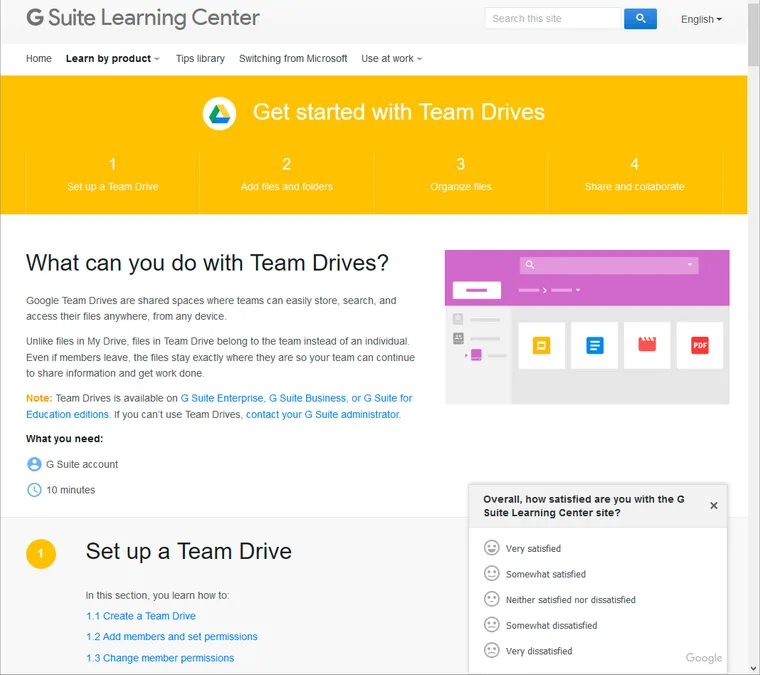
April 11, 2018
We have added support for Google Team Drives in Air Explorer
Read more »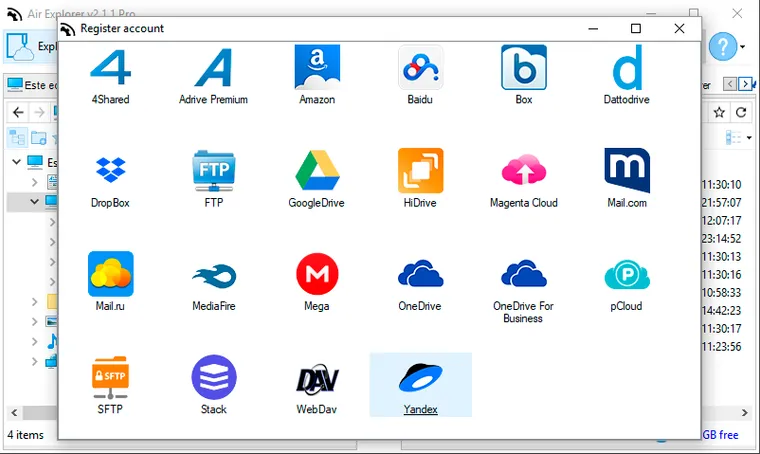
March 22, 2018
Yandex is a Russian cloud storage that give you 10 GB of free storage. You can add it easily in Air Explorer.
Read more »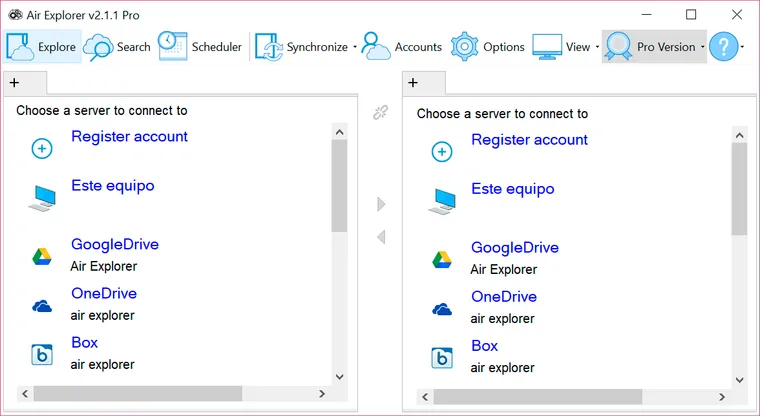
February 12, 2018
Working with Air Air Explorer is very easy with its modern interface.
Read more »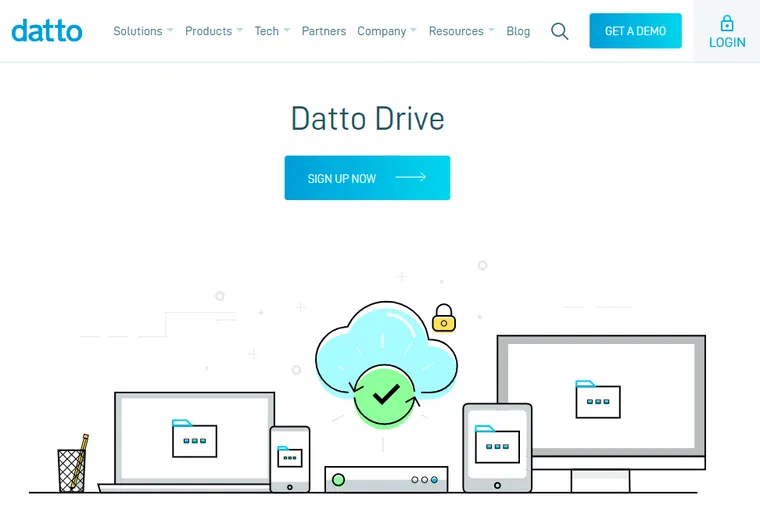
December 22, 2017
Air Explorer supports more than twenty cloud file servers. In this new version we have added Datto Drive. You can add it to Air Explorer easily.
Read more »
December 13, 2017
Air Explorer has added new cloud file servers in the new version. Transip Stack Storage is a German cloud server that gives you 1000 GB of free for your files. You can add it to Air Explorer easily.
Read more »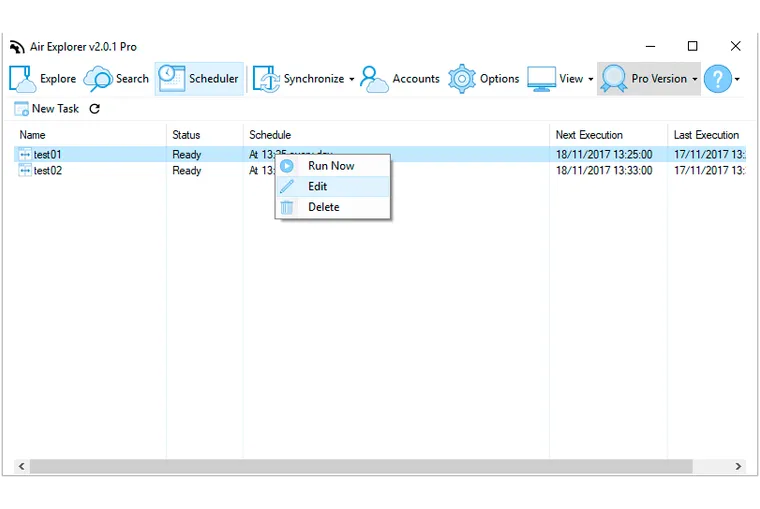
November 29, 2017
Air Explorer offers a convenient scheduler function that allows you to automate file transfers and backups.
Read more »
November 17, 2017
With the scheduler function of Air Explorer you can leave prepared the tasks of synchronizing and transferring files so that they are done in the schedule that you decide automatically.
Read more »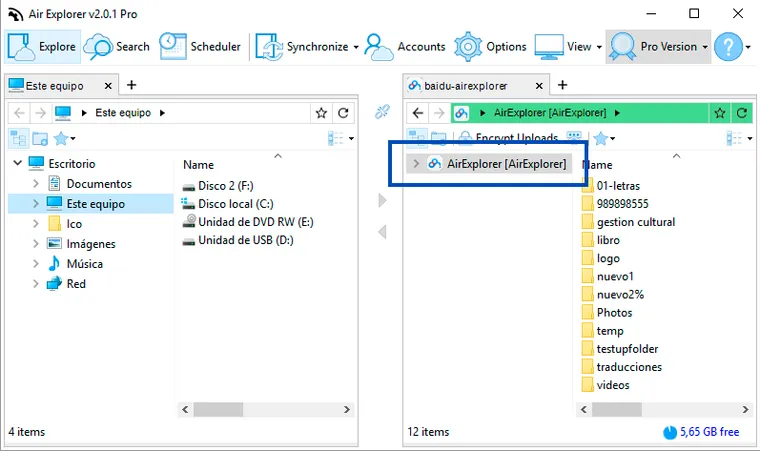
November 15, 2017
Air Explorer requires a folder named AirExplorer and located in "Application Data" (全部文件) to be created.
Read more »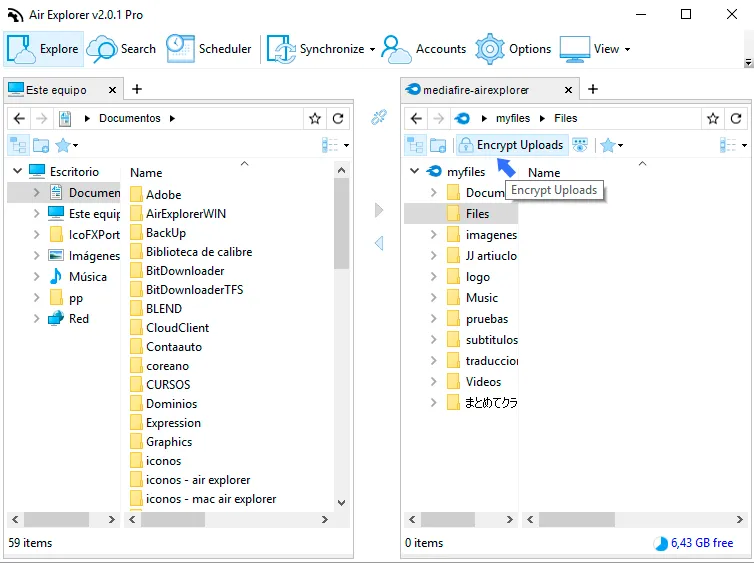
October 23, 2017
When you upload files or folders with Air Explorer you can encrypt them. It is very easy, you only have to activate the "Encrypt Uploads" button.
Read more »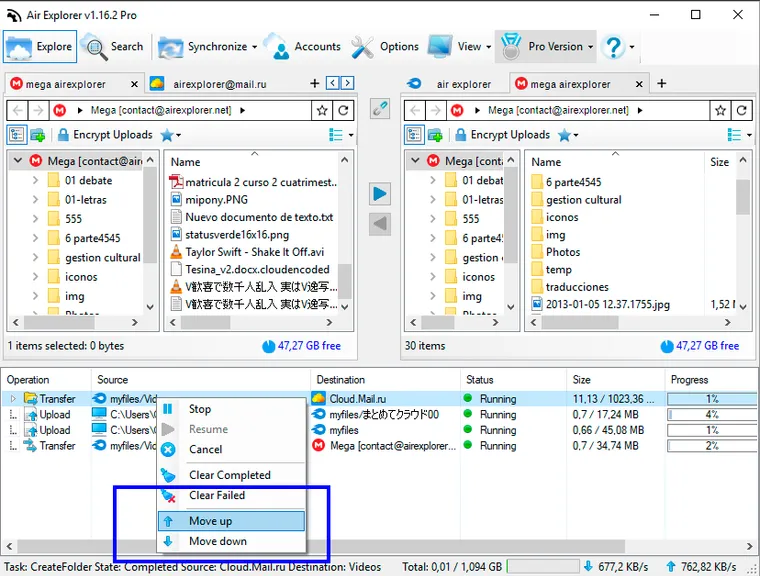
October 3, 2017
We have added a priority menu to move the items up or down in the transfers list in Air Explorer. You can sort the downloads priority according to your interests.
Read more »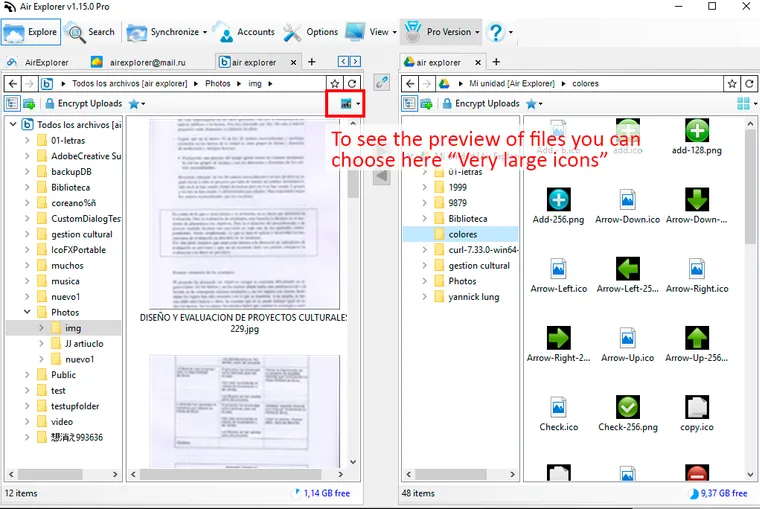
September 25, 2017
In Air Explorer you can see the preview of files for most of the supported clouds choosing "Very large icons".
Read more »
September 15, 2017
Shortcut keys help provide an easier method of navigating and executing commands thanks to combinations of keys.
Read more »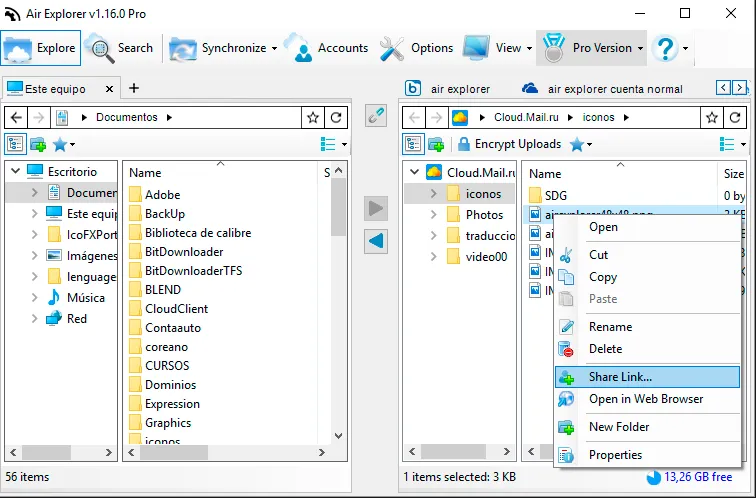
August 30, 2017
The cloud storages let you share files by a link. When you use Air Explorer, you can create share link too, but, more over you can send directly the link by email.
Read more »
August 10, 2017
Air Explorer can work as a SFTP client. It allows you to transfer files between your SFTP server and your computer or any other of the supported cloud servers.
Read more »
July 17, 2017
If you have a Google Drive account, mayby you are seeing others people files because they shared some files with you (they gave you access). You can enter to your Google Drive via the official web interface and you will see also others people files shared with you in the "Shared with me" section.
Read more »
July 7, 2017
We added bookmarking feature in Air Explorer. With Air Explorer Bookmarks, you can save shortcuts to your favorite cloud or local folders and open them quickly.
Read more »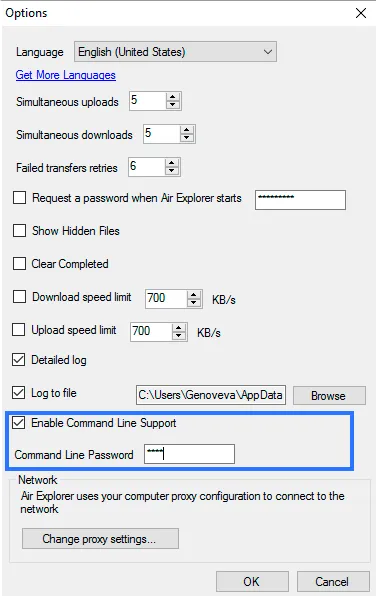
April 12, 2017
Air Explorer has a command line client that allows you to perform some operations with the cloud servers without having to open Air Explorer. It can be very useful to automate file transfers,synchronizations, etc, in batch jobs that can run automatically.
Read more »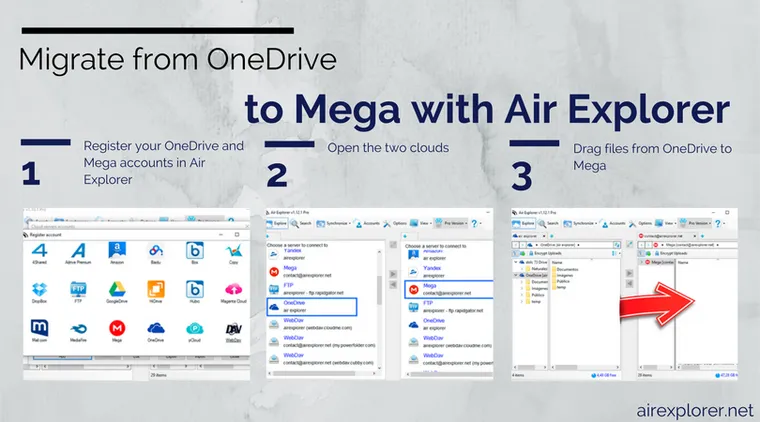
March 6, 2017
Migrating your files from OneDrive to Mega is easy thanks to Air Explorer.
Read more »
January 23, 2017
The transfers speed between cloud servers depends on your internet connection and those servers speed.
Read more »January 13, 2017
With Air Explorer you can work with both, you can use your FTP server or your clouds. The advantages of both in a single program.
Read more »
January 4, 2017
Register onedrive for business account in air explorer
Read more »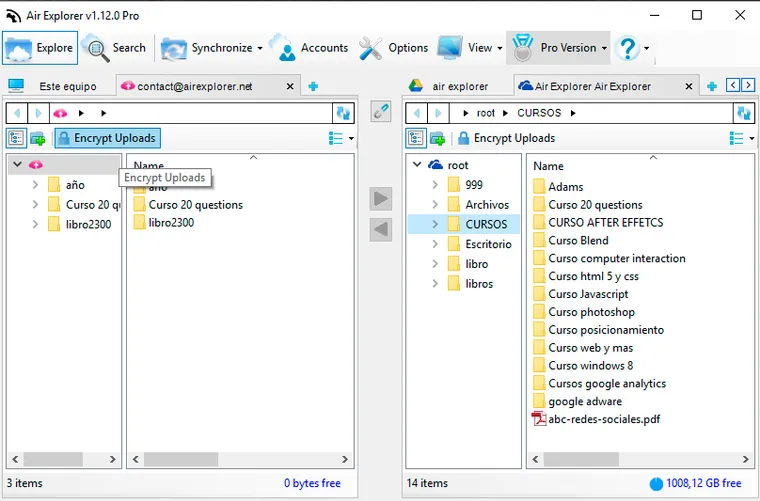
November 7, 2016
Encryption is a great way to keep valuable data safe in your cloud storage. Air Explorer can encrypt your files and folders when you upload them to the cloud.
Read more »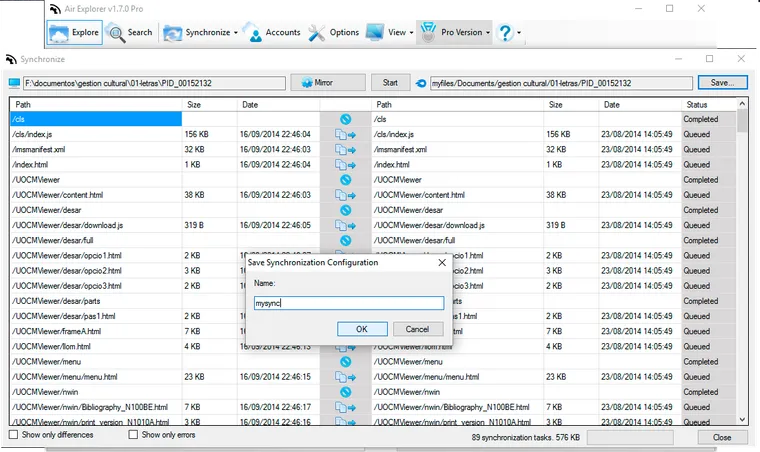
October 24, 2016
Cloud backups are the easiest kind to create and maintain. To get started you simply need to create an account in a cloud server, add it in Air Explorer, and start copying your files in the cloud.
Read more »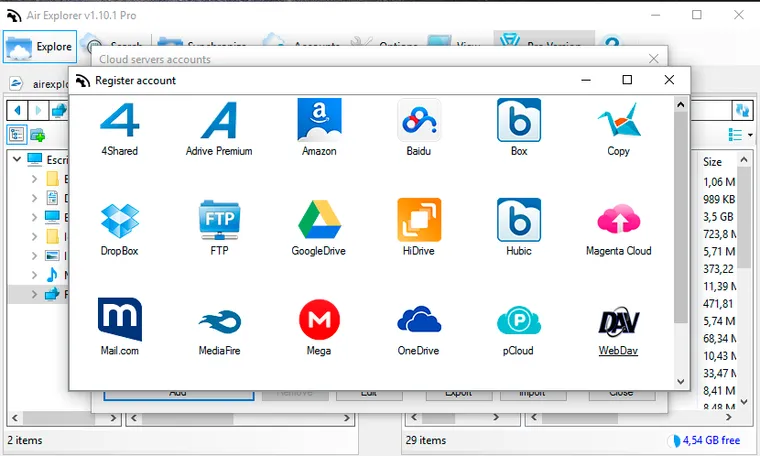
October 17, 2016
Creating a backup is very easy. First, you have to search a cloud with enought capacity for your data. Once you have created an account in it, add it to Air Explorer.
Read more »October 7, 2016
OneDrive for Business is included in Air Explorer now.
Read more »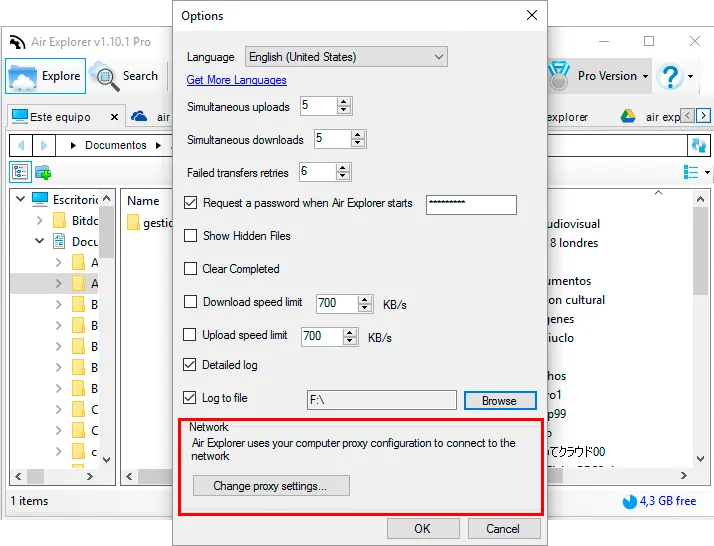
September 21, 2016
Air Explorer uses your computer proxy configuration to conect to the network, but if you need to change the proxy settings, you can access them from Air Explorer.
Read more »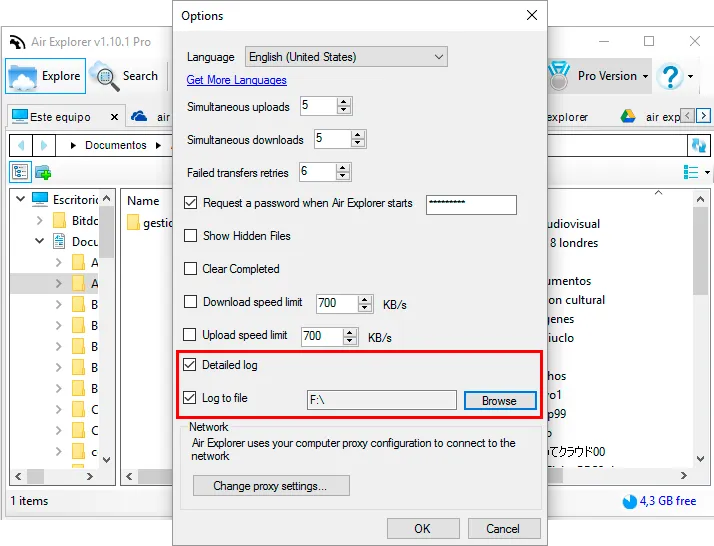
September 14, 2016
Air Explorer incorporates the logging tool. It is very useful to save the log events produced like transfers started, completed, failed, etc.
Read more »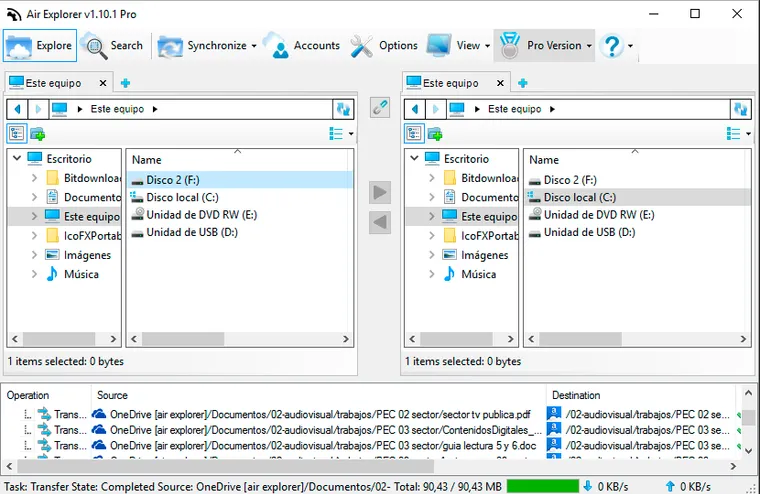
August 31, 2016
With Air Explorer you can work locally, copying and pasting files, searching files, even synchronizing folders.
Read more »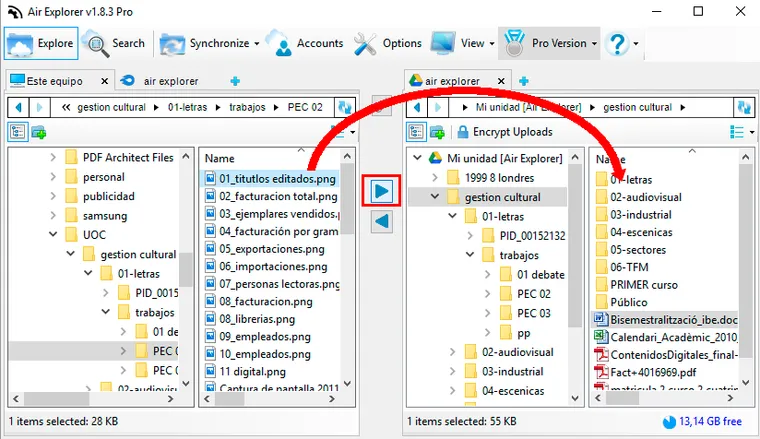
August 15, 2016
Move files in Air Explorer is very easy and you have some ways to do it.
Read more »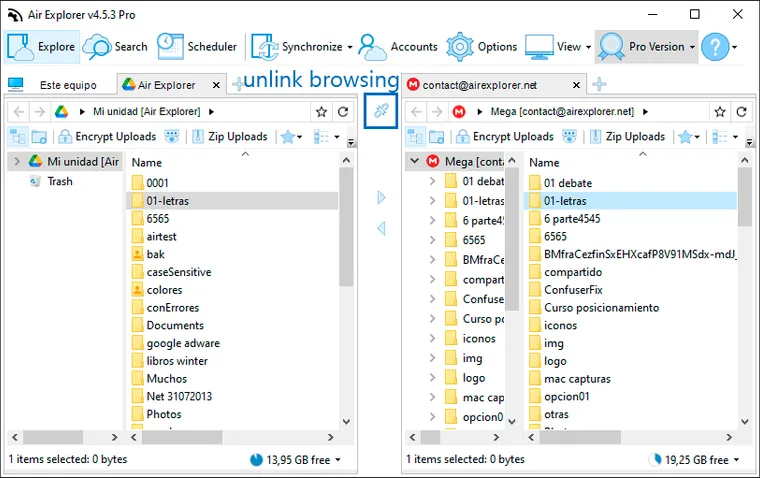
June 13, 2016
Air Explorer has tools to make your job easier like the linked browsing button.
Read more »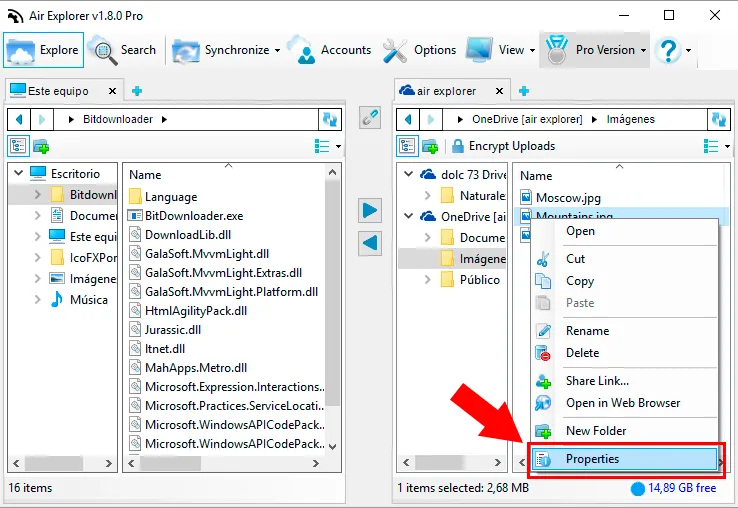
April 18, 2016
Air Explorer has added a window to show the file properties specially useful for some clouds like OneDrive, Google Drive and Amazon CloudDrive.
Read more »
April 6, 2016
Air Explorer is always trying to become the best cloud explorer so we have added new cloud servers as mail.com.
Read more »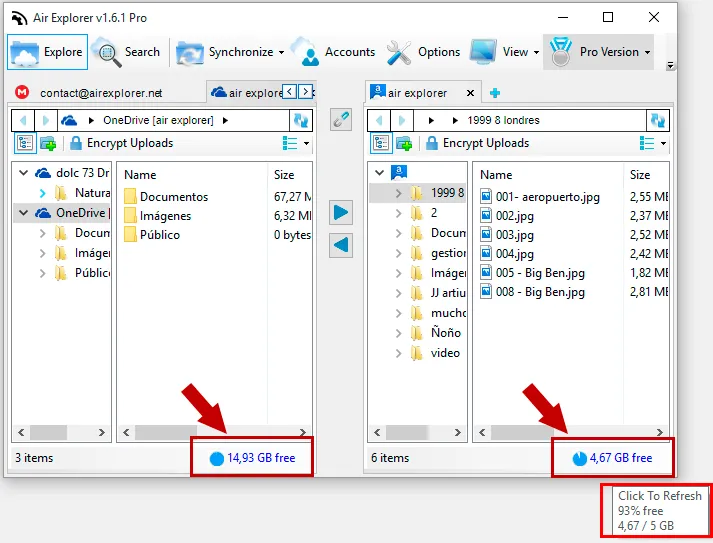
February 19, 2016
You can see the free space in your clouds accounts easily.
Read more »
February 12, 2016
aidu is the biggest search engine in China. It also provides generous cloud storage service for its user. They offer you 2TB of storage for free.
Read more »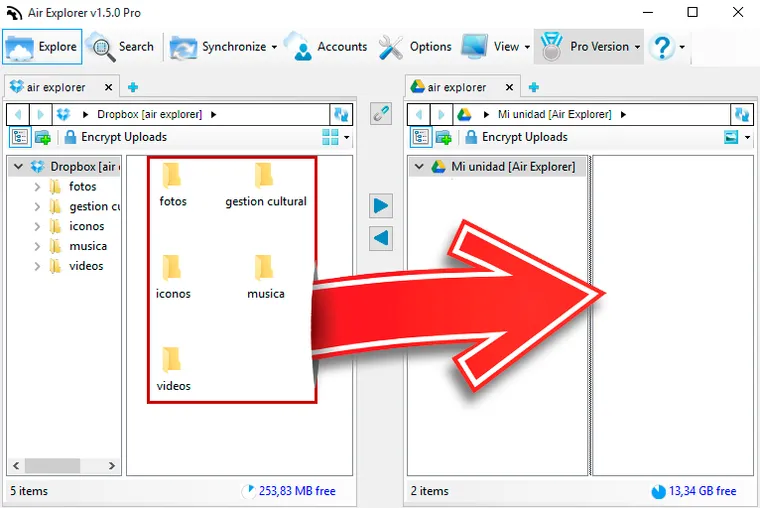
January 21, 2016
If you want to migrate from Dropbox to Google Drive or from Onedrive to Mega with Air Explorer, it is very easy.
Read more »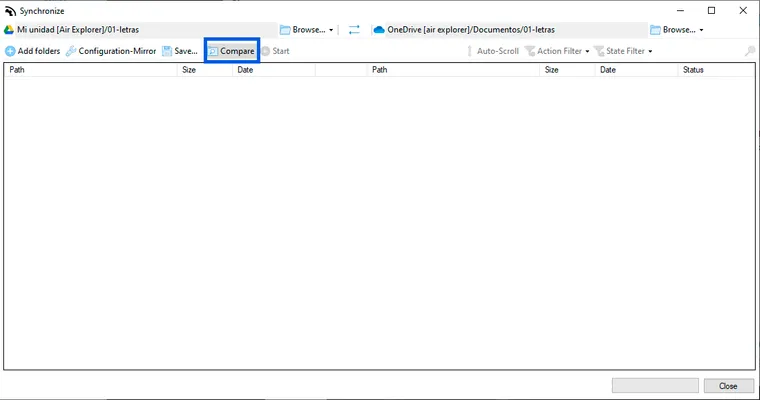
January 13, 2016
You can synchronize folders between clouds in Air Explorer. First you have to select the two folders to compare, and next, you have to click on the "Synchronize" button.
Read more »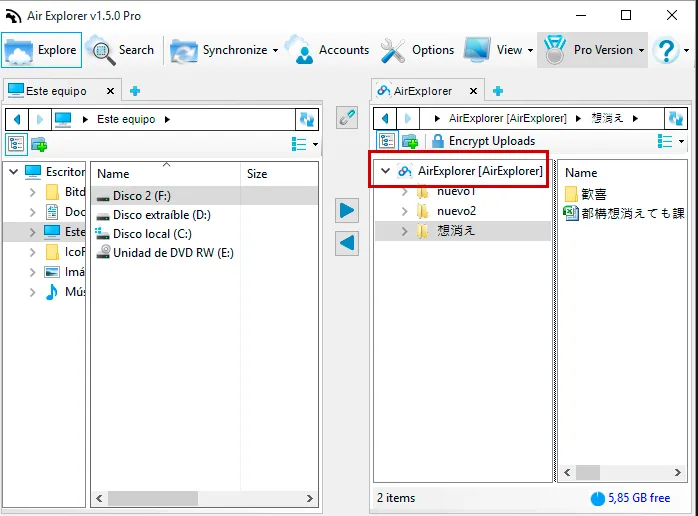
December 30, 2015
Baidu is the biggest search engine in China. It also provides generous cloud storage service for its user. They offer you 2TB of storage for free.
Read more »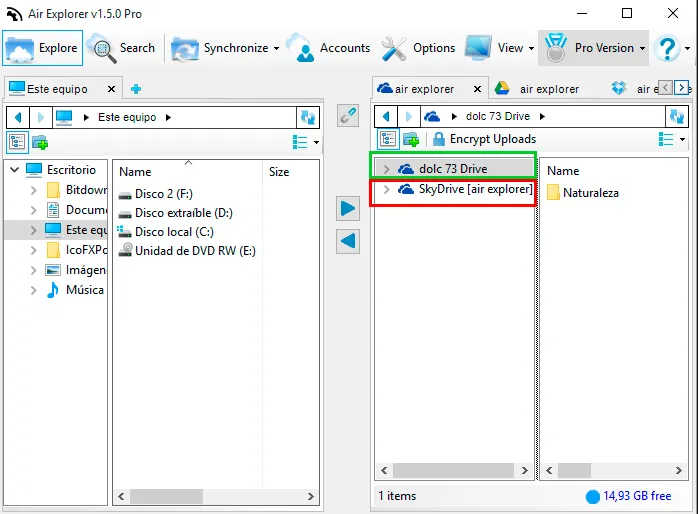
December 23, 2015
You can view all the files in all your cloud servers accounts from Air Explorer.Also, you can view other accounts that are sharing something with you.
Read more »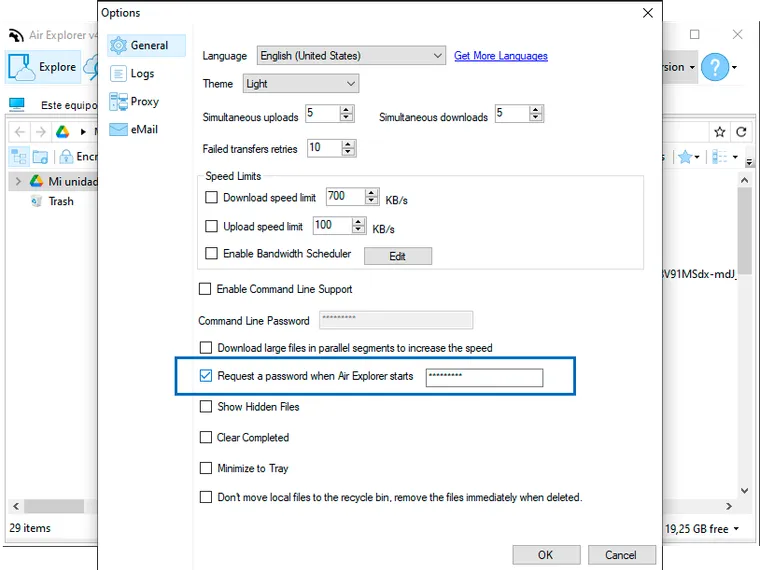
December 9, 2015
Air Explorer gives you the option to protect your program with a password.
Read more »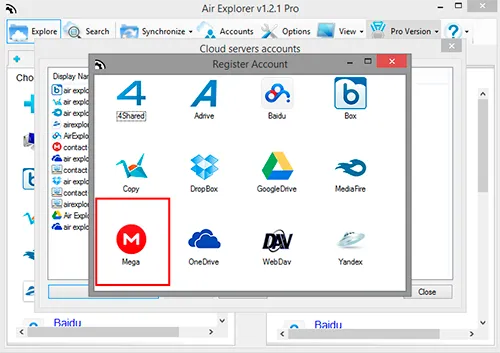
November 16, 2015
Mega is a cloud storage and file hosting service included in Air Explorer.
Read more »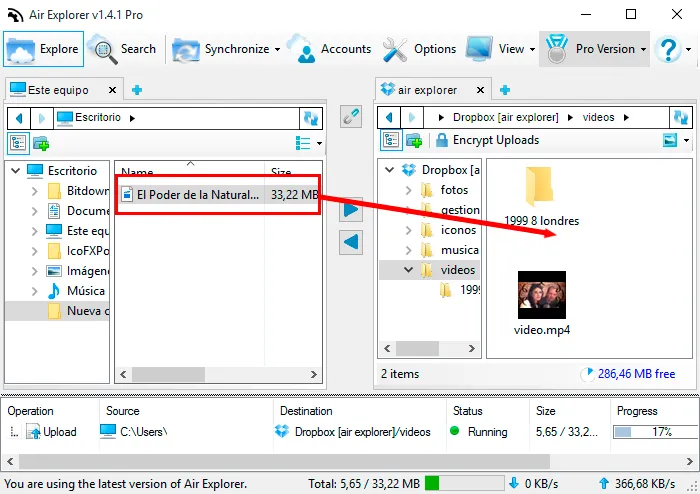
October 31, 2015
Air Explorer allows to play video from your cloud servers.
Read more »
October 21, 2015
OpenDrive is a cloud storage that give you 5GB of free storage. Since OpenDrive can work with WebDav, you can include it in Air Explorer.
Read more »
October 12, 2015
Rapidgator allows to upload files by FTP, so you can use this feature with Air Explorer to upload your files to Rapidgator easily.
Read more »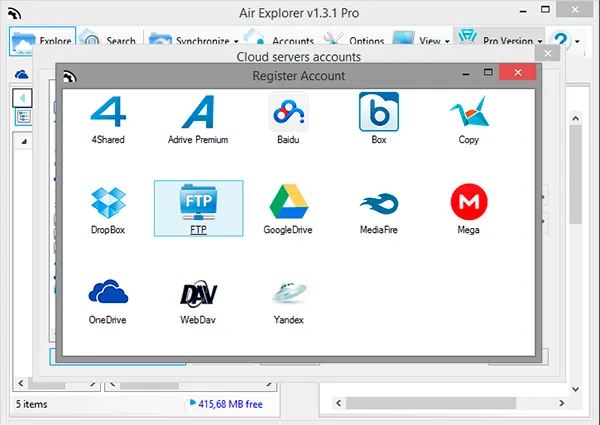
September 28, 2015
Air Explorer allows to work between two or more FTP accounts.
Read more »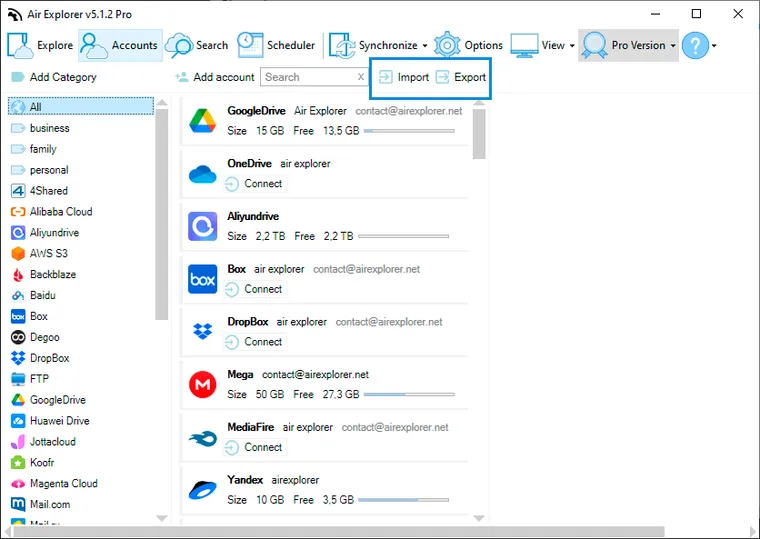
September 21, 2015
Import an export cloud accounts is possible in the new Air Explorer version.
Read more »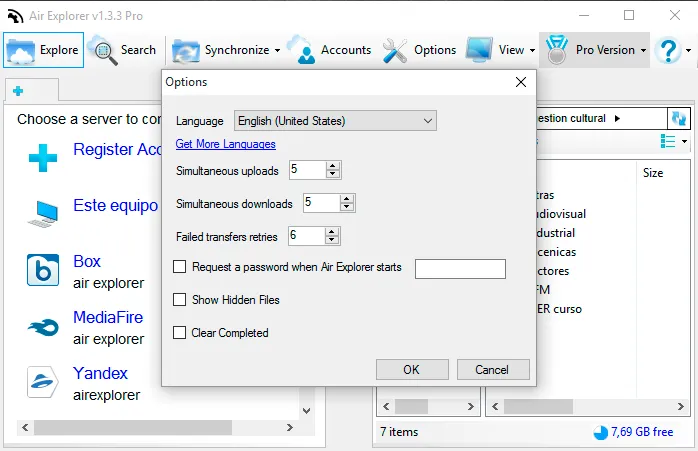
September 3, 2015
Air Explorer Options give you the oportunity of change the simultaneous uploads and downloads.
Read more »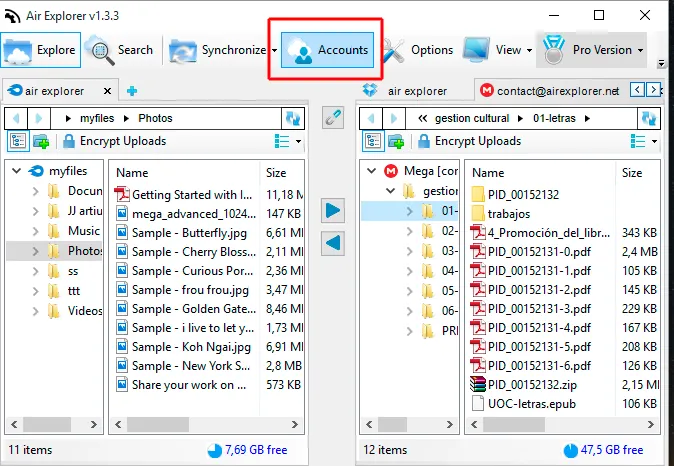
August 25, 2015
You can change the names of your cloud accounts in Air Explorer. First, open the Accounts Window.
Read more »August 18, 2015
Air Explorer introductory video in Japanese
Read more »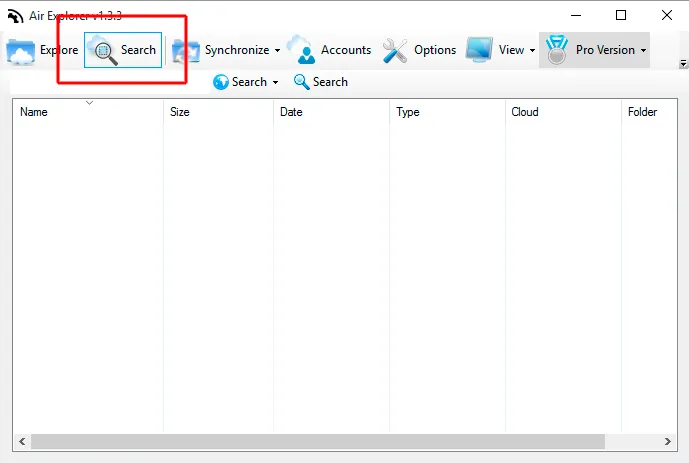
August 14, 2015
You can search in your clouds with Air Explorer. If you want to locate one file in all your clouds or only search in one, it's very easy with the software.
Read more »August 7, 2015
Thanks to MGtech for creating this tutorial about installing and using Air Explorer in Spanish.
Read more »
July 29, 2015
Unlimited accounts per cloud, encrypt uploads and downloads, save and load synchronizations, unlimited simultaneus downloads and uploads and starting up password are the features you can enjoy if you buy Air Explorer Pro version.
Read more »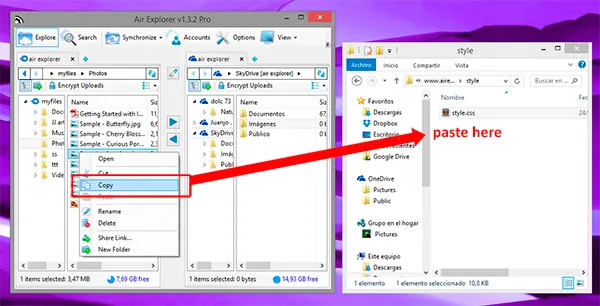
July 24, 2015
When you work with Air Explorer, the program gives you the feature to copy/paste between the clouds that you have open in Air Explorer and the desktop or any folder in your computer.
Read more »July 10, 2015
Air Explorer supports FTP, Weddad,OneDrive, Google Drive, 4shared, Box, Dropbox, Mega, Copy, Mediafire, Yandex and Baidu.
Read more »July 3, 2015
Air Explorer can work as a FTP client. IT allows you to transfer files between your FTP server and your computer or any other of the supported cloud servers.
Read more »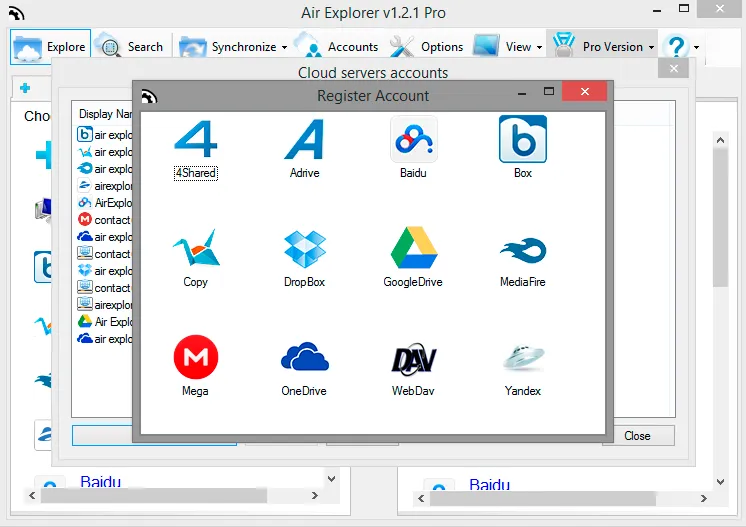
June 22, 2015
First, you have added accounts of Google Drive/Box/Dropbox/Yandex/Copy/OneDrive/4shared/Adrive/Baidu/Mediafire/Mega to Air Explorer. You can directly transfer files between the above cloud services just like copy&paste files in Windows Explorer.
Read more »May 2, 2015
Video: full manual in japanese
Read more »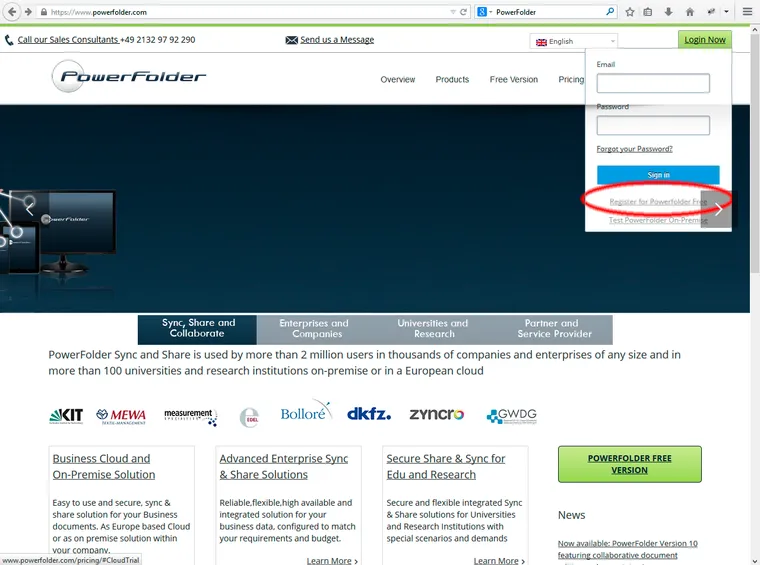
April 27, 2015
Power Folder is a European cloud storage that give you 5GB of free storage. Since Power Folder can work with WebDav, you can include it in Air Explorer:
Read more »April 10, 2015
You can use several accounts of OneDirve or the others cloud servers (Google Drive, Dropbox, Box, Mega, Yandex, Baidu,..) in your PC thanks to Air Explorer.
Read more »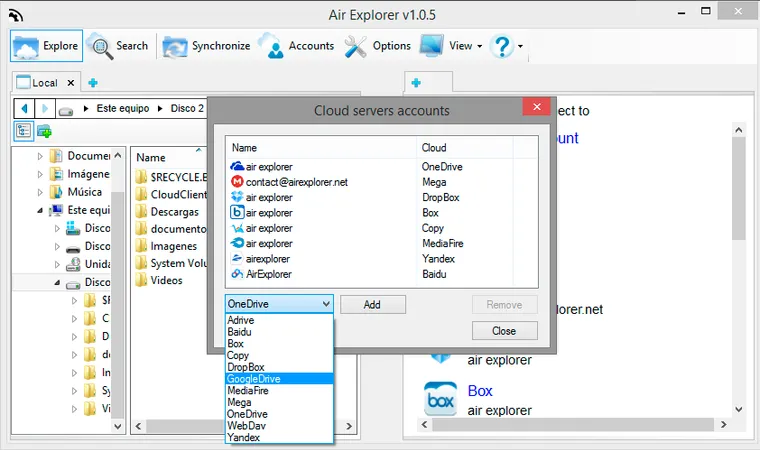
March 29, 2015
How do I add a Google Drive account in Air Explorer?
Read more »March 17, 2015
When Air Explorer upload and download files, it doesn't use any external server for the management of them. The files go directly from the local disk to the cloud you choose.
Read more »March 14, 2015
Video: How to download and use Air Explorer
Read more »
March 10, 2015
how can i encrypt files when i upload them with air explorer
Read more »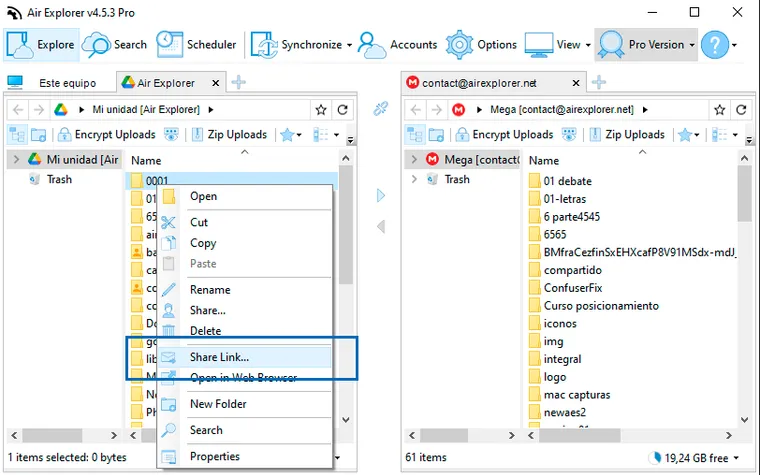
March 3, 2015
How can I share files and folder with Air Explorer?
Read more »