
How do I add a Google Drive account in Air Explorer?
March 29, 2015
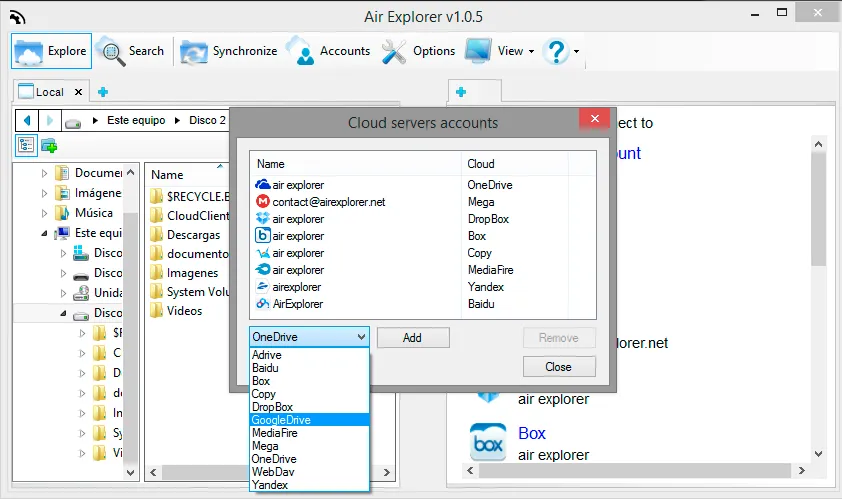
It is very easy:
1º- In the Cloud Servers Account window, you have to select Google Drive.
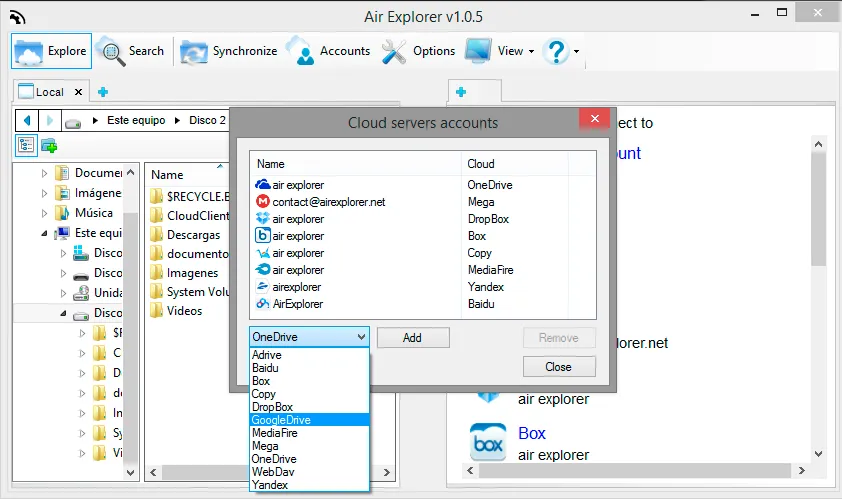
2º- You have to introduce your email and password.
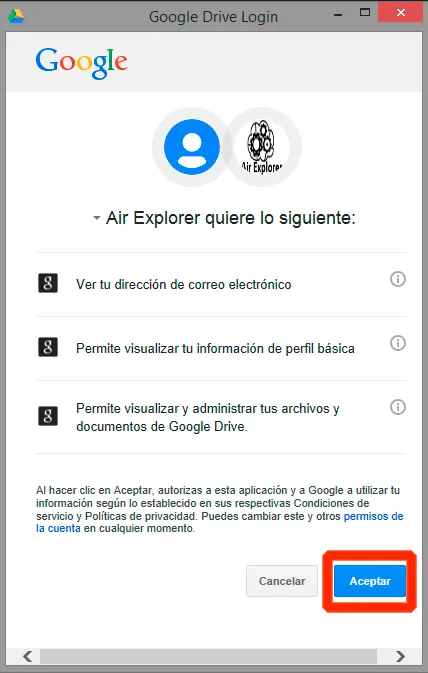
3º- You have to accept the conditions of Google Drive.
You can check more information here:
Show and hide shared folders and drives from Google Drive
View your Shared Drives in Air Explorer
Fast transfer files between Google accounts
Share folder support in Air Explorer