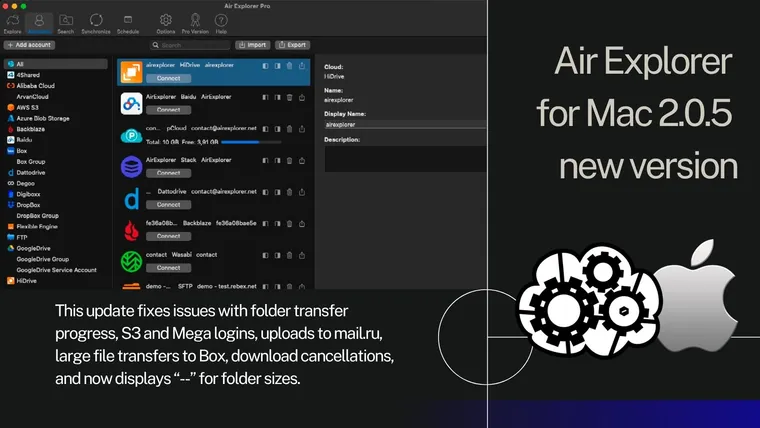
Air Explorer for Mac 2.0.5, new version
April 29, 2026
List of changes:-Fixed issue showing the progress of folder downloads and uploads.-Fixed issue adding some S3 accounts like Backblaze.-Fixed issue login to s...
Read more »
Blog tag
April 29, 2026
List of changes:-Fixed issue showing the progress of folder downloads and uploads.-Fixed issue adding some S3 accounts like Backblaze.-Fixed issue login to s...
Read more »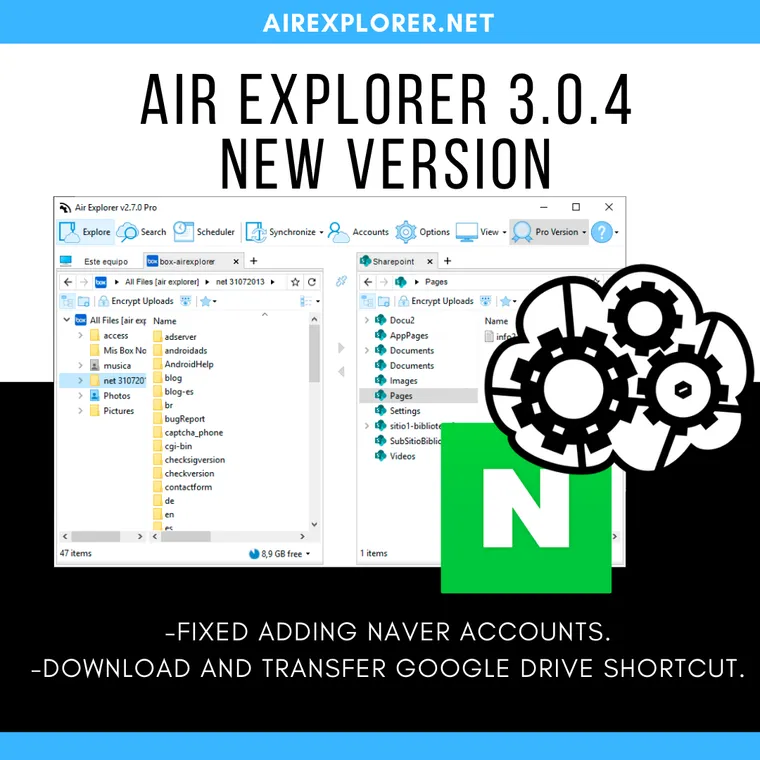
July 29, 2020
List of changes:
Read more »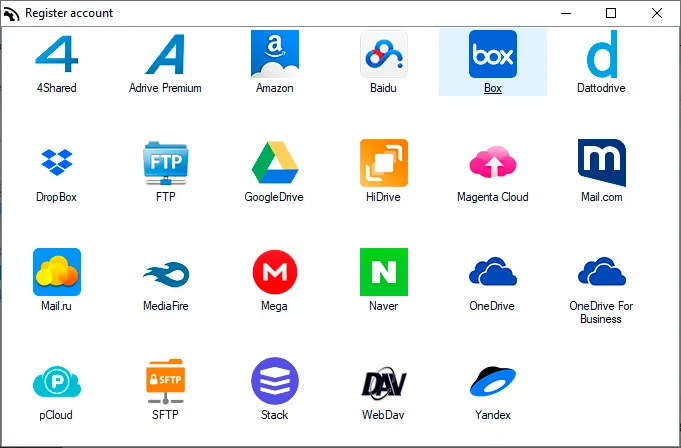
August 20, 2019
Air Explorer allows you direct management of your files in the cloud. It's very easy and when you connect your Box accounts you can synchronize folders between any cloud or your computer.
Read more »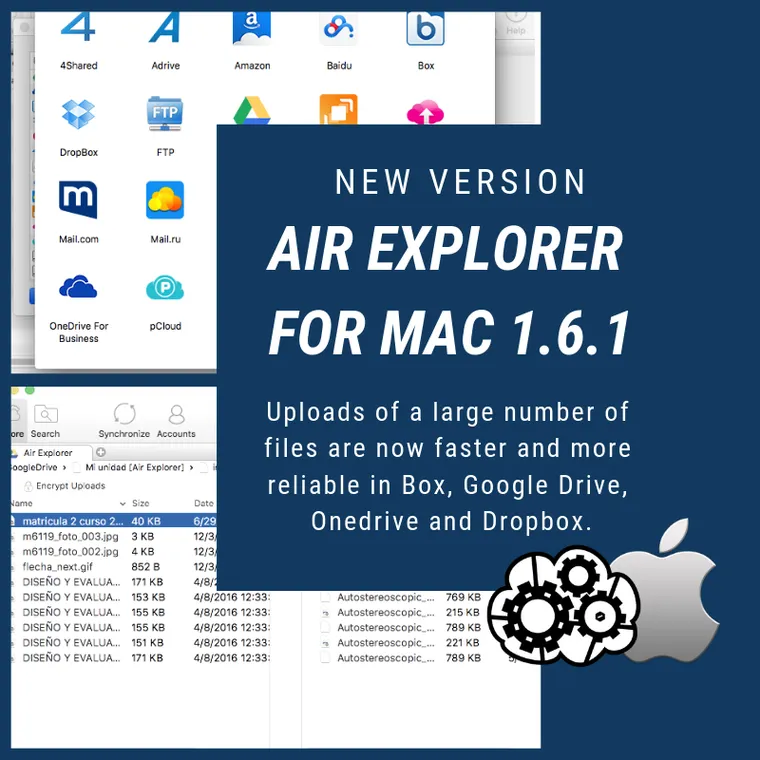
March 20, 2019
Air Explorer 1.6.1. for Mac, new version
Read more »
March 11, 2019
Air Explorer 2.5.3, new version
Read more »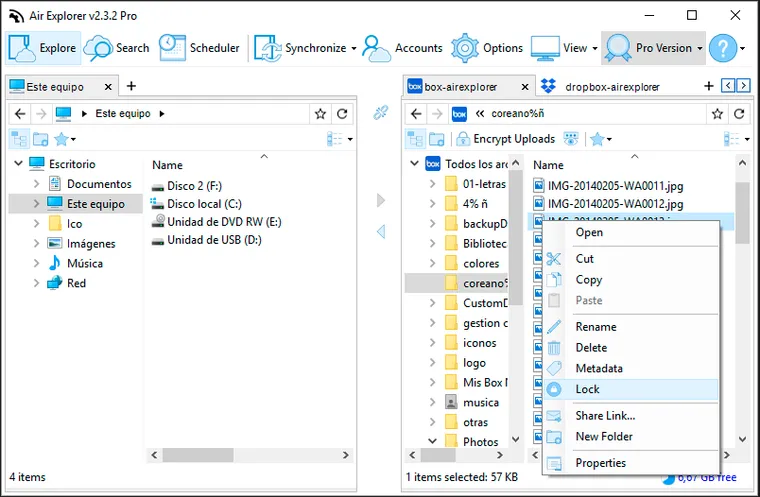
July 30, 2018
Air Explorer supports some of the Box utilities as the lock function, the collaborators and the metadata features. When you select a file and have clicked to lock it, a window opens to ask you how long you want to have it blocked.
Read more »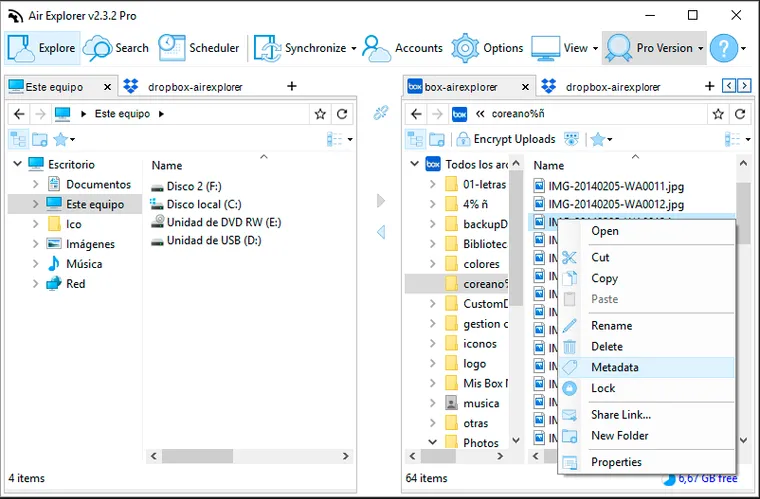
July 13, 2018
Metadata allows users and applications to define and store custom data associated with their files in Box. With Air Explorer, you can manage the metadata very easily.
Read more »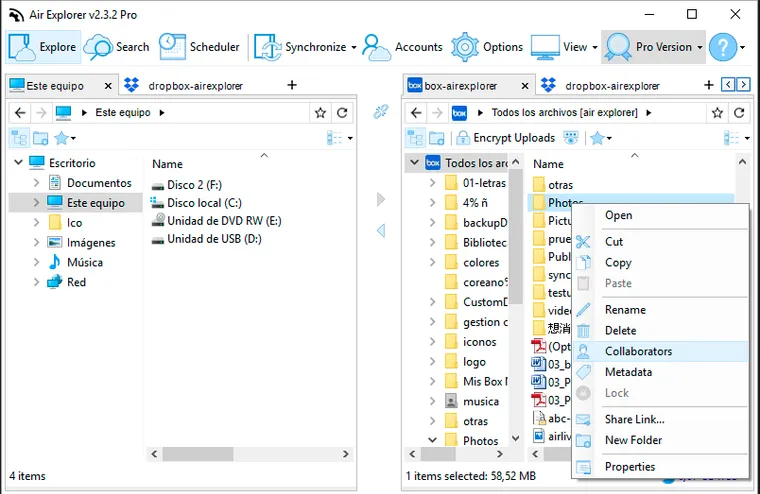
July 2, 2018
Air Explorer has included some of the Box utilities as the lock function, the collaborators and the metadata features.
Read more »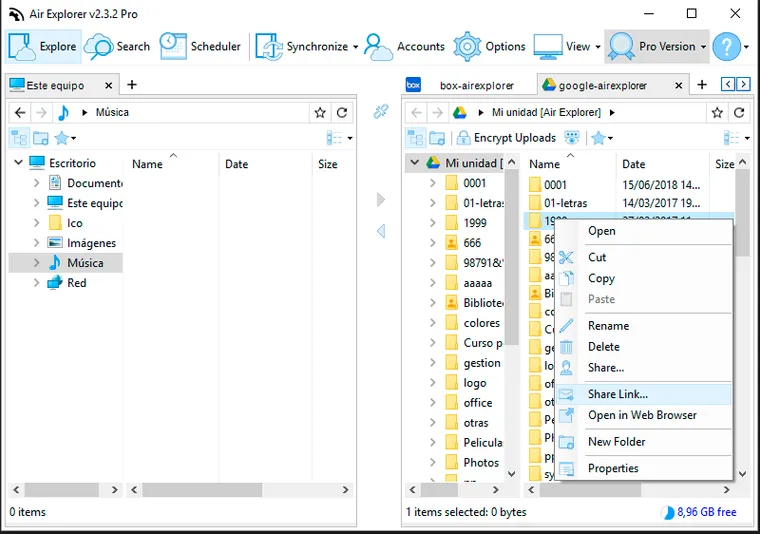
June 20, 2018
Air Explorer already supported sharing links, now it supports share folder for Box, Dropbox, Google Drive, OneDrive and OneDrive for Business.
Read more »
June 11, 2018
Air Explorer 2.3.2 new version
Read more »
March 15, 2018
Air Explorer 2.2.0.,new version
Read more »
September 7, 2016
Air Explorer version 1.11.0, new version
Read more »