
April 4, 2023
If you are using Air Explorer and you have a problem, feel free to report it to us so that we can investigate it. However, please note that the report has to be clear and complete so that we can understand, reproduce and resolve it, otherwise it will be very difficult for us to fix it.
Read more »
March 24, 2023
Air Explorer supports both Alibaba Cloud and Aliyundrive. In addition, Air Explorer supports other Chinese clouds such as Baidu, Nutstore, OneDrive China, SharePoint China and Huawei Drive.
Read more »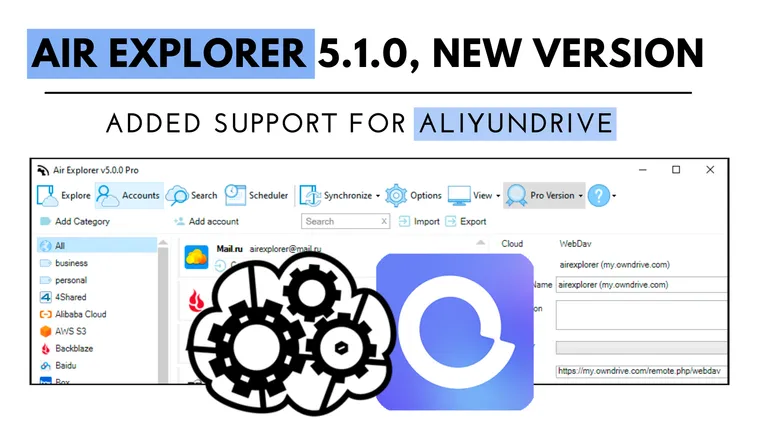
March 14, 2023
List of changes:-Added support for Aliyundrive.-Show full path on Box folder refresh errors.-Added maximum retry time for refresh folder errors.-Fixed, if a...
Read more »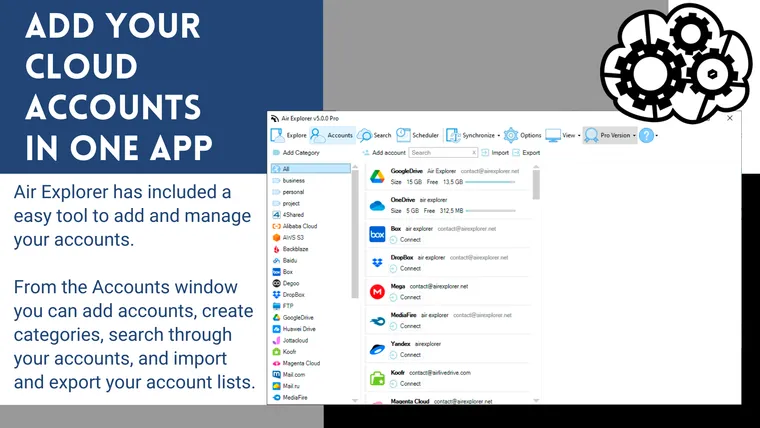
March 6, 2023
When you have many cloud accounts, it is complicated to manage them, especially if you have multiple accounts from multiple clouds. If you don't want to have different programs, one for each cloud, you can use Air Explorer.
Read more »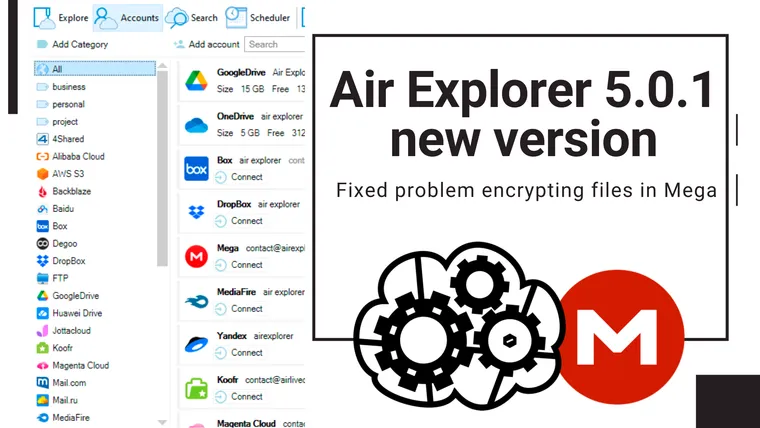
February 25, 2023
List of changes:-Fixed problem encrypting files in Mega.-Fixed, cloud free space indicator was not shown sometimes.-Added support for anonymous S3 login.-Fix...
Read more »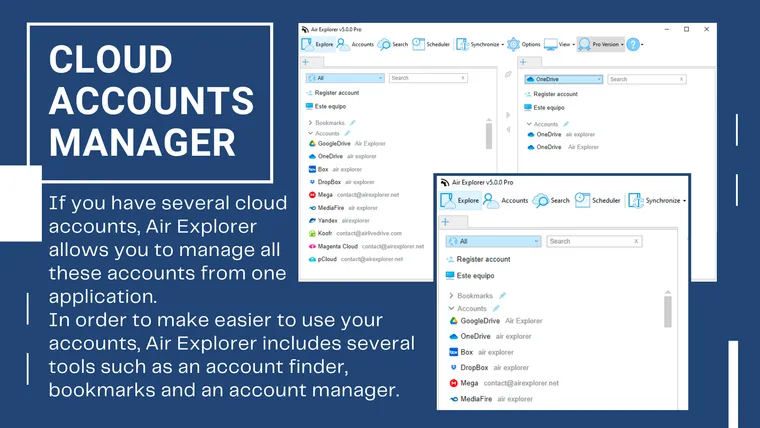
February 14, 2023
If you have several cloud accounts, Air Explorer allows you to manage all these accounts and upload files from one application. In order to make easier to use your accounts, Air Explorer includes several tools such as an account finder, bookmarks and an account manager.
Read more »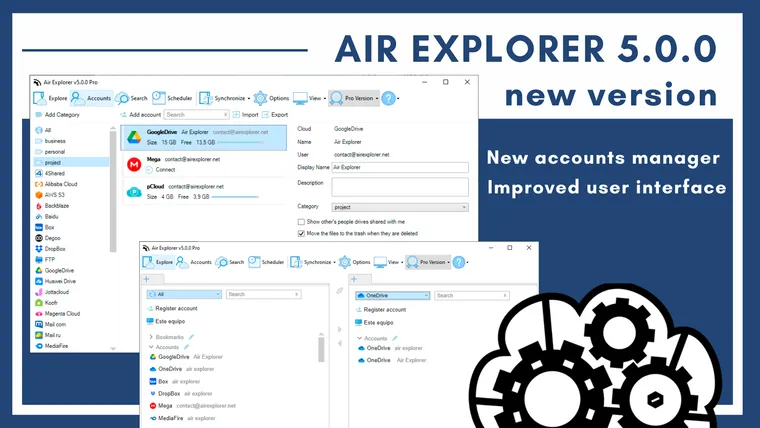
February 6, 2023
List of changes:-New account manager.-Accounts can be grouped in categories.-New open account tab.-Improved user interface.-Fixed adding Huawei Drive account...
Read more »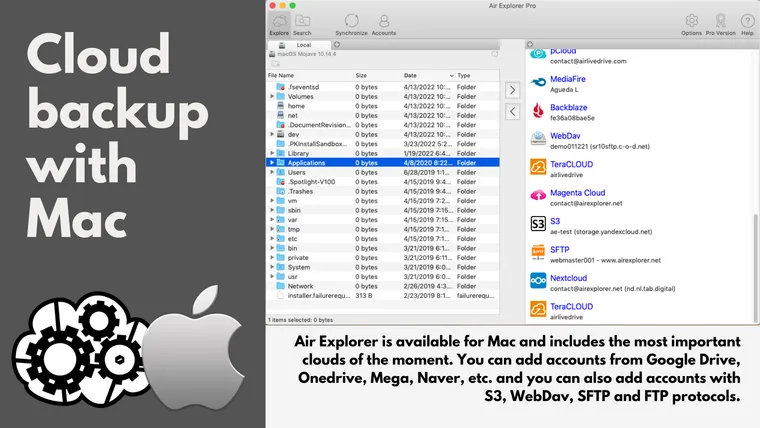
January 25, 2023
Air Explorer is available for Mac and includes the most important clouds of the moment. You can add accounts from Google Drive, Onedrive, Mega, Naver, etc. and you can also add accounts with S3, WebDav, SFTP and FTP protocols.
Read more »
January 8, 2023
List of changes:-Fixed issue uploading very large files to Google Drive with very slow connections.-Fixed, some files could not be uploaded to Degoo.-Fixed d...
Read more »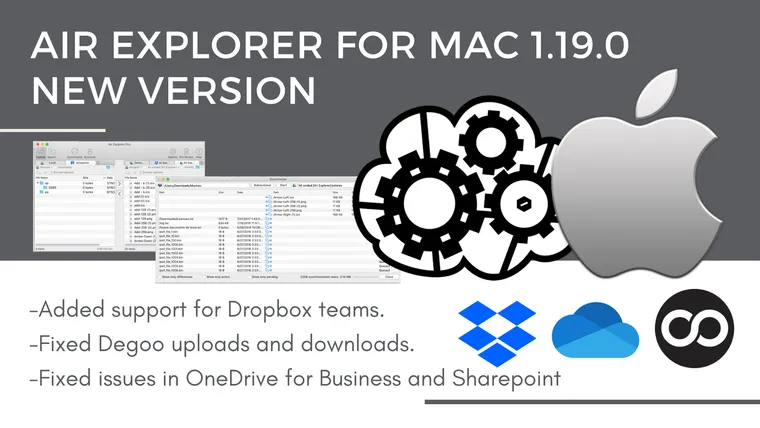
January 3, 2023
List of changes:-Added support for Dropbox teams.-Fixed Degoo uploads and downloads.-Avoid 429 errors on OneDrive for Business and Sharepoint.-Fixed, MS Offi...
Read more »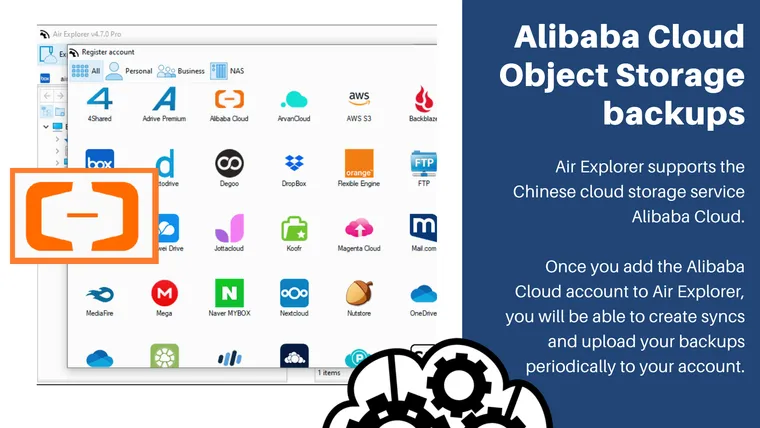
December 20, 2022
Air Explorer supports the Chinese cloud storage service Alibaba Cloud. This cloud follows the S3 protocol so to add it to the software you need to add the "Access Key ID" and the "Secret Access Key". This information is easy to find in your account on the Alibaba Cloud website.
Read more »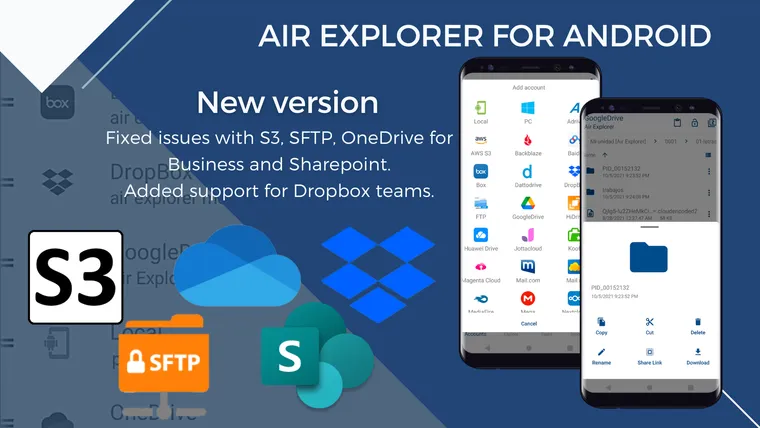
December 9, 2022
Air Explorer for Android is a mobile cloud manager with the most important clouds supported.
Read more »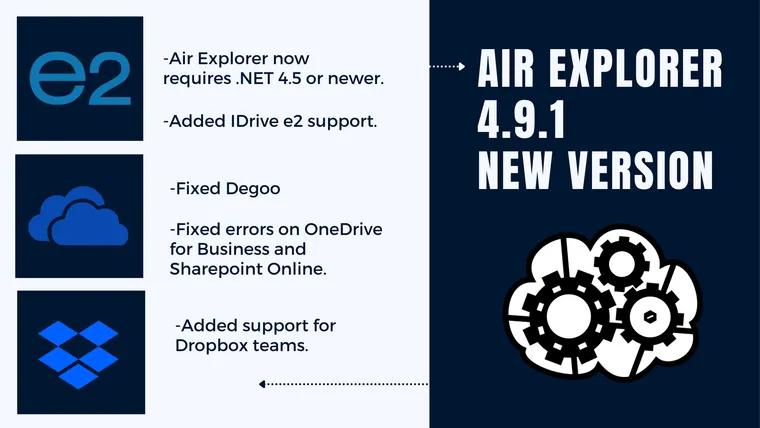
November 17, 2022
List of changes:-Air Explorer now requires .NET 4.5 or newer.-Added support for Dropbox teams.-Avoid 429 errors on OneDrive for Business and Sharepoint.-In O...
Read more »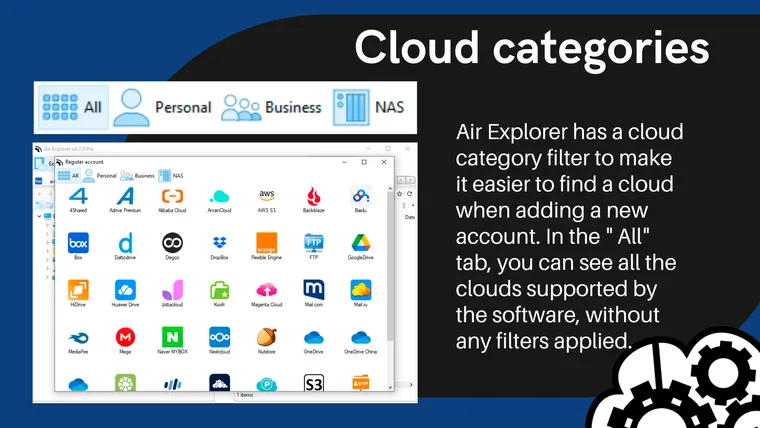
October 2, 2022
Air Explorer is a cloud manager that supports the best cloud storage services. The software has so far added 38 clouds, but you can also add any server with WebDav, FTP, SFT and S3 protocols
Read more »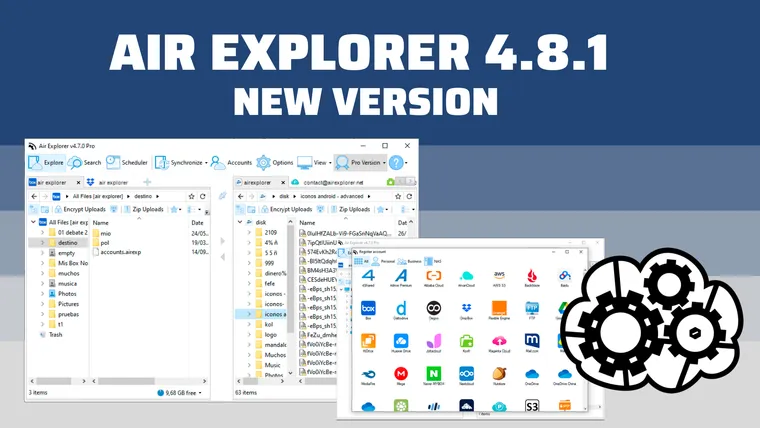
August 25, 2022
List of changes:-Fixed showing file properties did not show all the information.-Fixed issue showing a number of files or folder incorrectly sometimes in the...
Read more »
August 13, 2022
List of changes:-Added Degoo cloud support.-Added Alibaba Cloud support.-Added ArvanCloud support.
Read more »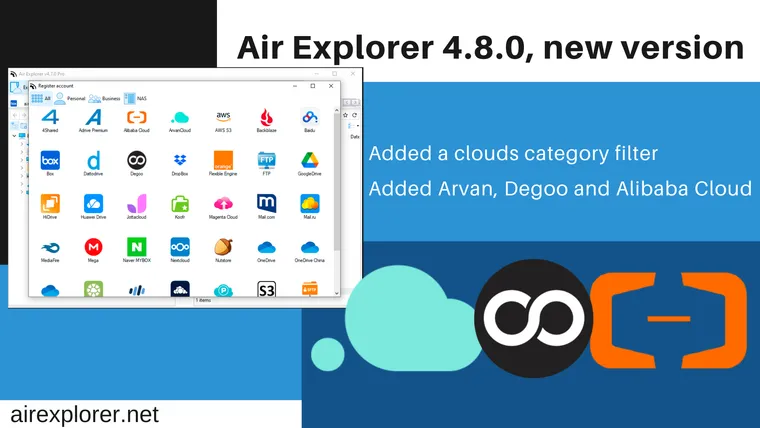
August 5, 2022
List of changes:-Added Degoo cloud support.-Added Alibaba Cloud support.-Added ArvanCloud support.-Fixed, Sharepoint did not show all the sites.-Fixed issue...
Read more »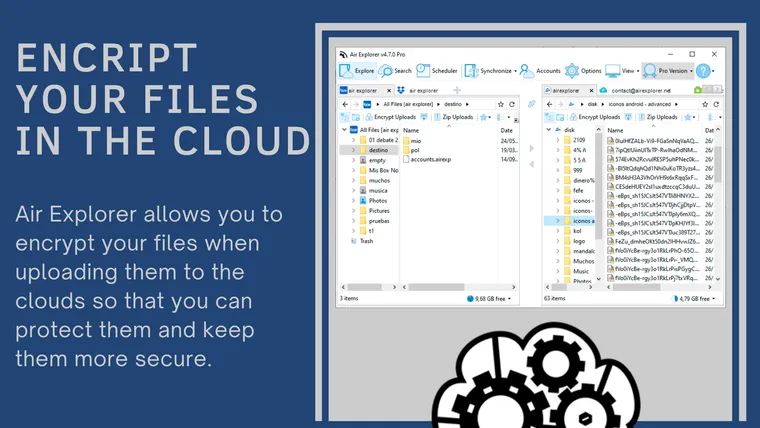
July 18, 2022
Air Explorer allows you to encrypt your files when uploading them to the clouds so that you can protect them and keep them more secure while they are stored in any of the clouds supported by Air Explorer.
Read more »
June 30, 2022
Air Explorer for Android, new version with Onlime.dk
Read more »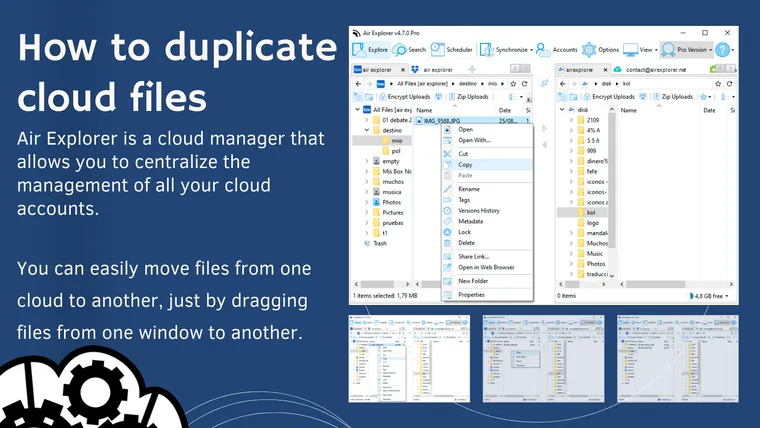
June 27, 2022
Once you have added your accounts to Air Explorer, you can open your cloud accounts in the differents tabs and start working with them. You can easily move files from one cloud to another, just by dragging files from one window to another.
Read more »