
Linked browsing button in Air Explorer
June 13, 2016
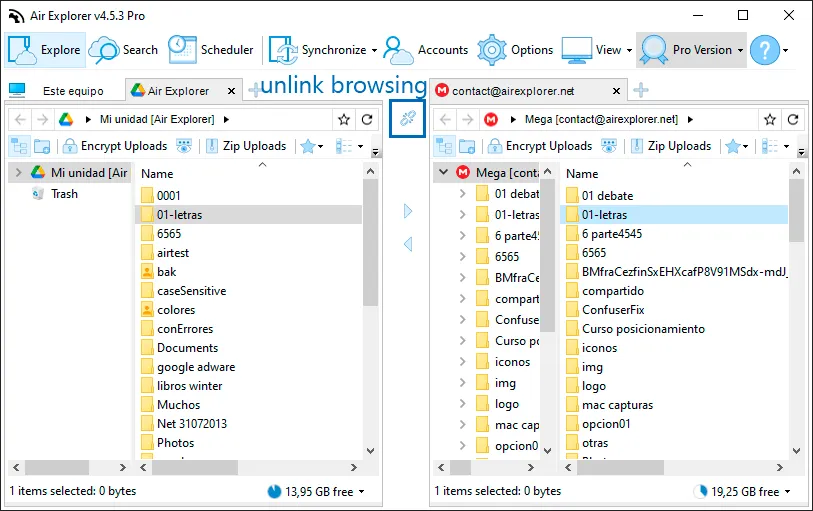
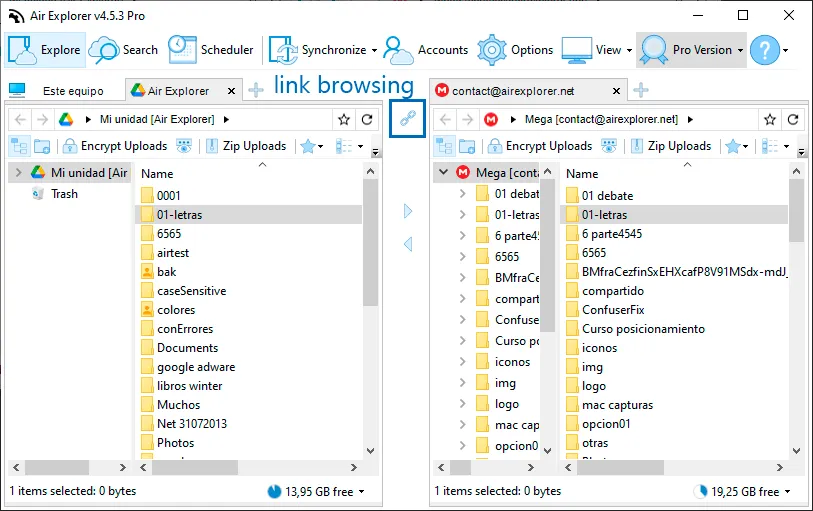
Air Explorer has tools to make your job easier like the linked browsing button.
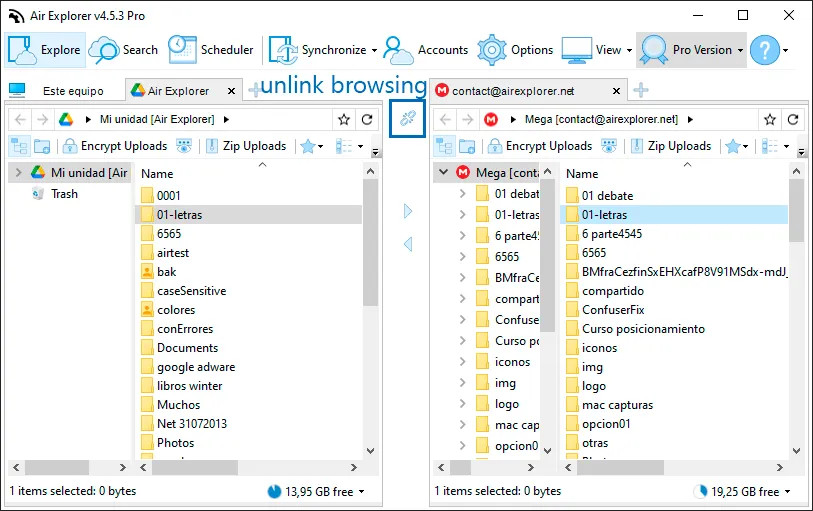
That button is for keeping the both sides navigation linked. So, if it is enabled and you double click on a folder in the left (or right) explorer then, if a folder with the same name exists on the other side, Air Explorer will navigate to that folder automatically.
You can check more information about more features here:
-Upload and download speed
-How to play cloud storage videos online
-How to manage your clouds recycle bin
-New search feature in Air Explorer