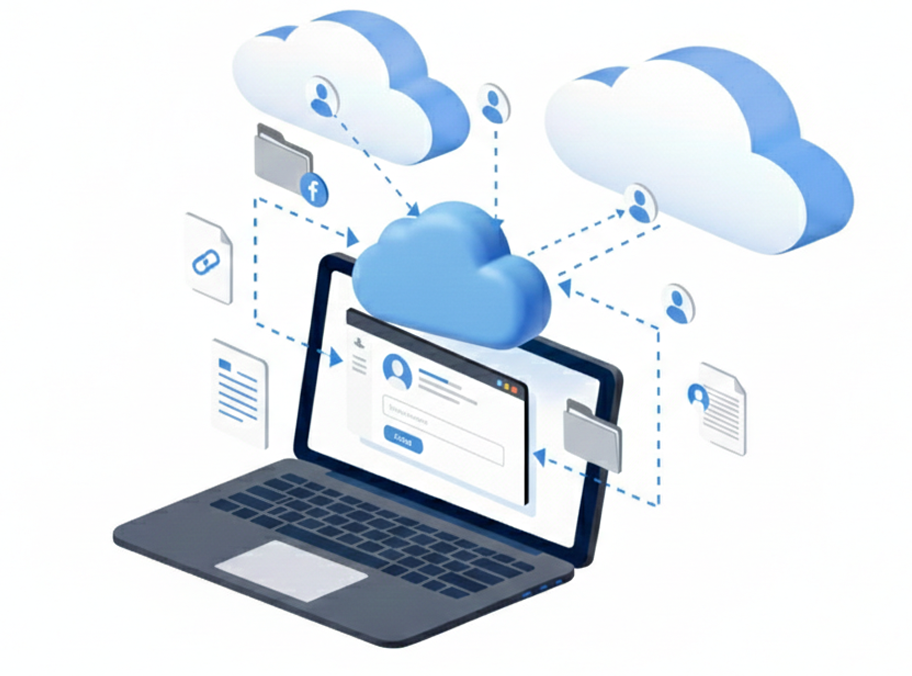
Generate secure sharing links for files and folders directly from Air Explorer. Share content from Google Drive, OneDrive, Dropbox or any of 50+ clouds without switching apps, set permissions, passwords and expiration for complete control.
Cross-Cloud Sharing
Create links from any connected cloud service; share between accounts or with external collaborators seamlessly.
Multi-Cloud Collaboration
Share folders across different providers or with external teams, all from Air Explorer's unified interface.
Share & Collaborate Directly from Clouds
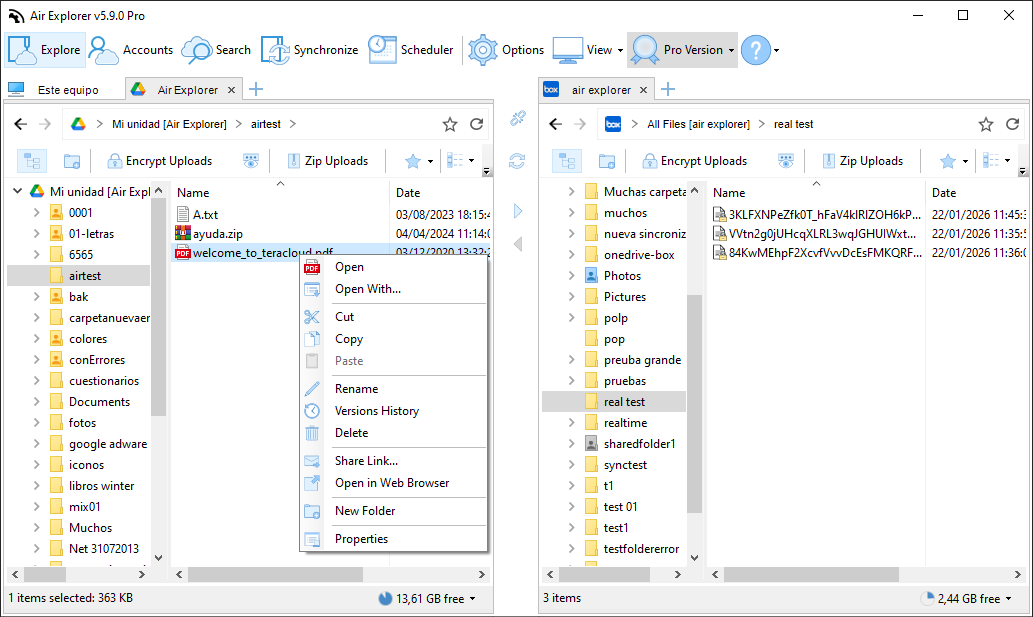
Air Explorer’s 'Share Link' feature, accessible via right-click, allows users to instantly generate, copy, or email direct download links for files stored across any connected cloud account.
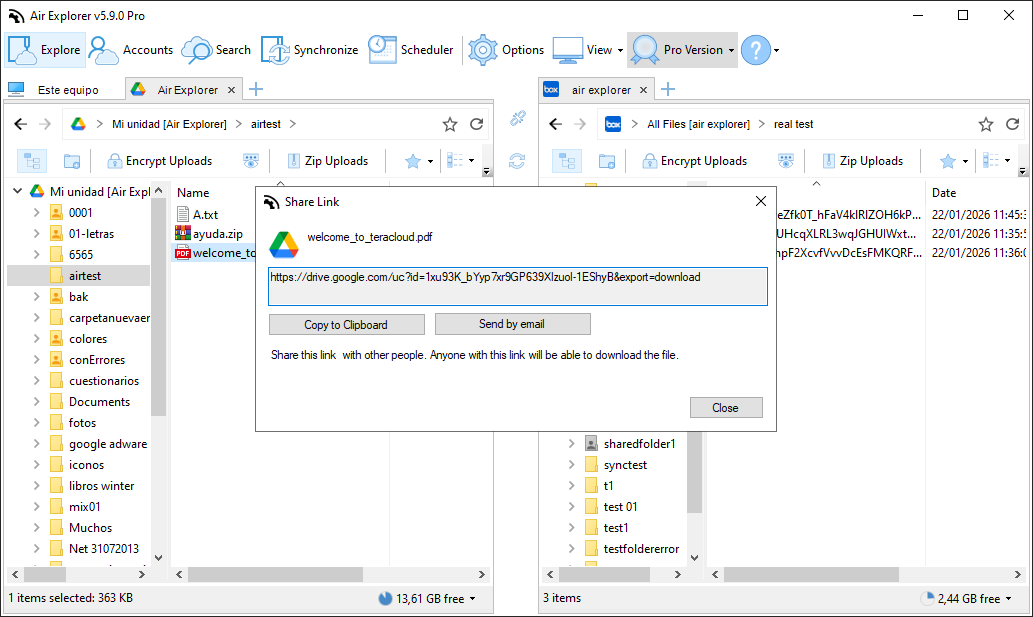
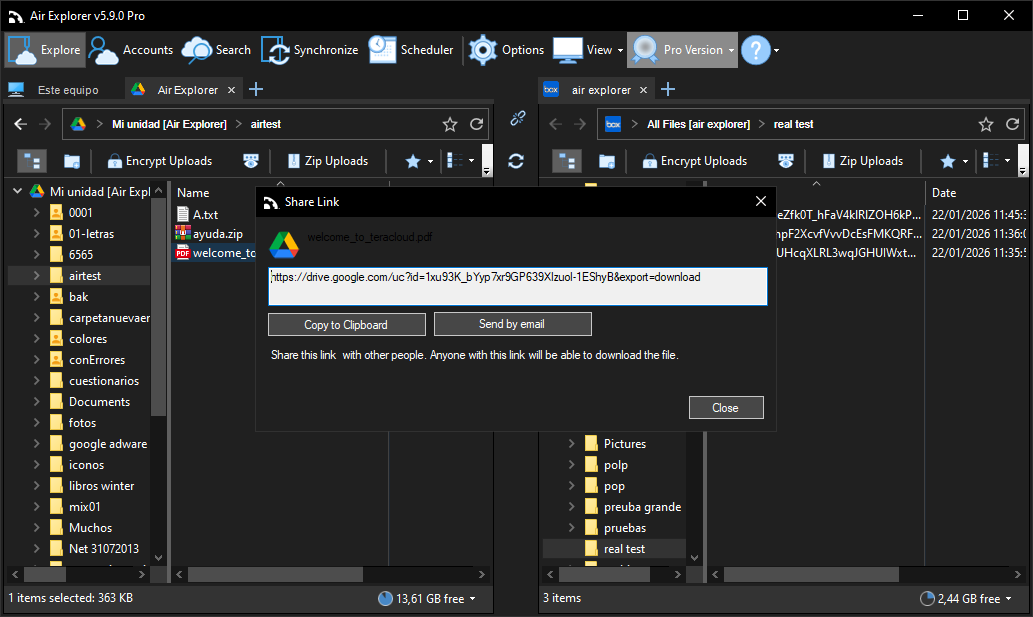
Air Explorer’s share link tool, showing a generated download URL for a file stored on Google Drive, with quick options to copy the link to the clipboard or share it directly via email.
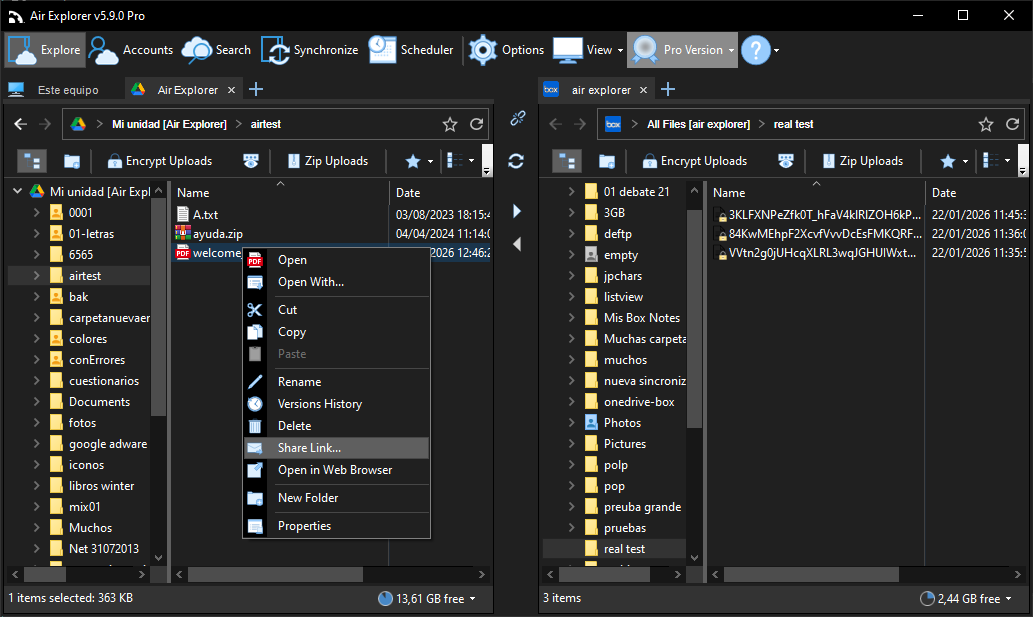
Right-click on any file in Air Explorer to quickly access the 'Share Link' tool and generate direct download URLs for files stored in any connected cloud account.
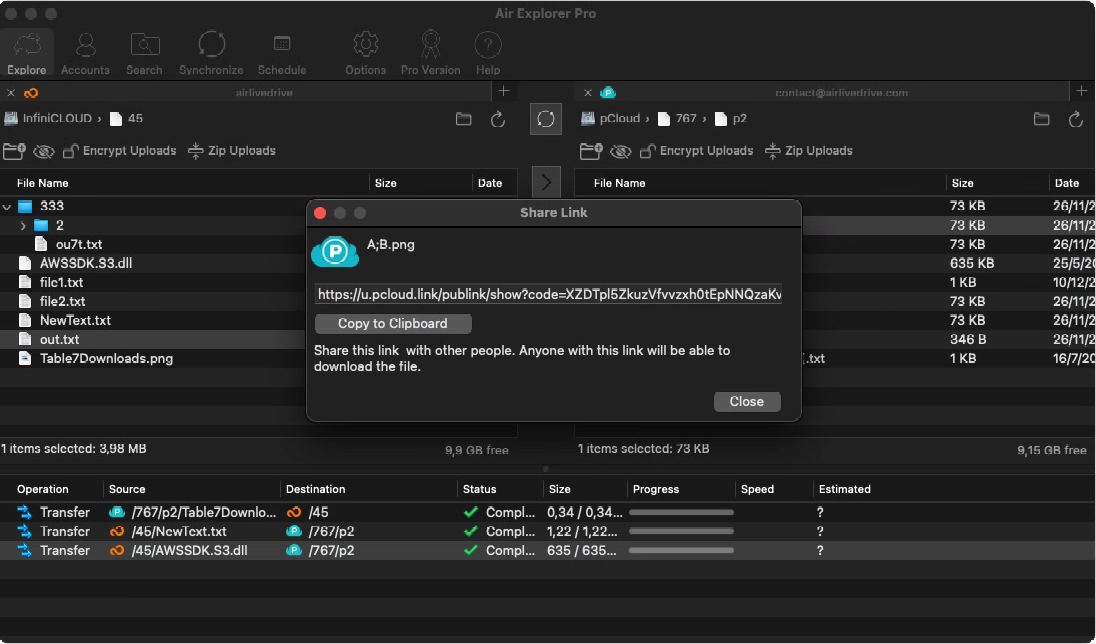
Air Explorer’s share link tool in dark mode, displaying a generated direct download URL for a cloud file with quick-action buttons to copy the link or share it via email.
Air Explorer Pro share link window on macOS
Air Explorer’s Share Links feature lets you create secure, customizable sharing URLs for files or entire folders right from the multi‑cloud interface. Right‑click any item in Google Drive, OneDrive, Dropbox, S3 or FTP, configure permissions (view/edit/download), add password protection and optional expiration, then copy the link to email, Slack or WhatsApp.
Perfect for freelancers sending client drafts, teams collaborating on projects or businesses sharing reports securely. Links work across all supported clouds, with no size limits and full compatibility with encrypted files.
FAQ
Frequently Asked Questions about Secure Cloud File Sharing
We use cookies to ensure that we give you the best experience on our website. If you continue to use this site we will assume that you are happy with it.