

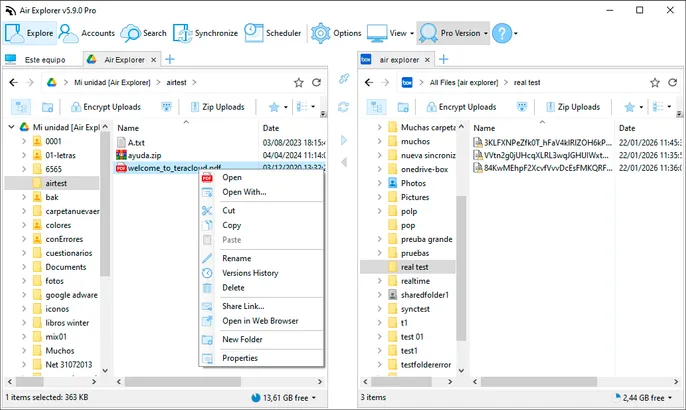
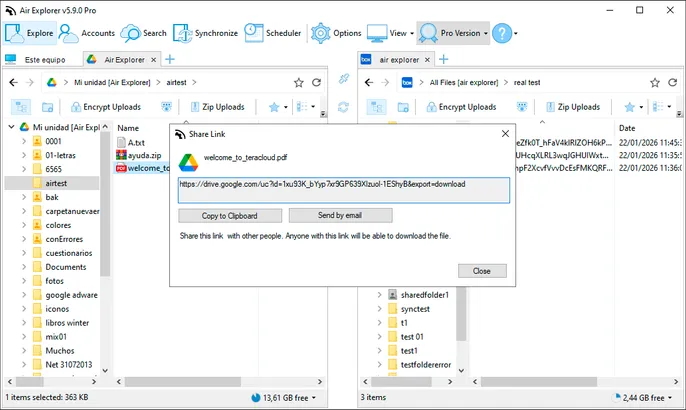

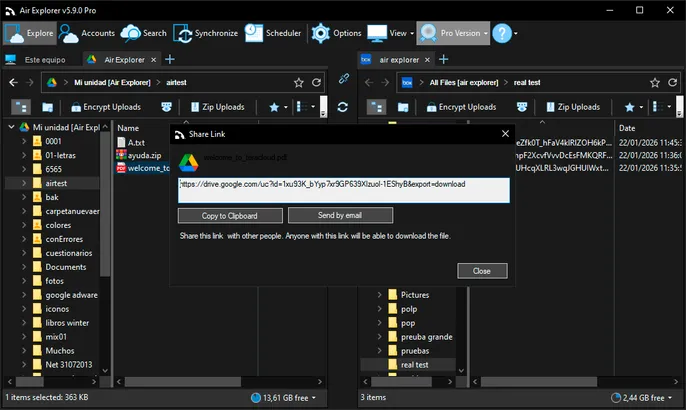
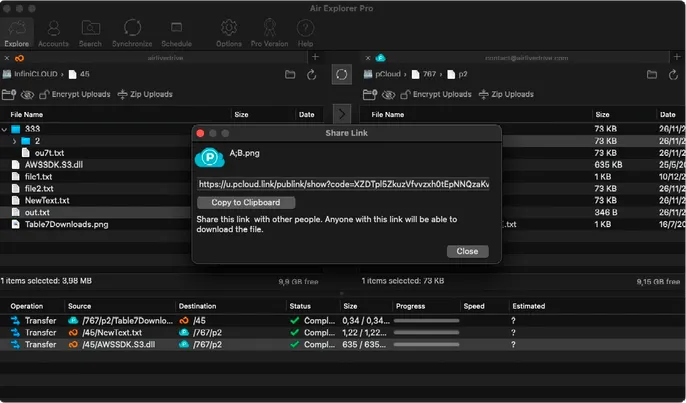
Air Explorer’s Share Links feature lets you create secure, customizable sharing URLs for files or entire folders right from the multi‑cloud interface. Right‑click any item in Google Drive, OneDrive, Dropbox, S3 or FTP, configure permissions (view/edit/download), add password protection and optional expiration, then copy the link to email, Slack or WhatsApp.
Perfect for freelancers sending client drafts, teams collaborating on projects or businesses sharing reports securely. Links work across all supported clouds, with no size limits and full compatibility with encrypted files.