
Work with TeraBox easily

As our lives become increasingly digital, the need for secure and convenient storage solutions has never been greater. Cloud storage offers a reliable way to keep files protected, accessible, and easy to share across devices. Whether you’re managing personal memories or professional projects, a trusted cloud platform ensures that your documents, photos, and videos are always available whenever you need them. TeraBox is one of the most popular platforms offering generous free storage, and when combined with Air Explorer, managing your files becomes even more efficient. With Air Explorer, you can integrate TeraBox seamlessly into your workflow and enjoy a simple, powerful way to organize your cloud data.

What is TeraBox?
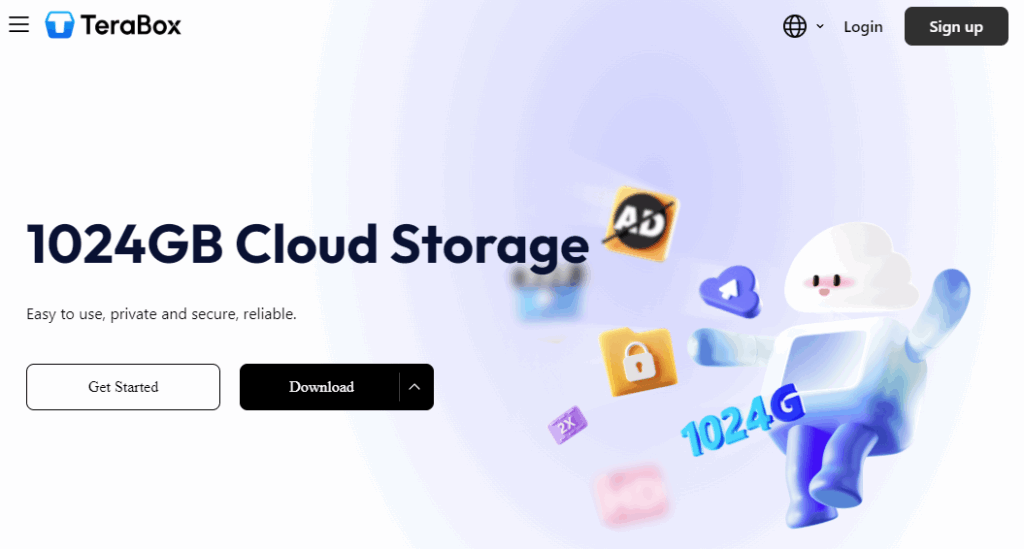
TeraBox is a cloud storage service that provides both free and paid plans, designed to make file saving and sharing straightforward.
Key features of TeraBox:
- Large free storage capacity: Up to 1 TB of free space, far more than many competitors.
- Easy file upload and sharing: Upload files quickly and share them with secure links.
- Cross-device accessibility: Access your files from PC, mobile, or web browser.
- Security and backup options: Protect your data with encryption and automatic backups.
Advantages of using TeraBox for cloud storage
Choosing TeraBox as your cloud solution brings a range of advantages. It offers generous free storage space, making it perfect for anyone who needs to save large amounts of data without additional cost. You can access your files from any device, ensuring flexibility and convenience wherever you are. Security is also a priority, with encryption and backup features that keep your information protected. Sharing is simple thanks to customizable links and permissions, which make collaboration effortless. Altogether, TeraBox stands out as a practical and cost‑effective option for both personal and professional use.
Why use Air Explorer with TeraBox?
While TeraBox is powerful on its own, combining it with Air Explorer unlocks even more possibilities. Air Explorer is a multi-cloud manager that allows you to control multiple cloud accounts from one interface.
Benefits of integration:
- Manage all your cloud accounts in one place.
- Synchronize files between TeraBox and other clouds like Google Drive or OneDrive.
- Drag-and-drop simplicity for uploads and downloads.
- Schedule transfers and backups to automate your workflow.
- Boost productivity by reducing the time spent switching between platforms.
Step-by-step guide: How to work with TeraBox in Air Explorer
- Download and install Air Explorer.
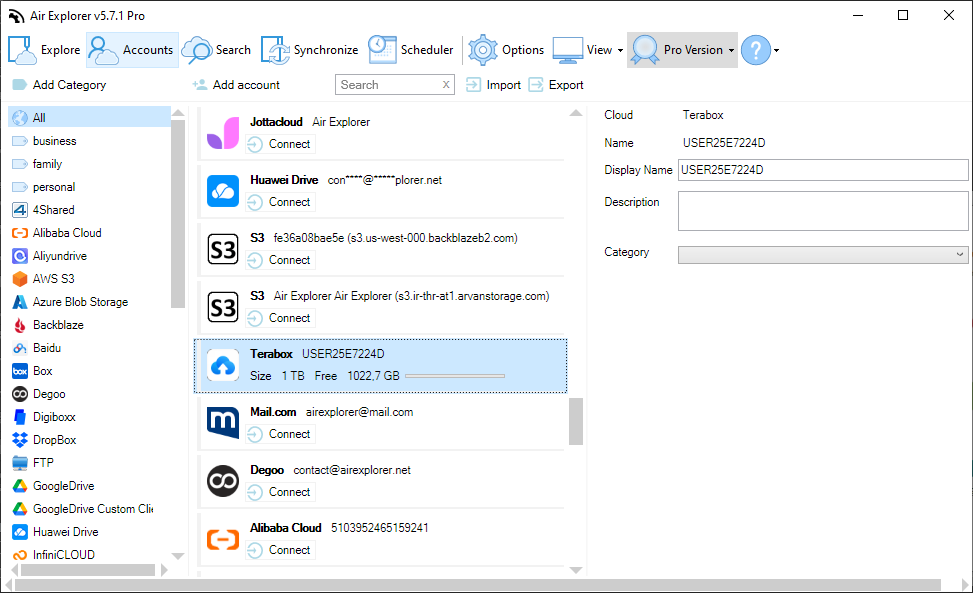
- Open Air Explorer and go to Accounts.
- Add TeraBox by selecting it from the list of supported clouds.
- Log in with your TeraBox credentials.
- Start managing your files:
- Upload and download documents.
- Copy and paste files between folders.
- Rename files and view their properties.
- Create share links directly from the interface.
With Air Explorer’s advanced features, you can also:
- Synchronize folders between TeraBox and other clouds.
- Encrypt files before uploading for added security.
- Schedule transfers to run automatically at specific times.
Practical use cases
Here are some ways you can make the most of TeraBox and Air Explorer together:
- Backup important documents from your PC to TeraBox for safekeeping.
- Synchronize photos between TeraBox and Google Drive to keep collections updated.
- Share large files with colleagues using TeraBox’s secure links.
- Manage multiple cloud accounts seamlessly without switching between apps.
Conclusion
TeraBox offers one of the most generous free cloud storage solutions available, making it perfect for anyone who needs secure, accessible, and cost-effective file management. By integrating TeraBox with Air Explorer, you gain powerful tools to synchronize, share, and organize your files across multiple platforms.
If you’re looking for a simple way to boost your productivity and keep your data safe, try working with TeraBox through Air Explorer today. It’s the easiest way to enjoy the full potential of cloud storage.
You can check more information about more features here:
-From Dropbox to OneDrive: simplifies cloud transfers
-Cloud to cloud migration made easy
-Protect your data: Encrypting files in the cloud
