
Manage All Your Cloud Accounts in One App
Move, sync and back up your files across Google Drive, OneDrive, Dropbox and 40+ clouds from your Windows PC or Mac, without passing them through anyone else’s servers.
- Free
- No sign-up
- No data limits
Browsing on your phone? Manage your clouds on the go with Air Explorer for Android →
Multi-Cloud File Manager
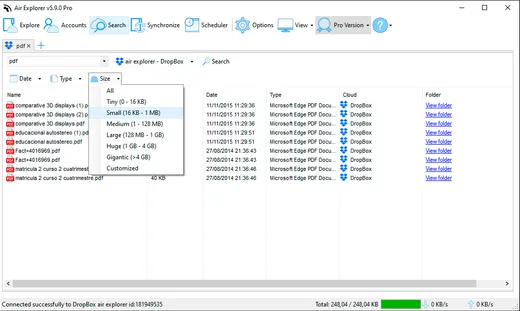
Manage multiple cloud storage accounts as easily as folders in your file explorer
Cloud-to-Cloud Transfers
Drag & drop between clouds (Google Drive to Dropbox) or PC-cloud with no data limits
Automated Sync & Backups with Scheduler
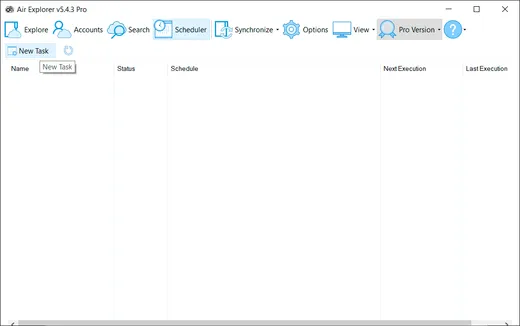
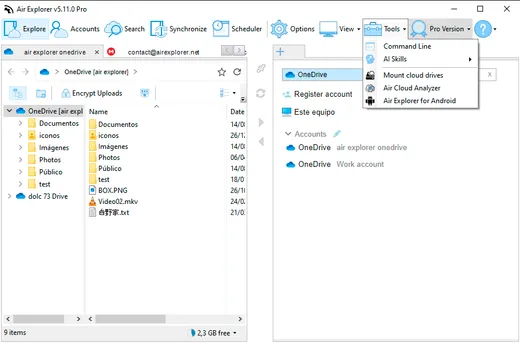
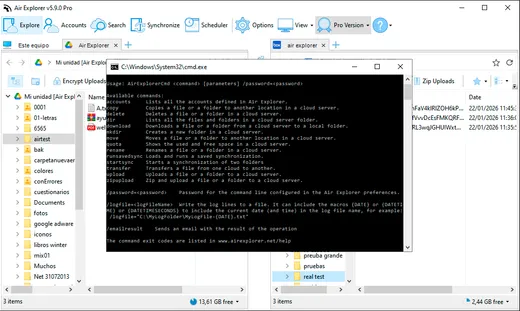
Program cloud syncs or use CLI for custom scripts to manage your files automatically
File Encryption
Encrypt content & filenames in the cloud for maximum privacy and security
Unlimited Cloud Transfers
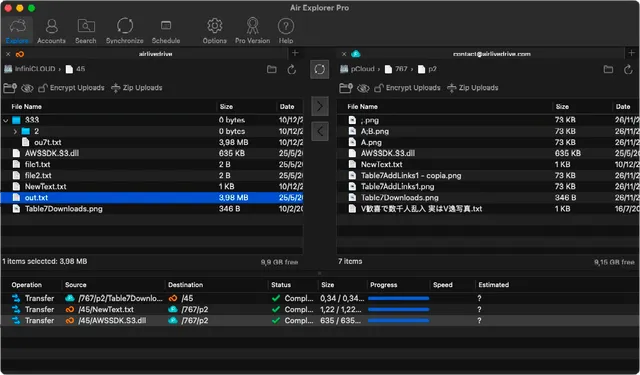
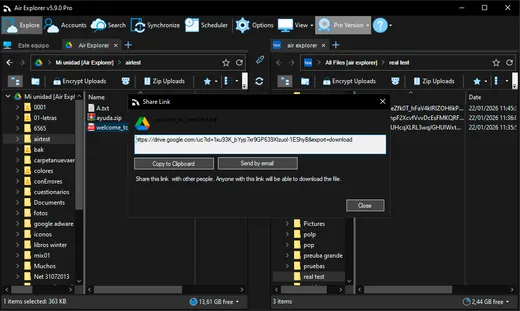
Drag files from your PC to any cloud, or transfer directly from Google Drive to Dropbox, without saving anything locally. It’s the fastest way to move your data across any of the 40+ cloud services Air Explorer supports.
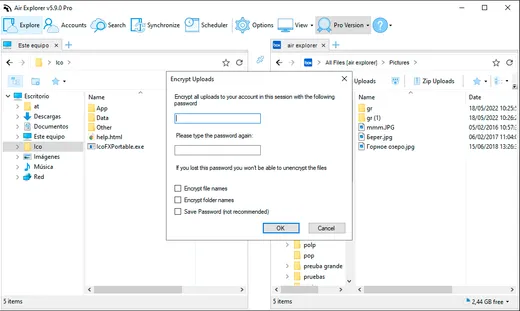
Your privacy, guaranteed: encrypt file content and filenames before upload. Without your password, your files are unreadable.
Advanced Multi-Cloud Synchronization
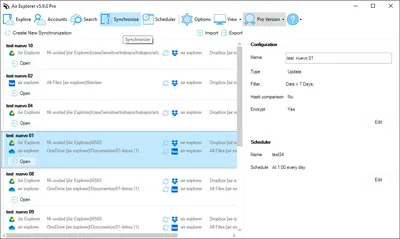
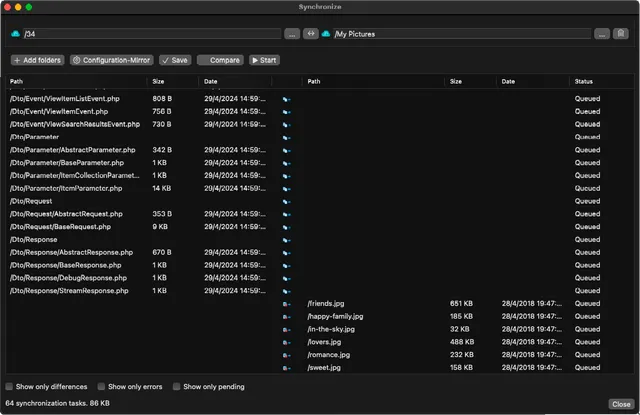
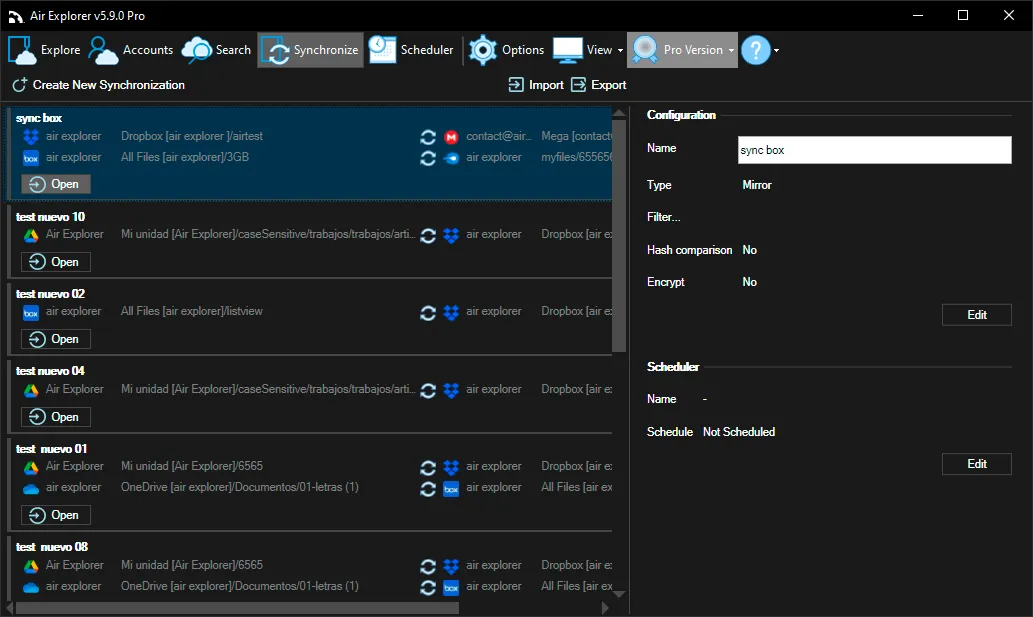
Keep your files in sync across all your clouds, automatically. Air Explorer lets you sync folders between different cloud services (OneDrive ↔ Dropbox, Google Drive ↔ S3) or between your PC and any cloud, without lifting a finger once it’s set up.
Choose mirror or bidirectional sync mode and run multiple sync tasks at the same time, the simplest way to keep your cloud backups always up to date.
One App, Every Cloud Feature You’ll Ever Need
What Can You Do with Air Explorer?
Free for one account per cloud. Need more accounts and automation?
Air Explorer Pro starts at $21 a year, or $42 once for life.
Air Explorer Supports the Best Online Cloud Storage Services
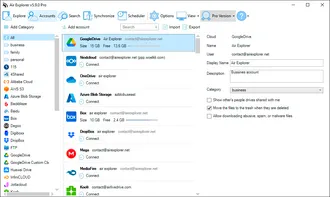
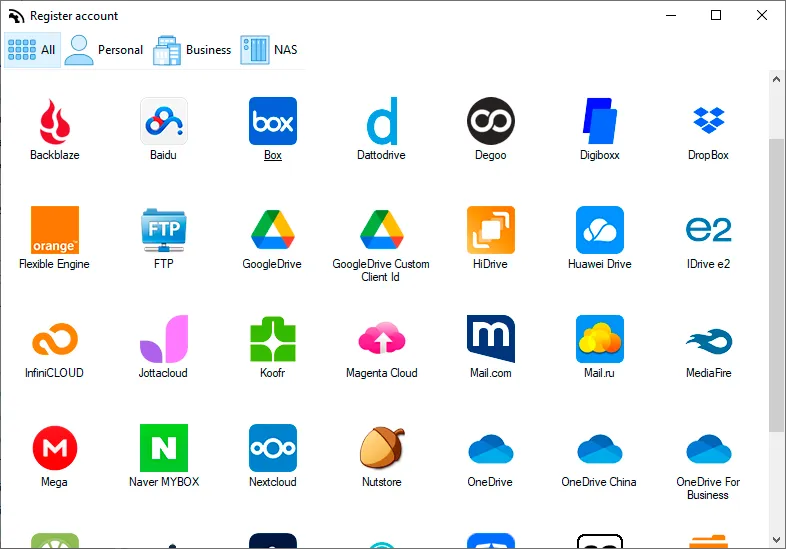
Dropbox, MEGA, Google Drive, OneDrive, OneDrive for Business, OneDrive for China, Box, Yandex, Naver, FTP, SFTP, WebDAV, Mail.ru, Baidu, MagentaCLOUD, HiDrive, pCloud, Datto Drive, Stack Storage, Mail.com, 4shared, SharePoint Online, SharePoint China, AWS S3, S3, Wasabi, Opendrive, Koofr, Backblaze, InfiniCLOUD, Owncloud, Nextcloud, Mediafire, ADrive, Jottacloud, Huawei, Orange Flexible Engine, Onlime, Nutstore, Degoo, Alibaba Cloud, Idrive e2, Aliyundrive, Azure Blob Storage, TeraBox, Digiboxx, PikPak, 115.com, Drime and iCloud.
See all 40+ supported clouds →
Frequently Asked Questions
What to know before you download Air Explorer
What is Air Explorer?
Air Explorer is a desktop app for Windows and Mac that brings your cloud storage accounts together in one window, so you can browse, transfer, sync and back up files across Google Drive, OneDrive, Dropbox and 40+ other services. It's free, and Air Explorer Pro adds more accounts and automation.
Is Air Explorer free?
Yes. The free version lets you add one account per cloud and transfer and sync files between them with no data limit, and you don't need to sign up. Air Explorer Pro adds unlimited accounts, scheduled syncs, encryption, the command line and AI control.
Can I move files between clouds without downloading them first?
Yes. Open both accounts side by side and drag the files from one to the other, and Air Explorer moves them for you through your computer's internet connection, so you don't have to download them and upload them again yourself.
Do my files go through your servers?
No. Air Explorer transfers your files directly between your computer and your clouds, and for most services you sign in on the provider's own page, so Air Explorer never sees your password.
Does it work on Mac and Android?
Yes. Air Explorer is available for Windows and Mac, and there's also Air Explorer for Android to manage your clouds from your phone. Air Explorer for Android.
Can I use Air Explorer with ChatGPT or Claude?
Yes, with Air Explorer Pro on Windows or Mac. Assistants such as Claude Code, ChatGPT/Codex or Google Antigravity can browse, search, transfer and sync your clouds when you ask in your own words. How to set it up.
Complete Your Experience
Extend Air Explorer with three tools for every cloud workflow: combine storage from multiple accounts into one large cloud with Air Cluster, mount your clouds as local drives with Air Live Drive, and discover what is using your storage with Air Cloud Analyzer.



Air Cloud Analyzer
Connect your cloud and get a complete visual breakdown of everything taking up your space.
Visit Air Cloud Analyzer