
Cloud Video Streaming
Play Your Videos Directly from the Cloud Without Waiting.
Enjoy your movies, series, and personal videos stored in the cloud without the need to download them. Air Explorer integrates a streaming engine that allows you to view content from Google Drive, OneDrive, Mega, and over 50 services instantly, optimizing your disk space and management time.
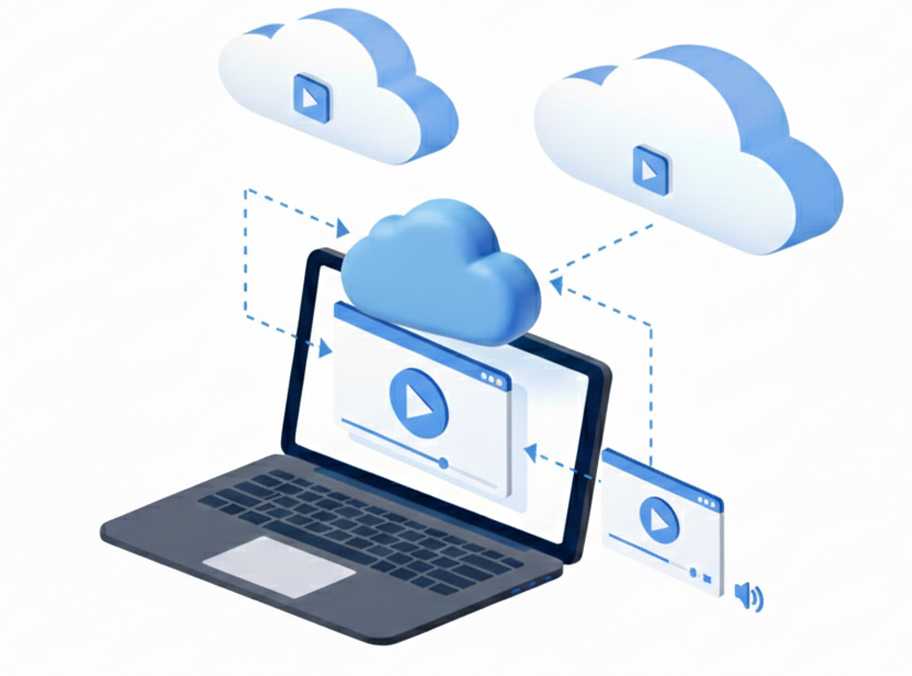
Direct Streaming
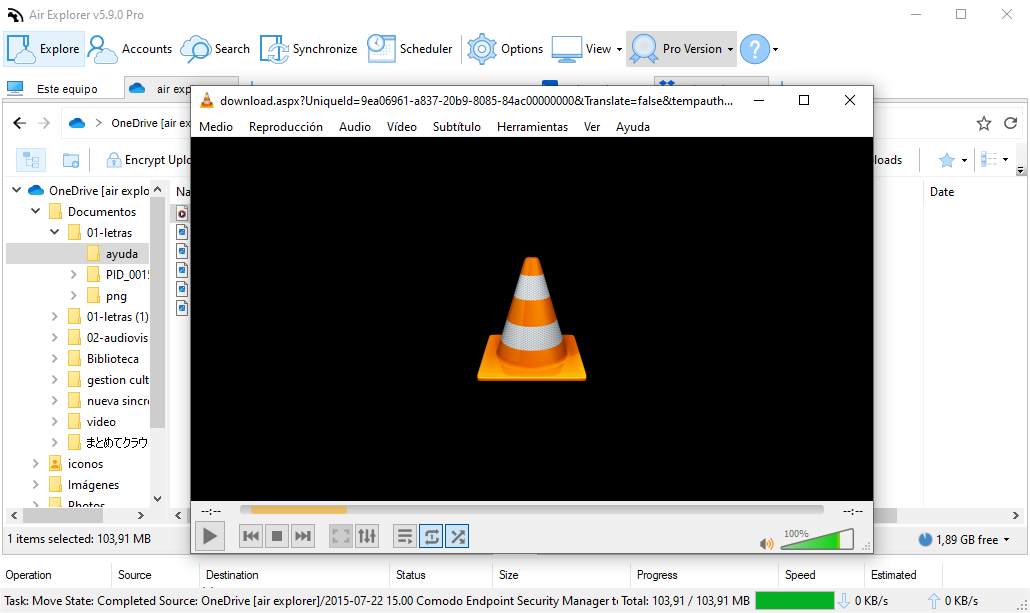
For the best streaming experience, we recommend installing VLC media player on your computer. Air Explorer is optimized to work preferably with VLC to ensure smooth playback and full feature support.
External Player Flexibility
Keep local folders on your computer in sync with any connected cloud account. Use it to back up workspaces, photos or documents automatically so your most important data is always protected online.
Unified Cloud Player
Many cloud providers lack native playback or limit formats. Air Explorer acts as a universal bridge, providing a consistent playback solution across all your accounts, bypassing native constraints.
Cloud Video Streaming
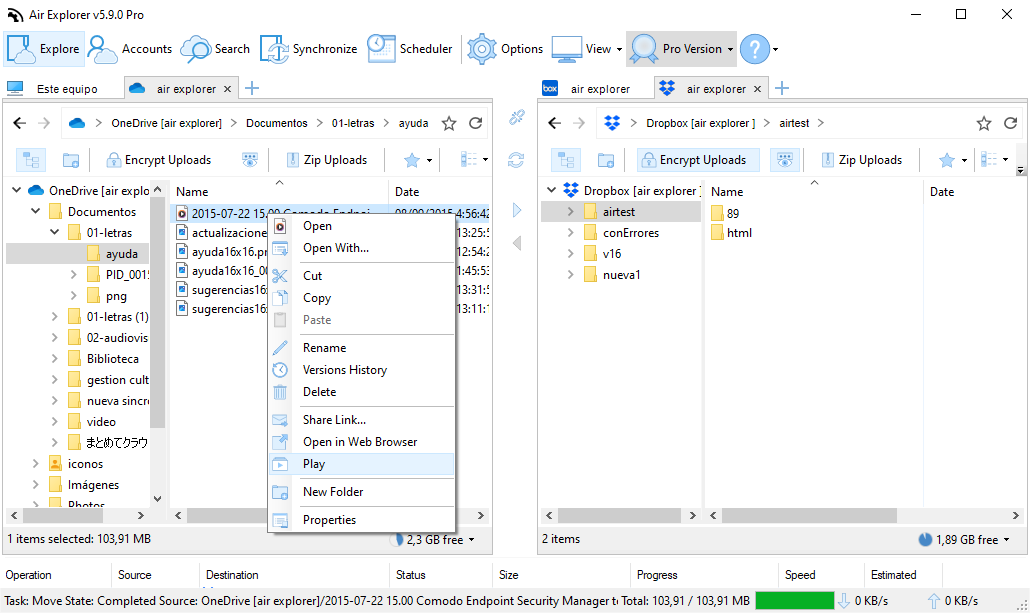
Air Explorer is a comprehensive file manager that enhances your cloud experience. By adding your accounts from services like MediaFire, Box, or SharePoint, you unlock professional streaming features that the standard web interfaces often restrict due to bandwidth caps or format incompatibility.
Using the “Play” function, you can send the data stream directly to your favorite external player, such as VLC. While you enjoy your video, Air Explorer manages the background streaming in real-time, ensuring full compatibility with advanced audio features, multi-language tracks, or image post-processing without the need for a full download.
FAQ
Frequently Asked Questions about Cloud Video Streaming
Yes, Air Explorer allows direct streaming of any video in Google Drive through your system video player, such as VLC, without taking up local space.
Absolutely. Provided your internet connection allows it, Air Explorer can stream 4K files from the cloud seamlessly.
Yes, as long as the video is in MKV format and includes the subtitles within the file, they will be displayed correctly.
Yes, Air Explorer is compatible with streaming from Mega, bypassing the limitations and codec restrictions of the standard web interface.
Any video format supported by your system’s player (like VLC) can be streamed through Air Explorer.
Yes, using VLC is the recommended method. You can configure Air Explorer to open cloud files directly with VLC via the context menu. If VLC is not available, the software will automatically use your system’s default video player.
No, the Pro version is not necessary to use the video playback features.
No. Air Explorer’s streaming technology does not consume local disk space, and it does not store temporary cache files on your computer.
Air Explorer provides its own streaming bridge for all accounts, so you can watch videos even on clouds that don’t natively support online playback.