
Secure Cloud File Uploads
Protect your cloud files with Air Explorer’s automatic encryption on upload. Encrypt both file content and filenames before storing in Google Drive, OneDrive, Dropbox or any of 50+ services, files decrypt seamlessly when you download them with Air Explorer.
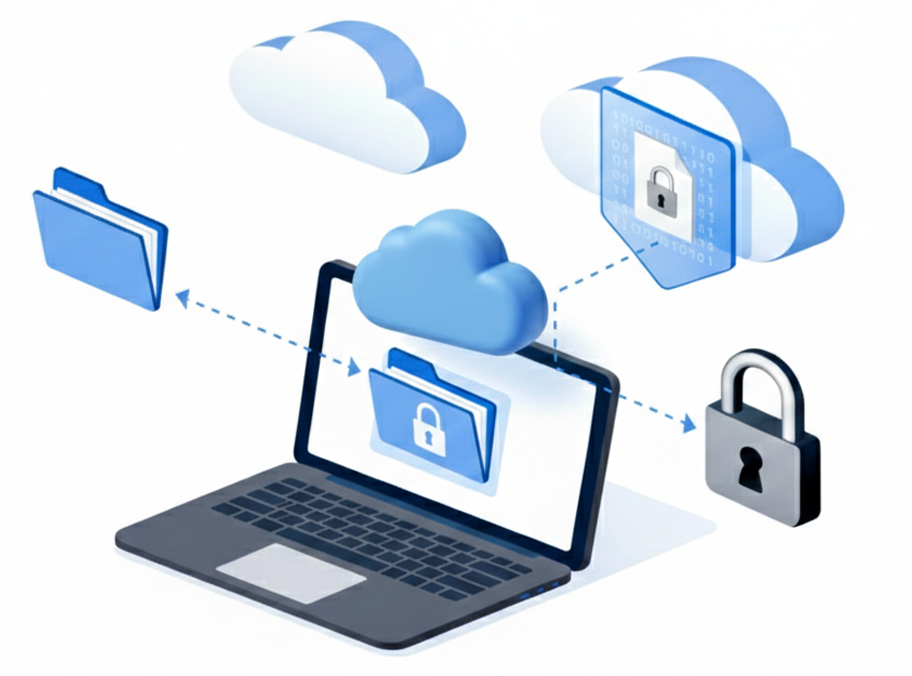
Content Encryption
AES-256 encryption scrambles file data so only you can access it, even if someone gains account access.
Filename Encryption
Hide sensitive names like "taxes.pdf" with random strings; original names restore only during decryption.
Seamless Decryption
Air Explorer auto-decrypts files on download, no extra steps or passwords during normal use.
Encrypt Files on Cloud Upload
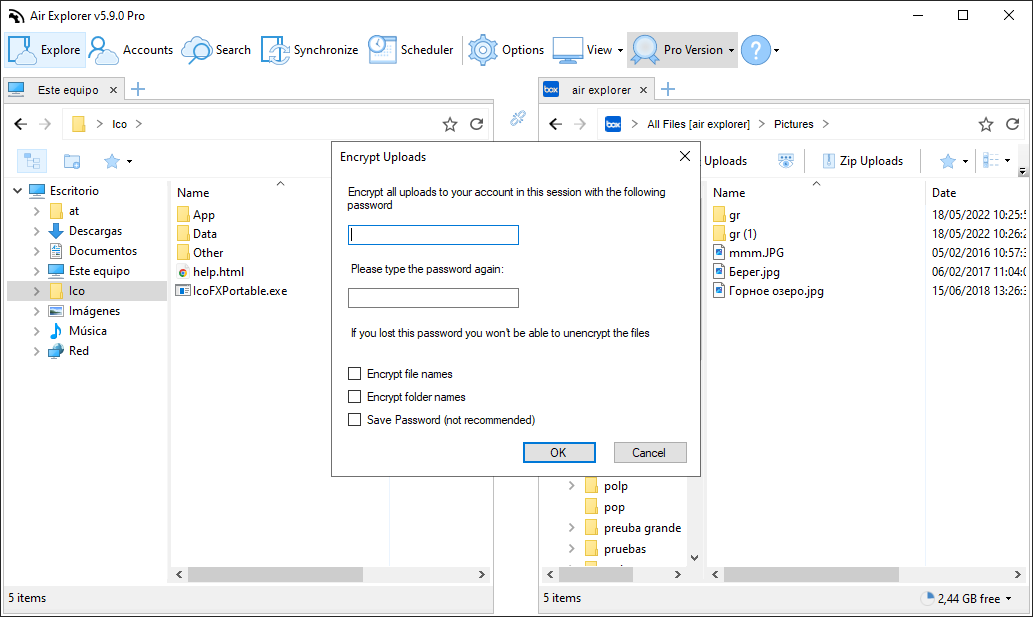
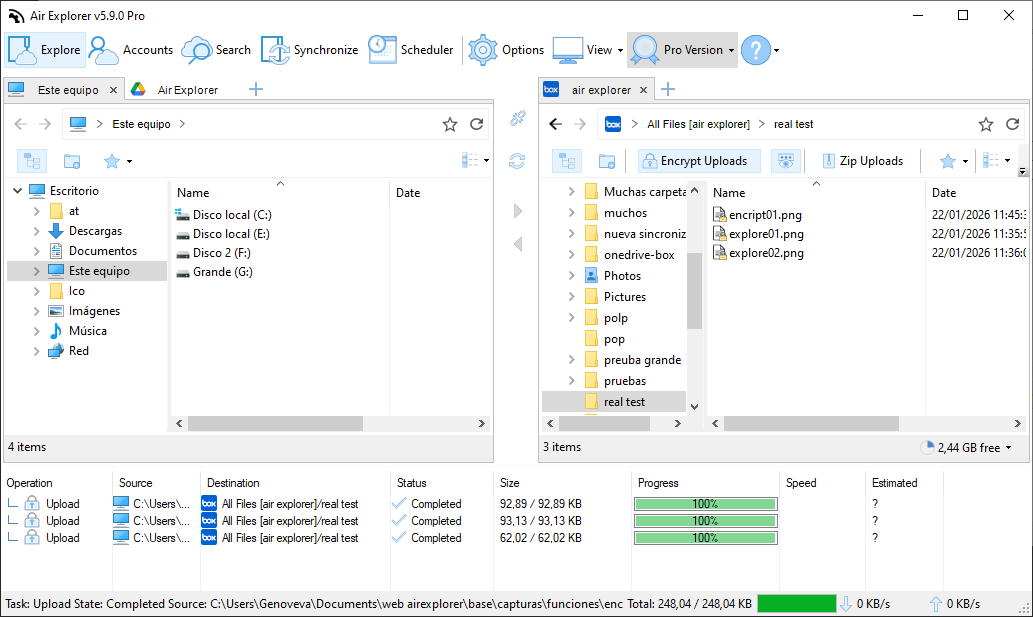
Air Explorer’s encryption feature secures your data end‑to‑end by encrypting files before they leave your device. Choose any folder or account, enable encryption with a strong password, and upload to any cloud, content and filenames become unreadable without your key. When downloading back to Air Explorer, everything decrypts transparently so you work with normal files.
This protects against account hacks, shared access risks or provider breaches across services like Google Drive, Dropbox, S3, TeraBox and FTP. Combine with sync or scheduler for fully automated secure backups.
FAQ
Frequently Asked Questions about Secure Cloud File Uploads
Air Explorer uses AES-256 to encrypt both file content and names on your device; encrypted versions upload to the cloud.
Yes. Enable encryption per folder or account, normal files upload unencrypted while protected ones stay secure.
Yes. Encrypt for Google Drive, OneDrive, Dropbox, S3, TeraBox, FTP and 50+ other services.
Yes. Air Explorer syncs encrypted content seamlessly between services, maintaining end-to-end protection during cloud-to-cloud transfers.
Minimal. Multi-threaded encryption maintains fast upload speeds even for large files or batches.
Yes. Share encrypted links; recipients need Air Explorer + your password to decrypt and view.
Files remain permanently encrypted. Always back up passwords securely, no recovery option exists.
Yes. Auto-encrypt during cloud-to-cloud or PC-to-cloud syncs for unattended secure backups.
No. Once the content is encrypted, it cannot be indexed by the software or the cloud provider.
Yes. Encrypt during transfers between clouds like Drive to Dropbox for full protection.