
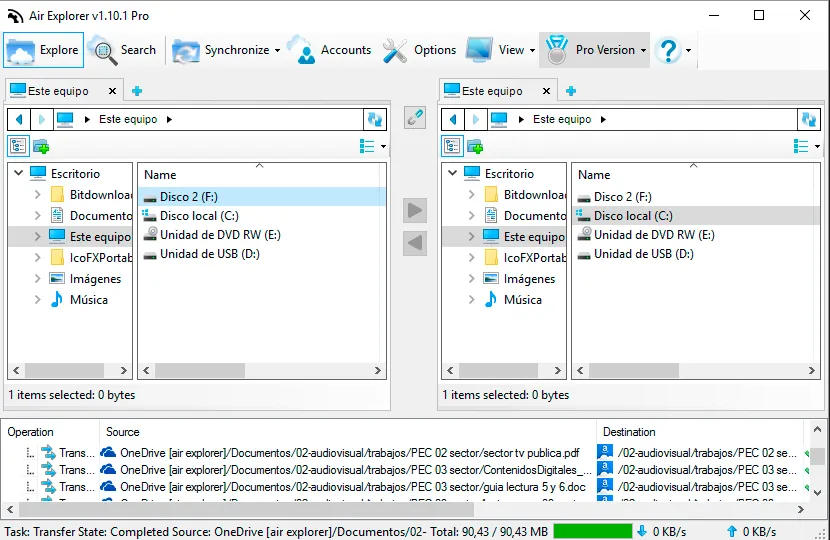
You can check more information here:
Synchronization feature in Air Explorer
https://www.airexplorer.net/en/blog/synchronization-feature-in-air-explorer/
Sharepoint file manager and synchronization tool
https://www.airexplorer.net/en/blog/sharepoint-file-manager-and-synchronization-tool/
Compare files with Hash
“Save and load synchronizations” in Air Explorer
https://www.airexplorer.net/en/blog/save-and-load-synchronizations-in-air-explorer/
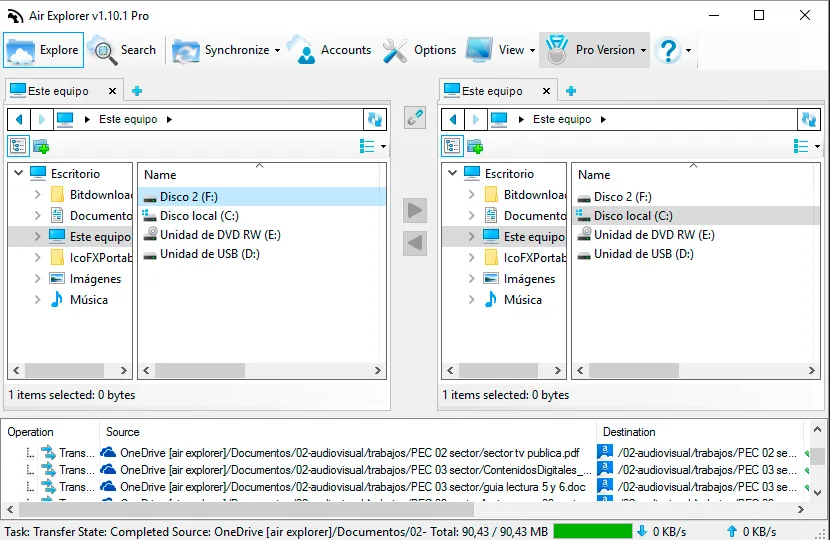
In this way, you can use Air Explorer as a synchronization tool for your own computer folders.
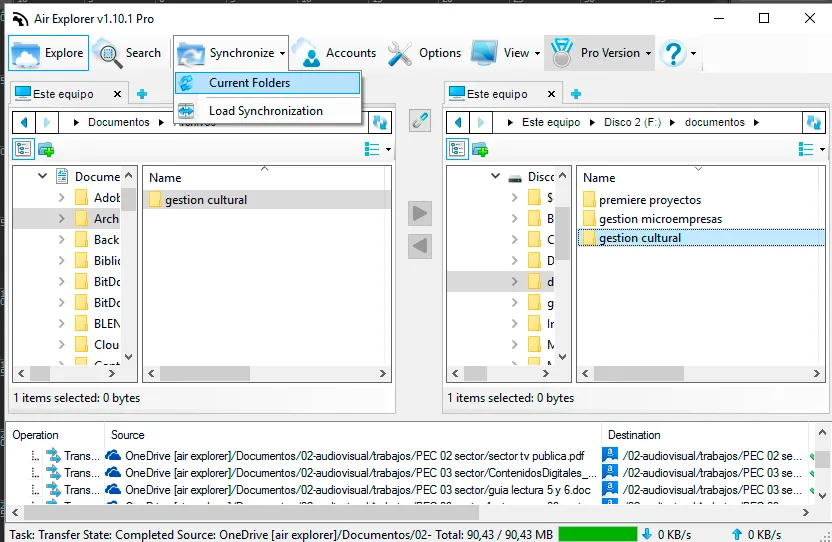
You can control all your files with one software. You can display and organize your files between clouds, or between one cloud and your local disk, make backups only opening Air Explorer.
You can check more information here:
-Synchronization feature in Air Explorer
-Sharepoint file manager and synchronization tool
-Compare files with Hash
-“Save and load synchronizations” in Air Explorer