Tag: command line

Air Explorer, the multicloud manager

How to Automate Cloud File Transfer with Command Line

Moving files from one cloud to another can be a slow process if you have to download the data to your computer and then upload it again. Thanks to Air Explorer’s command line, you can automate direct cloud-to-cloud transfers. In this article, you will learn how to use the transfer command to perform migrations or…
Read more

How to Automate Cloud File Deletion with Command Line

Keeping your clouds organized and free of unnecessary files is essential to avoid running out of storage space. However, manually deleting old or temporary files can be a tedious task. Thanks to Air Explorer’s command line, you can automate the deletion of files and folders on any cloud server. In this article, you will learn…
Read more

How to Automate Cloud File Copying with Command Line

Organizing files within your storage accounts can be a slow task if done manually, especially when handling large volumes of data. Thanks to Air Explorer’s command line, you can automate the copying of files and folders within the same cloud server. In this article, you will learn how to use the copy command to make…
Read more

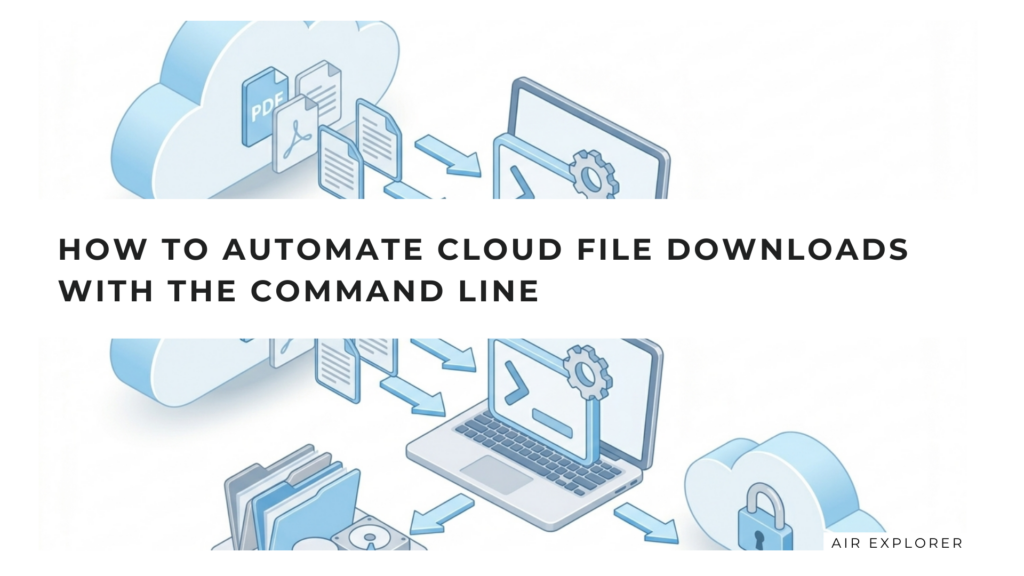
How to Automate Cloud File Downloads with the Command Line

Manually downloading files from the cloud can be a tedious task, especially when dealing with periodic backups or large volumes of data. If you need to download files from services like OneDrive, Google Drive, or Mega to your computer on a recurring basis, automation is your best ally. In this article, we will show you…
Read more

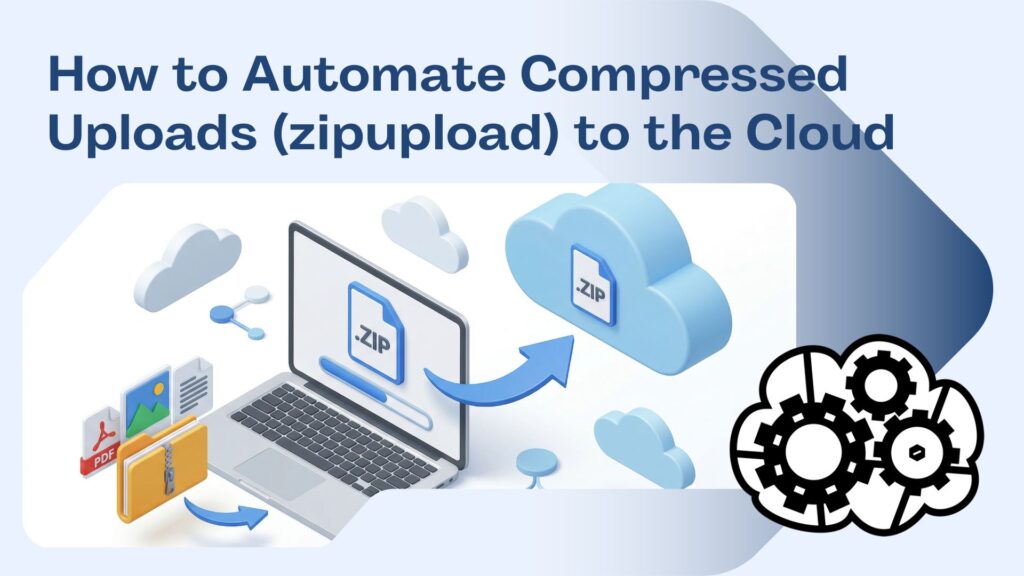
How to Automate File Uploads to the Cloud Using Command Line

Manual file management can become a bottleneck for productivity. If you frequently upload files to clouds like Google Drive, OneDrive, or Mega, automating this process not only saves time but also eliminates the risk of human error. In this article, you will learn how to use Air Explorer’s upload command to turn your backups into…
Read more

Google Drive to OneDrive: How to automate syncs with Air Explorer’s command line

The management of multiple cloud services has become a common task for both professionals and users who work with large volumes of files. When you need to move data between services such as Google Drive and OneDrive, doing it manually can be slow, repetitive, and prone to errors. This is where Air Explorer stands out…
Read more

Manage your cloud files using the command line

Air Explorer is a versatile application that allows you to manage multiple cloud storage services from one interface. In addition to its graphical interface, Air Explorer also offers a command line that allows you to perform various operations without opening the application. In general, the command line is a tool that can be useful when…
Read more