Tag: transfer files

Air Explorer, the multicloud manager

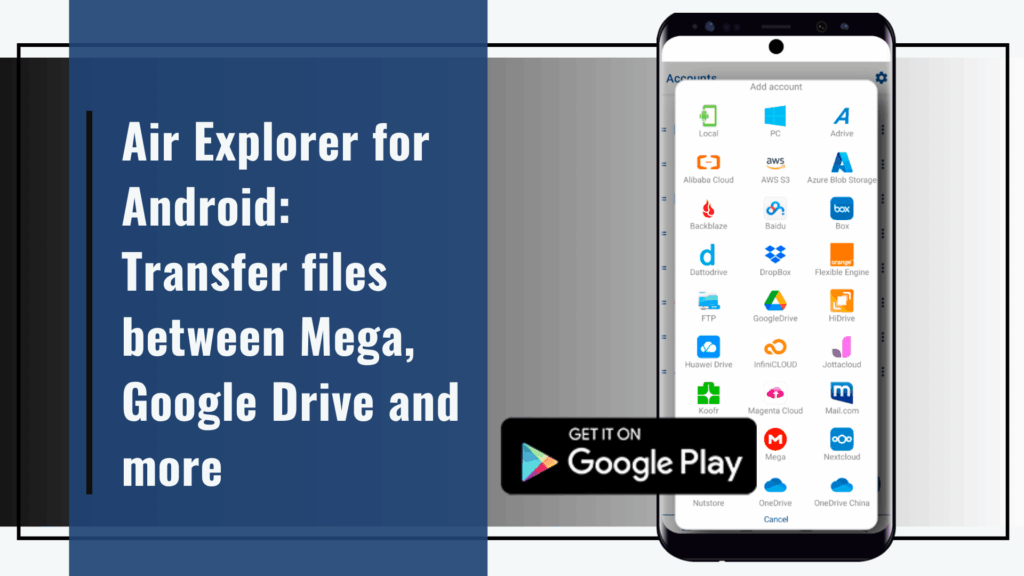
Air Explorer for Android: Transfer files between Mega, Google Drive and more

Managing multiple cloud accounts on your mobile device has become essential in today’s connected world. Whether you’re a student juggling school documents, a professional handling work files, or simply someone who stores photos and media across different platforms, having seamless access to your cloud data on the go is essential. That’s where Air Explorer for…
Read more

From Dropbox to OneDrive: simplifies cloud transfers

Managing multiple cloud storage platforms can be a logistical headache. Whether you’re juggling personal files on Dropbox and work documents on OneDrive, or simply consolidating your digital life, transferring data between services often feels like a tedious chore. Fortunately, tools like Air Explorer make this process seamless, secure, and surprisingly fast. Dropbox and OneDrive are…
Read more

Transfer Dropbox files to Google Drive

Google Drive and Dropbox are two popular cloud storage providers, each offering distinct features and benefits. While both services allow you to store files in the cloud, Google Drive is tightly integrated with the Google ecosystem, while Dropbox offers a more straightforward experience with additional features. Why do you transfer Dropbox Files to Google Drive?…
Read more

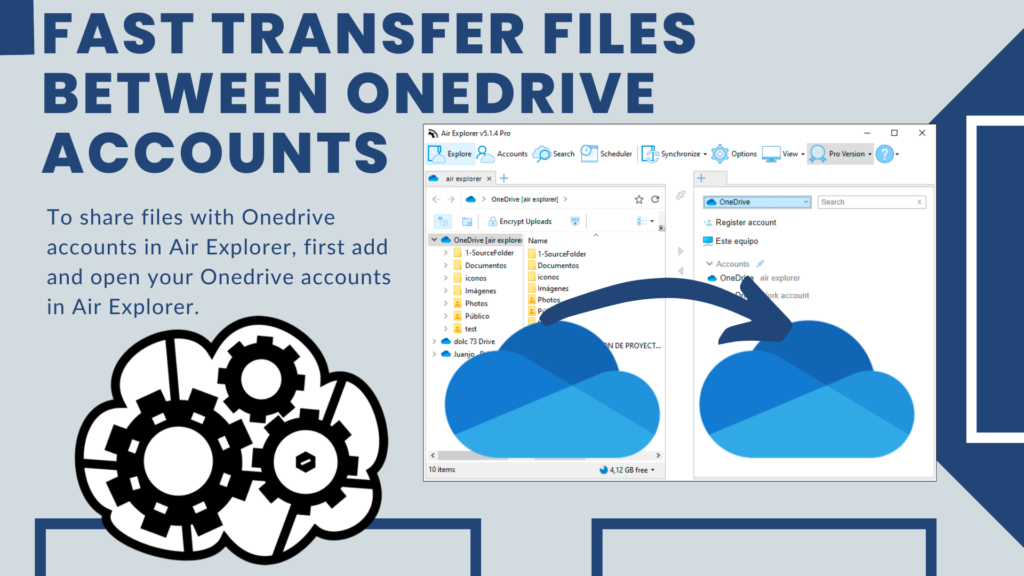
Fast transfer files between Onedrive accounts

Using a OneDrive account allows you to store your files in the cloud and access them from any device and anywhere with Internet access. Plus, you can share your files with others and work on them collaboratively in real time. OneDrive also offers secure storage and constant updates. When working in a team, you may…
Read more

Transfer files from Google Drive to other clouds

Google Drive is a cloud storage service by Google that allows users to store, sync, and share files online. It integrates with Google Docs, Sheets, and Slides for collaborative editing. To access Google Drive, you must have a Gmail account, which automatically provides you with 15 GB of free storage. This storage is shared across…
Read more

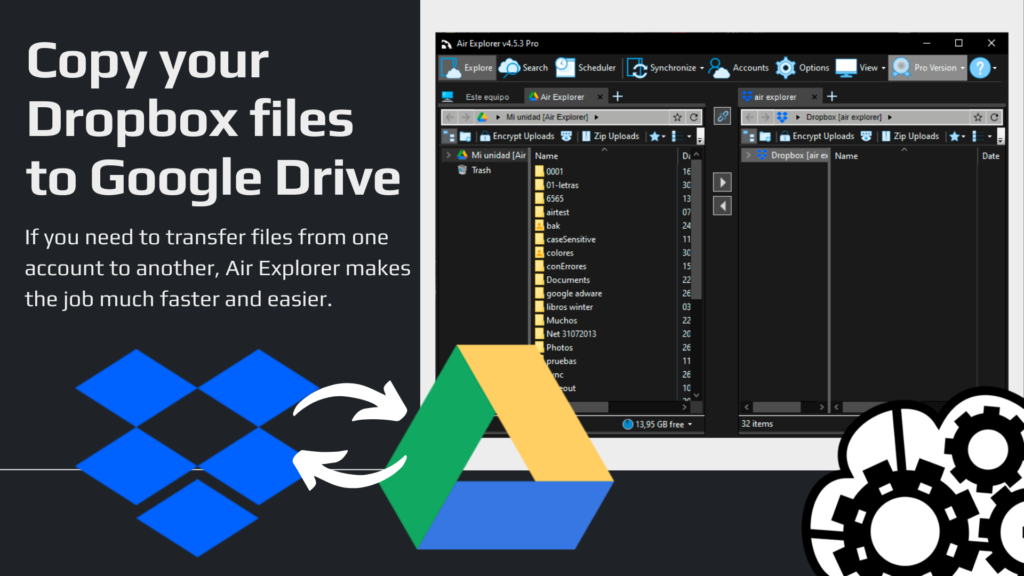
Copy your Dropbox files to Google Drive

Using cloud storage services Using the cloud to save files offers numerous benefits, including accessibility, security, and scalability. With cloud storage, you can access your files from any device with an internet connection, ensuring you always have what you need at your fingertips. It also provides robust security measures to protect your data from loss…
Read more